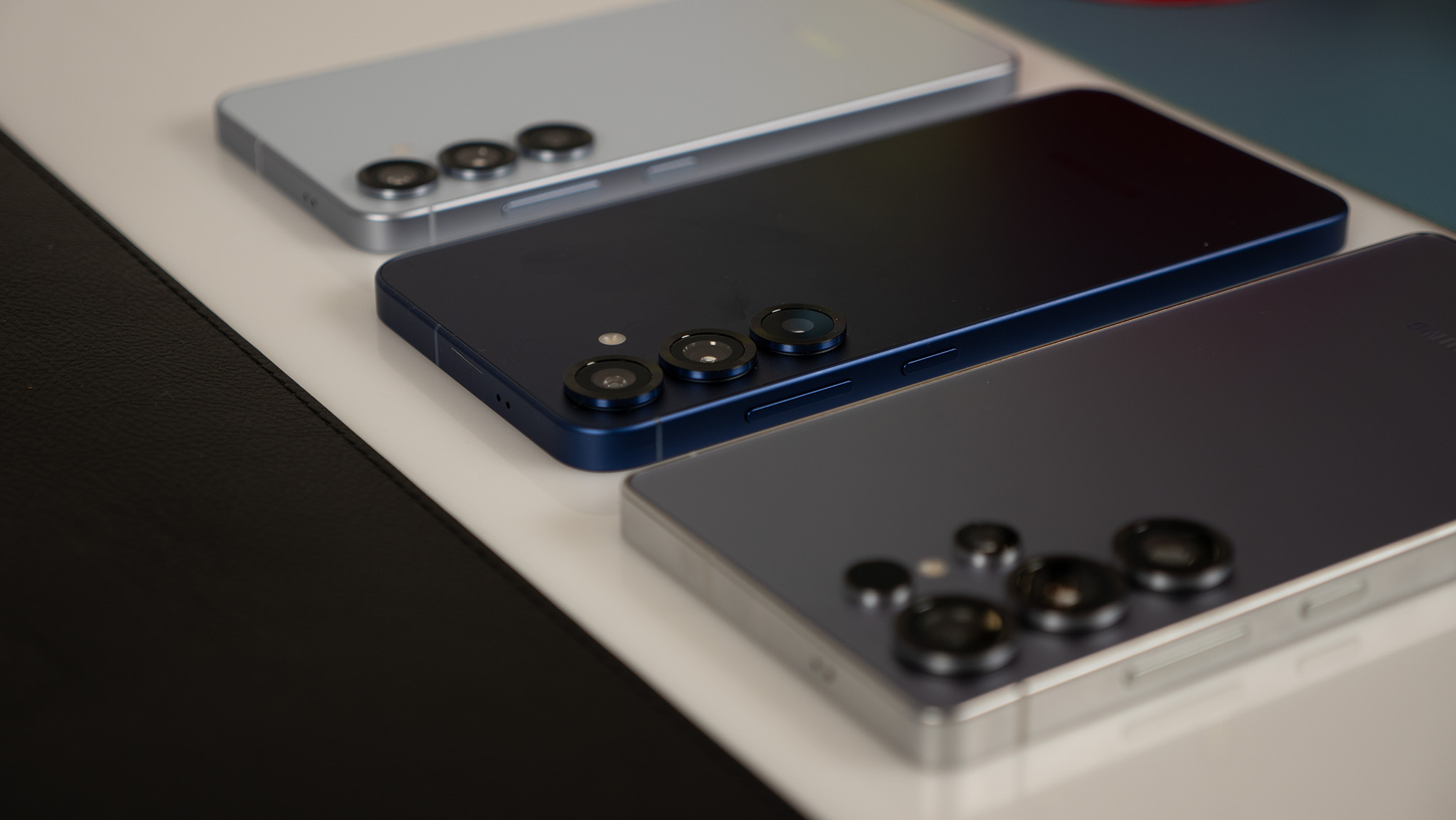
Samsung makes some of the most popular Android phones, but even if you're not new to using Samsung devices, setting one up can take some time. Although to be fair, this is true for most phones as companies stuff more features into them each year. On Samsung devices, in particular, there are a lot of hidden features, duplicate apps/services, and various settings that you may not be aware of.
So, while we have plenty of tips and tricks for individual Samsung phones, these are the settings that can be applied on most Samsung phones and aren't device-specific (with some exceptions for flagship features). These are also suggestions on features you can change and apps to download, but obviously, it's up to you whether or not to follow some or all of these tips.