Get all your news in one place.
100's of premium titles.
One app.
Start reading
iMore
iMore
Technology
Tammy Rogers

Don't want your kids installing dodgy apps from third-party app stores? Change their iPhones' parental control settings, says Apple

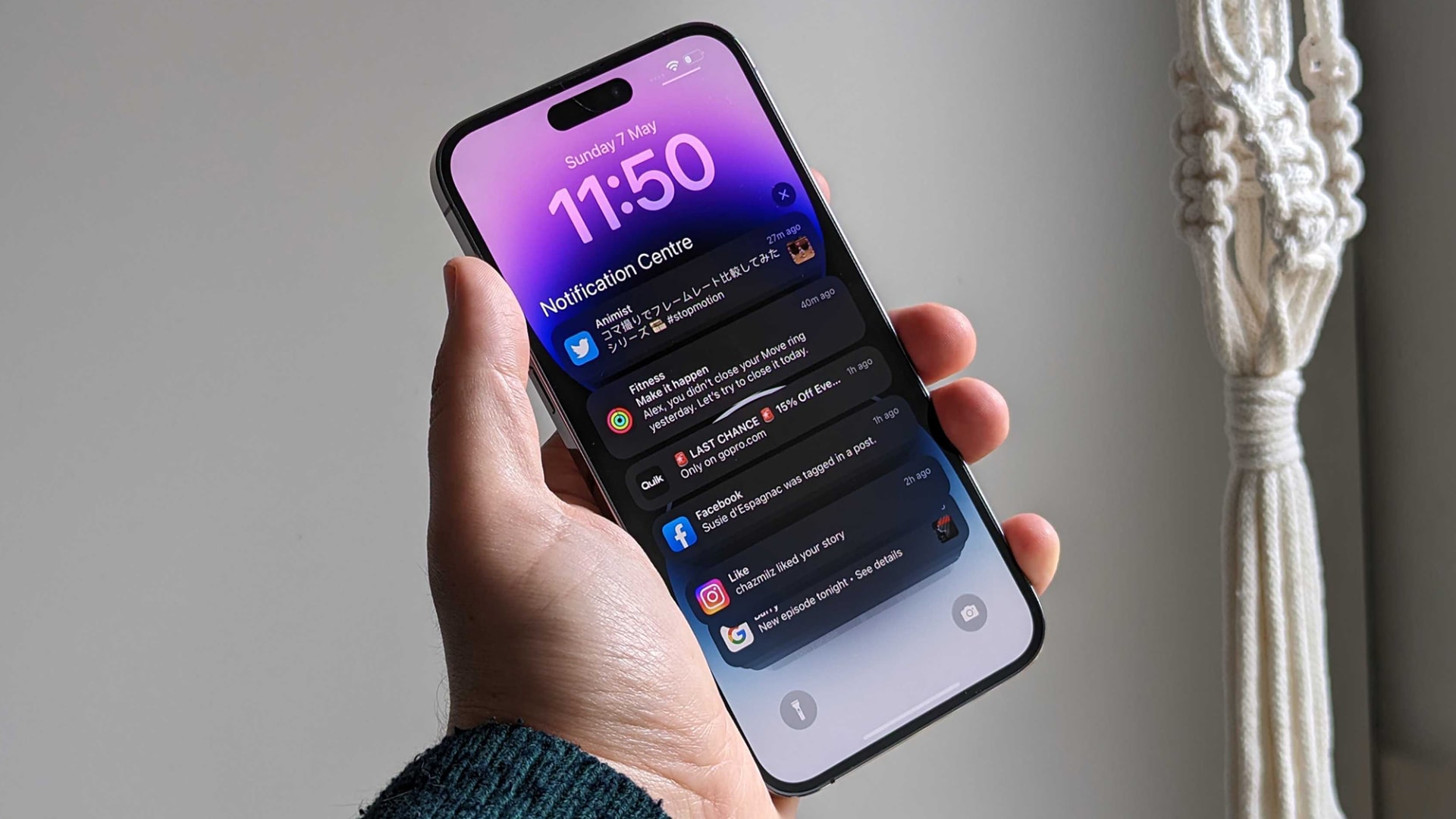
A person holds an iPhone 14 Pro in their hand.

It looks like there’s a way to stop the latest EU-mandated iPhone change from taking effect on your (or your kids) iPhones — and it’s hidden in the parental control settings.

If you’re worried about the kinds of apps that your kids could install or the payments that they could make now that third-party app stores are available in the EU following the iOS 17.4 update, Apple has an answer. According to an Apple support document, you need only hop onto the parental controls and change the content and privacy settings.

Sign up to read this article
Read news from 100's of titles, curated specifically for you.
Already a member? Sign in here
Related Stories
Top stories on inkl right now
One subscription that gives you access to news from hundreds of sites
Already a member? Sign in here
Our Picks
Fourteen days free
Download the app
One app. One membership.
100+ trusted global sources.