Get all your news in one place.
100's of premium titles.
One app.
Start reading
Digital Camera World
Kim Bunermann

Compact content creation powerhouse camera gets free firmware boost – with deeper phone control and creator tools

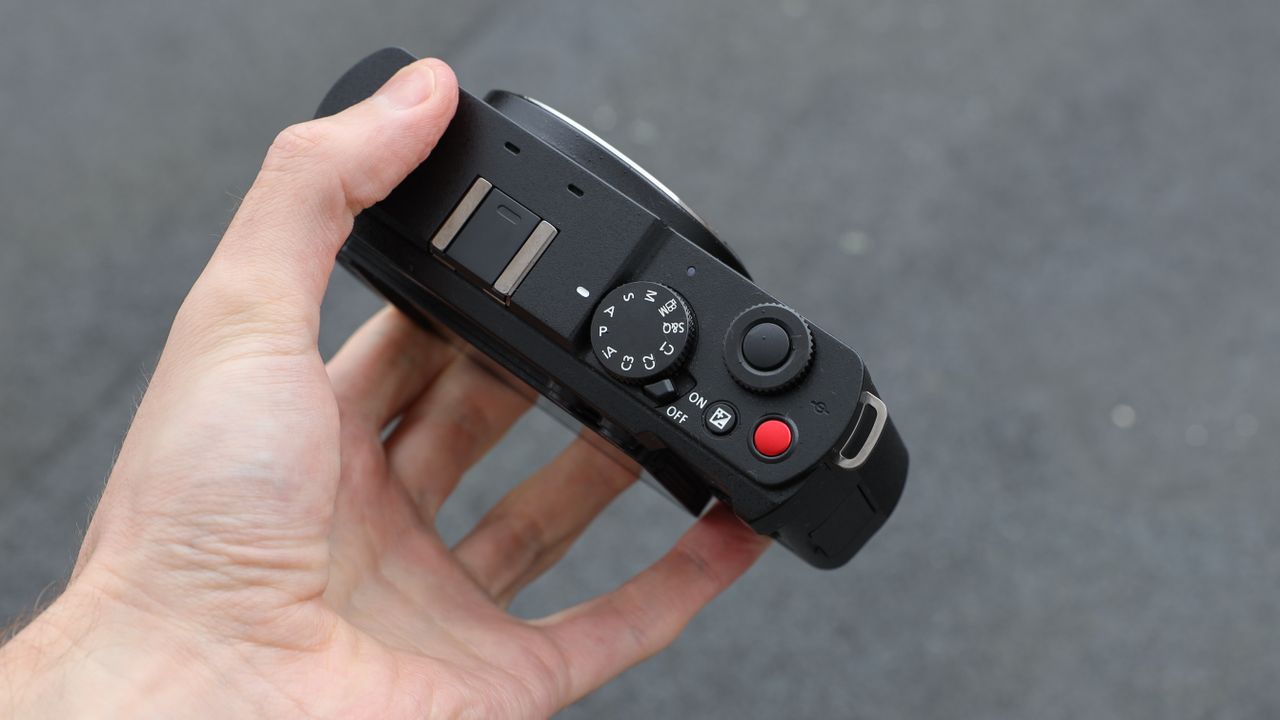
Panasonic Lumix S9 camera top down view held in a hand.

Panasonic's compact full-frame camera – the Lumix S9 – has received a fresh free firmware update designed to push it further into a faster, more in-camera creative workflow. The update strengthens its role as a creator-focused tool built for instant shooting and sharing.

Firmware Ver. 2.0 introduces deeper smartphone integration, enabling faster and more stable transfers between camera and phone. With wired connection support via the Lumix Lab app, the S9 moves further into a connected mobile editing ecosystem.

The update also expands Panasonic's Real Time LUT system, adding more granular creative controls and pushing the S9 closer to a "shoot-in-style" approach that reduces the need for post-production. Users also gain improved control over My Photo style, allowing more personalized in-camera looks and faster creative output.

Firmware Update

The Lumix S9 is a pocket-sized full-frame camera with an appealing price (Image credit: Gareth Bevan / Digital Camera World )

Firmware Ver. 2.0
Download link for Microsoft and Mac

Support for LUMIX Smartphone App, LUMIX Lab Ver.3.0.0 (or higher)
- Wired connection is now supported
- LUTs created with additional parameters such as grain, color noise, sharpness, and noise reduction can be applied using REAL TIME LUT
* Grain and color noise are only supported for photos
- My Photo Style can now be edited within the app for greater customization

More details: Operating Instructions for the Change of Specifications

After updating the firmware
Make sure to use the latest version of the application for your smartphone or the software for your PC of:
- Lumix Lab
- Lumix Sync
- Lumix Tether

Pro Advice

You can check out the episode for more insights, potential risks, and expert advice on our YouTube channel,Spotify, Apple Podcasts, and all your favorite podcast services (Image credit: Future)

If you caught Episode 4 of Bokeh Face: Digital Camera World podcast, we discussed the best time to install firmware updates, why they matter, and what issues they can cause. It's a helpful listen if you're unsure when – or whenever – you should update.

It's smart to wait a week or two after release to see if any users hit snags. In the past, brands have had a few hiccups with major updates – for instance, introducing memory-setting bugs or minor interface glitches before being reissued.

You might like...

Browse the best lenses for the Panasonic Lumix S9.

Sign up to read this article
Read news from 100's of titles, curated specifically for you.
Already a member? Sign in here
Related Stories
Top stories on inkl right now
One subscription that gives you access to news from hundreds of sites
Already a member? Sign in here
Our Picks
Fourteen days free
Download the app
One app. One membership.
100+ trusted global sources.