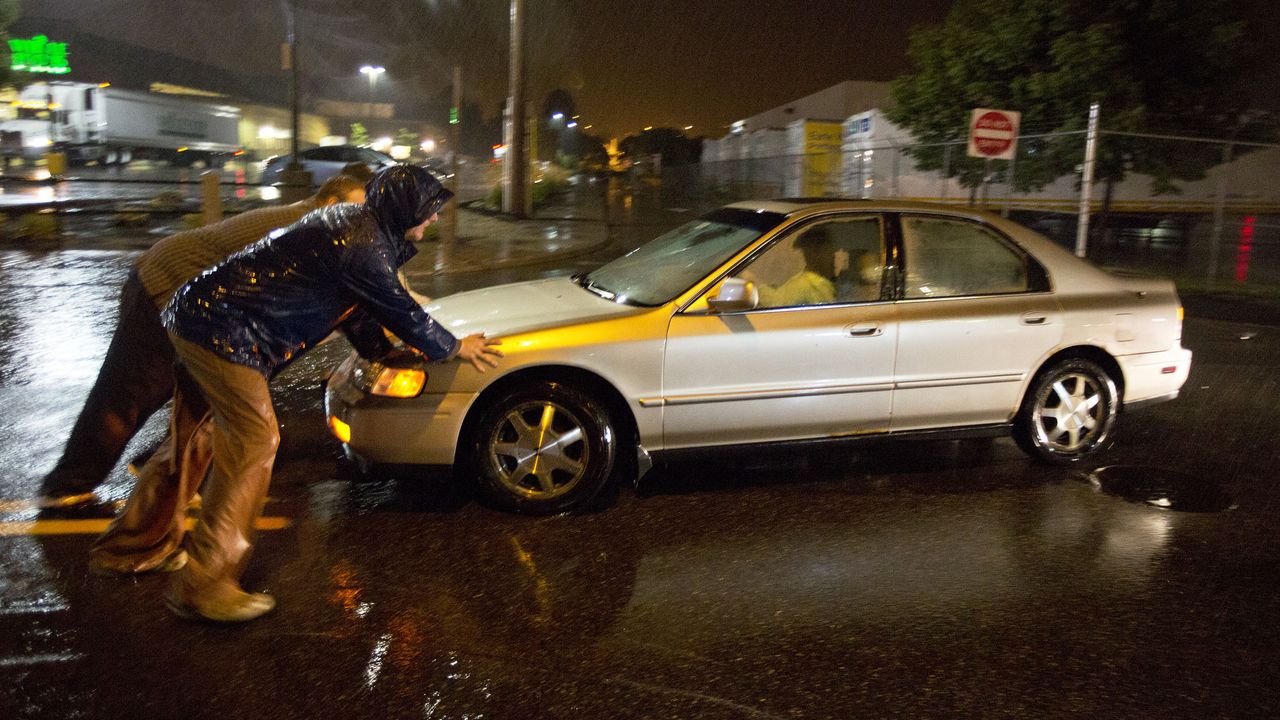
Just imagine the scene. It’s cold, it’s dark, it’s raining, you’re driving in heavy traffic — and suddenly, your car stops accelerating. It will only crawl along at a painfully low speed.
There are no obvious indications that anything is wrong: no flashing warning lights, no strange noises. So you pull over to the side of the road, switch on your hazard lights, and feel your heart sink.
Great, you’re thinking — this means a call to roadside recovery, and who knows how long they’ll take to show up?
That was me this week. Luckily, ChatGPT came to the rescue.
I hadn’t owned my car for very long, and because it was second-hand it didn’t come with a manual. I wasn’t familiar with all the symbols and messages on the dashboard, but I did notice it was proudly displaying “19 mph limit” — with no explanation as to why.
Pushing the limit
So I took a photo of the dashboard, uploaded it to ChatGPT, and asked what it meant. Almost instantly, it replied that my car had a speed limiter feature, and that it was switched on, and set at 19 mph.
I had no idea my car even had this feature! “How had it been turned on?”, I asked. ChatGPT suggested there was probably a button on one of the stalks behind the steering wheel. I had a quick look around, and there it was, clearly labelled 'Limit'. I turned it off, and just like that, my problem was solved.
As for how it was activated in the first place? My thumb or fingers must have brushed against the button while I was driving, without me realizing.
If I’d waited an hour for roadside recovery to arrive, only for them to tell me to press a single button, I’d have been absolutely mortified. Now that I know this feature exists, I’ll recognize the issue instantly if it happens again, and I know how to change the settings properly.
On the road again
I probably could have reached the same conclusion by Googling it on my phone, but the ability to upload a photo of exactly what I was seeing and get a clear, tailored explanation made all the difference.
The response wasn’t just accurate, it was instant. More importantly, it got me safely back on the road without having to make what would have been a deeply embarrassing call for help.
And this, to me, is what AI should be for. Quietly solving small, real-world problems at exactly the moment you need it, not churning out endless content, flooding social feeds with low-effort AI slop, or being bolted onto every product whether it’s useful or not. Used thoughtfully, AI can genuinely make everyday life easier. Used carelessly, it risks becoming yet another noisy, intrusive technology we didn’t ask for.
Follow TechRadar on Google News and add us as a preferred source to get our expert news, reviews, and opinion in your feeds. Make sure to click the Follow button!
And of course you can also follow TechRadar on TikTok for news, reviews, unboxings in video form, and get regular updates from us on WhatsApp too.