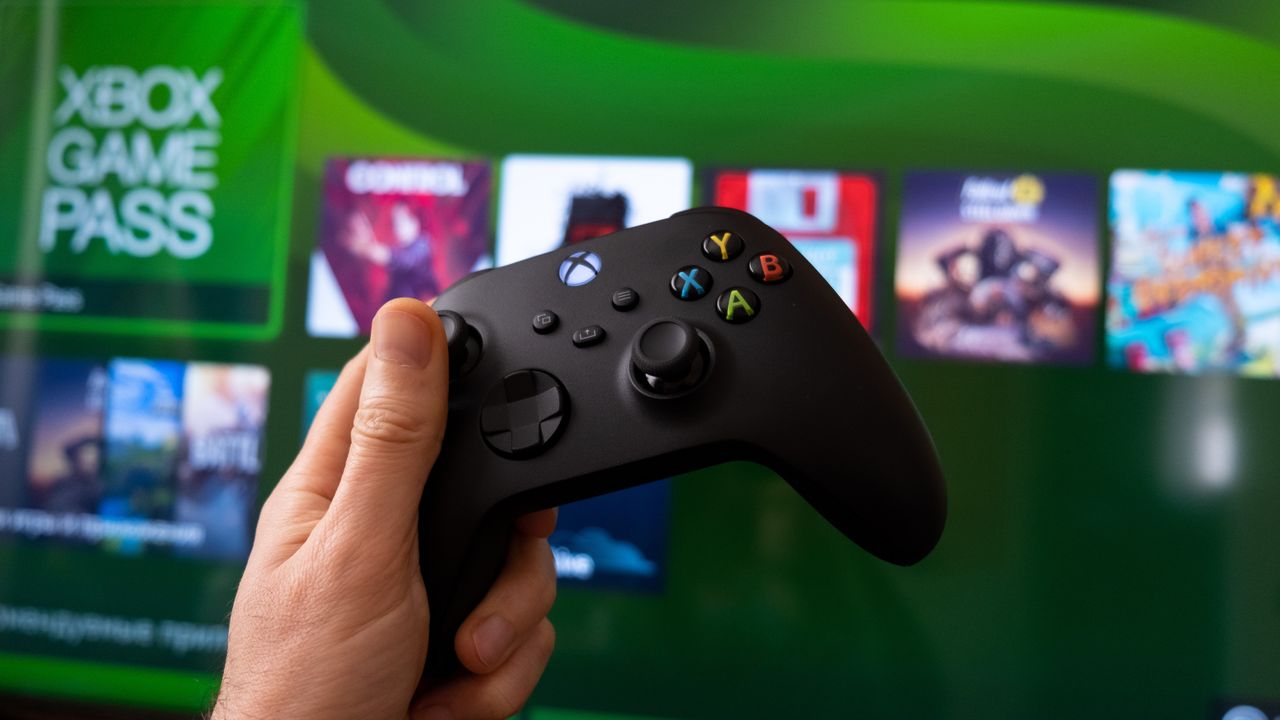
Recently, Microsoft announced it would increase the cost of Xbox Game Pass to as much as $29.99 per month. While you can still get Xbox Game Pass discounts for a limited period of time, the higher price may be too much to swallow. Whether the new pricing doesn't fit your budget or you're simply not using the service enough to justify the cost, canceling is straightforward.
You can cancel Xbox Game Pass from either a web browser or directly on your Xbox console. The process takes just a few minutes, and you'll retain access to your subscription benefits until the end of your current paid period. Here's how to cancel your Xbox Game Pass subscription through both methods, plus what happens after you cancel.