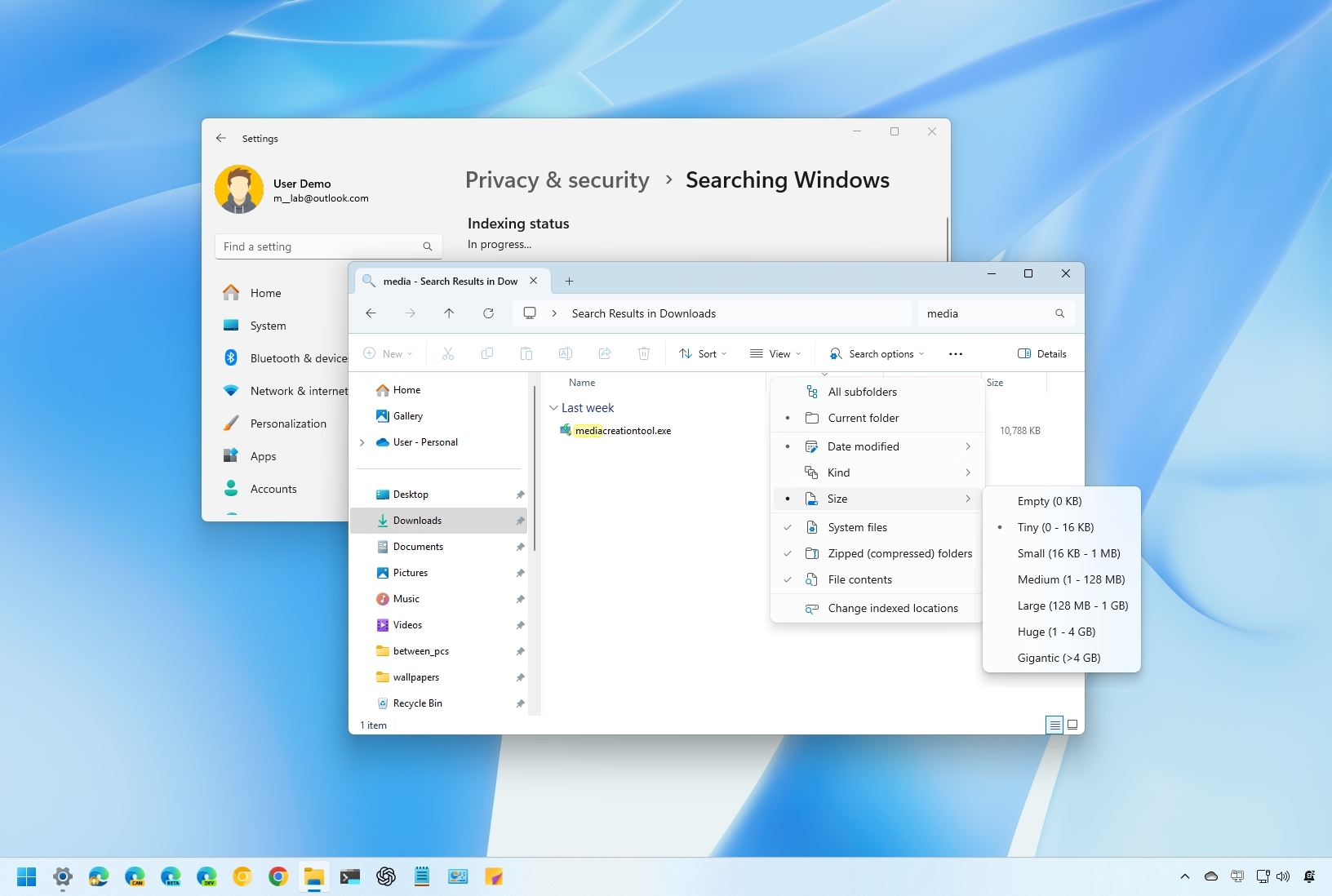
On Windows 11, searching for files can sometimes feel like finding a needle in a haystack, but it doesn't have to be. Whether you're looking for a specific document, an image buried in folders, or a file hidden deep within your system, File Explorer's search feature can be a powerful tool. That's, of course, if you know how to use it efficiently.
Although you can type a search query in the search box, File Explorer includes some functionalities to make search faster and more accurate with advanced search filters, boolean operators, wildcards, indexing settings, and hidden features.