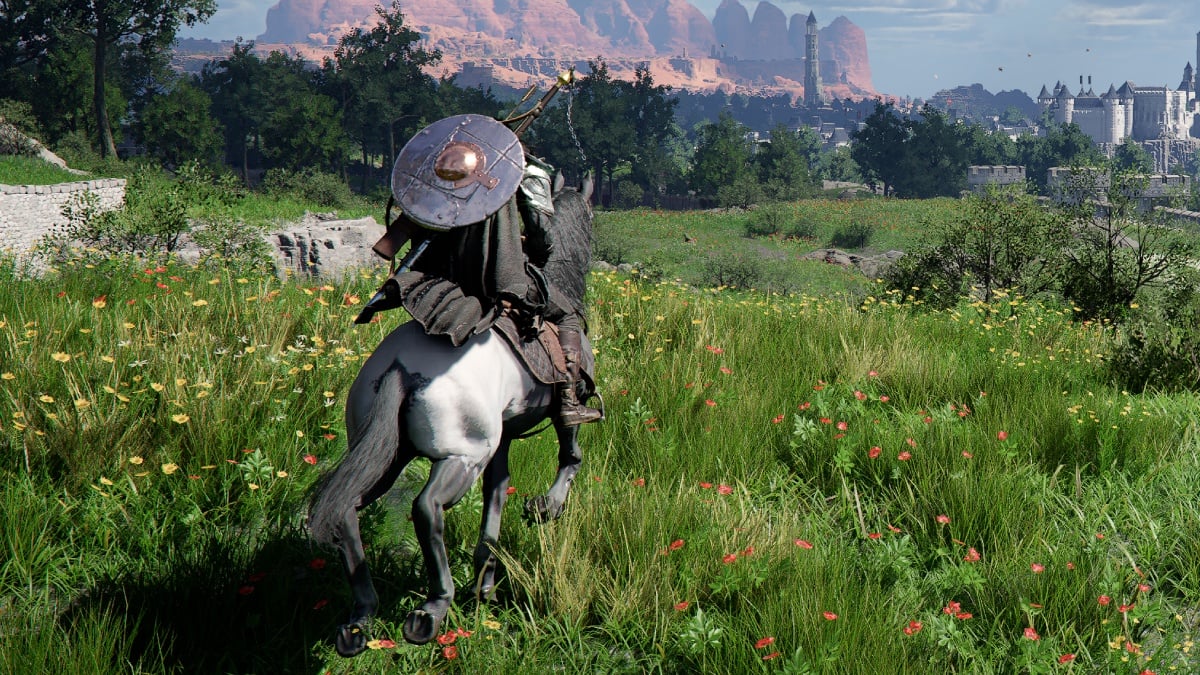
Crimson Desert looks incredible on PC, but it can be brutal on your system and ultimately on the frame rates if you just set everything to Cinematic and start playing.
Thanks to heavy global illumination and dense towns, it’s very easy to get stutters and random FPS drops, even on a decent rig. A few key graphics settings hit performance way harder than the others.

However, once you tweak those settings a bit, you can get a stable 60 frames per second or even more.
With that said, here’s a complete breakdown of the best PC graphics settings in Crimson Desert for all kinds of systems. Before you head to change the settings, make sure to check the PC requirements of the game.
Table of contents
Best Crimson Desert graphics settings for low-end PCs

If you barely meet the official Crimson Desert minimum requirements, you should focus on tweaking the settings in such a way as to consistently be above 40 FPS and avoid heavy stutter.
The game will still look solid as long as you keep textures reasonable and don’t destroy lighting completely.
Video
| Video Setting | Value |
|---|---|
| Resolution | 720p or 900p |
| Upscaling Mode | DLSS |
| Upscaling Resolution | Performance |
| NVIDIA DLSS Frame Generation | Off |
| NVIDIA Reflex | Off |
| V-Sync | Off |
Graphics
| Graphics Setting | Value |
|---|---|
| Model Quality | Low |
| Texture Quality | Medium |
| Shadow Quality | Low |
| Raytracing | Off |
| Lighting Quality | Medium |
| Reflection Quality | Low |
| Advanced Weather Effect | Off |
| Water Quality | Low |
| Foliage Density | Low |
| Volumetric Fog Quality | Low |
| Effect Quality | Medium |
| Simulation Quality | Low |
| Post-Processing Effect Quality | Low |
Best Crimson Desert graphics settings for mid-range PCs

If you have something like an RTX 2060 or RX 6700 XT with a modern mid-range CPU, Crimson Desert can look great and still hold 60 FPS, even at 1080p or 1440p.
My personal system has an RTX 3060Ti with Ryzen 5 3600 and 32GB of DDR4 RAM, which puts it in the mid-range tier, and these are the settings I use:
Video
| Setting | Value |
|---|---|
| Resolution | 1080p native or 1440p |
| Upscaling Mode | DLSS or FSR Quality at 1440p |
| Upscaling Resolution | Balanced |
| NVIDIA DLSS Frame Generation | Off |
| NVIDIA Reflex | Off |
| V-Sync | Off |
Graphics
| Graphics Setting | Value |
|---|---|
| Model Quality | High |
| Texture Quality | High |
| Shadow Quality | Medium |
| Raytracing | Off |
| Lighting Quality | High |
| Reflection Quality | Medium |
| Advanced Weather Effect | On |
| Water Quality | Medium |
| Foliage Density | Medium |
| Volumetric Fog Quality | Medium or High |
| Effect Quality | High |
| Simulation Quality | High |
| Post-Processing Effect Quality | High |
Best Crimson Desert graphics settings for high-end and 4K PCs

If your rig has top-of-the-line GPUs, like an RTX 4070, 4080, 50-series, or an RX 7900, you can flex Crimson Desert by cranking up the graphics presets to the highest, by pushing resolution, keeping high settings, and still hitting high frame rates.
Video
| Setting | Value |
|---|---|
| Resolution | 1440p or 4K |
| Upscaling Mode | DLSS or FSR |
| Upscaling Resolution | Quality at 4K for clean image quality |
| NVIDIA DLSS Frame Generation | Off |
| NVIDIA Reflex | On |
| V-Sync | Off |
Graphics
| Graphics Setting | Value |
|---|---|
| Model Quality | Ultra or Cinematic |
| Texture Quality | Ultra or Cinematic |
| Shadow Quality | High or Ultra |
| Raytracing | On |
| Lighting Quality | Max |
| Reflection Quality | Ultra |
| Advanced Weather Effect | On |
| Water Quality | High |
| Foliage Density | High |
| Volumetric Fog Quality | Ultra |
| Effect Quality | Ultra |
| Simulation Quality | Ultra |
| Post-Processing Effect Quality | Ultra |
Which settings hit FPS the hardest in Crimson Desert
Crimson Desert has multiple graphics settings that can be tweaked, but only a handful actually reduce performance. If you’re trying to get stable frames per second, prioritize tweaking Lighting Quality as it controls global illumination and much of the ray-traced workload, and is one of the main reasons why performance dips.
Then comes Model Quality, as it affects geometry and mesh detail on characters, environment, and foliage, and dropping it from Cinematic to Medium can give you a large FPS boost with minimal visual loss.
Lowering Volumetric Fog Quality from Ultra to Medium alone can net around a small boost in FPS in many scenarios. Raytracing is great for lighting and reflections, but enabling full RT can consume almost half of the potential FPS at higher resolutions. Once these settings are under control, you can then go ahead and fine-tune shadows, foliage, and effects as per your taste and system.
Now that you’ve sorted the settings, check all the trophies and achievements you can earn from Crimson Desert.