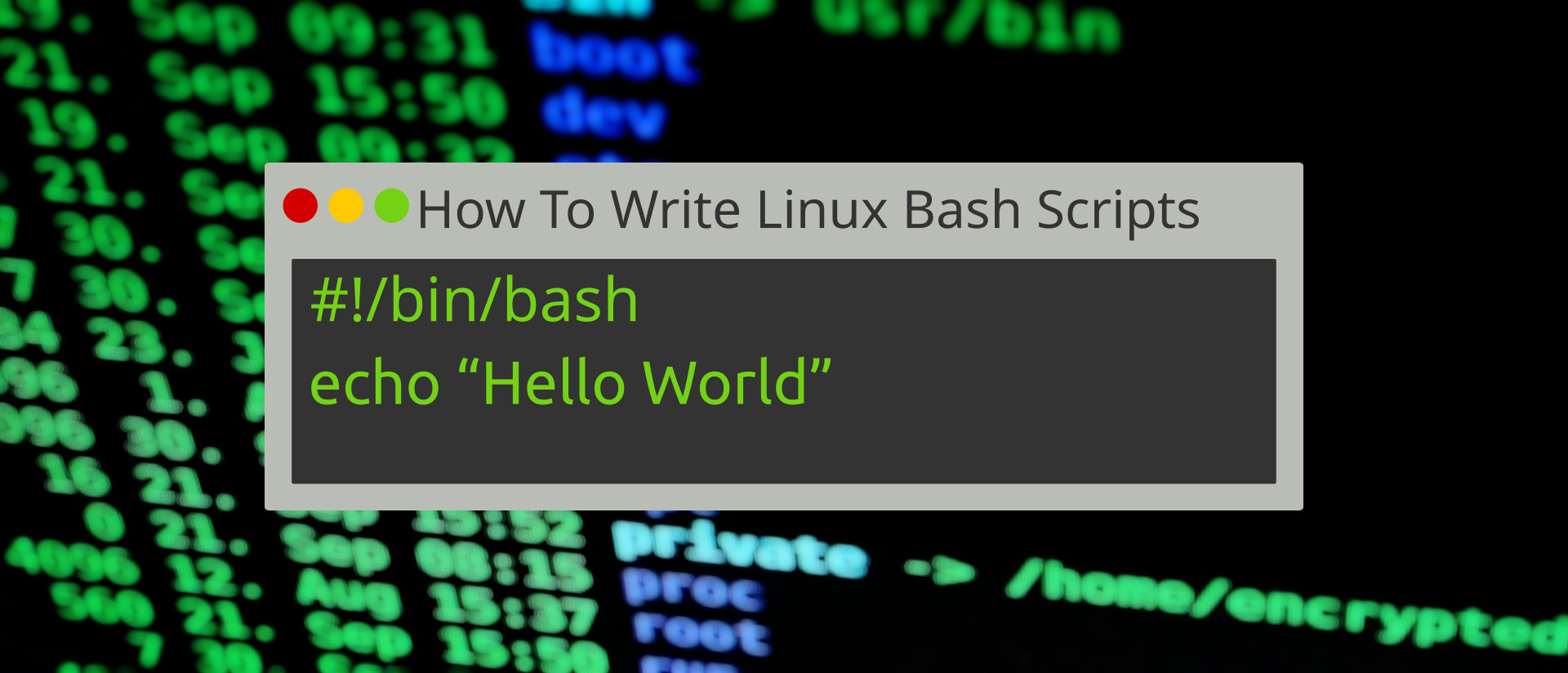
Historically, operating systems generally come with some form of scripting language which admins and power users can use to create custom tools. Harking back to the home computer craze of the 1970s and 80s, this was BASIC (Beginners All-Purpose Symbolic Instruction Code) but in recent years we have seen batch scripts (I used these for my 486 DX 33 too eek out as much RAM as possible to play Star Wars: X-Wing). Unix and Linux are no different and come with their own scripting languages, one of which is baked into the terminal. These simple to create, yet fiendishly powerful scripts can do everything from remotely backing up entire file systems to making an LED flash.
Bash scripts behave like those of other programming languages. The code runs line by line in a sequence. We can use conditional logic (selection) to alter the path that our code takes and the code can iterate and repeat the execution of the code until a condition is met or run the code indefinitely.