Get all your news in one place.
100’s of premium titles.
One app.
Start reading
Tom’s Guide
Tom’s Guide
Technology
Josh Render

Apple Wallet now supports Digital ID — here’s how you can add your passport

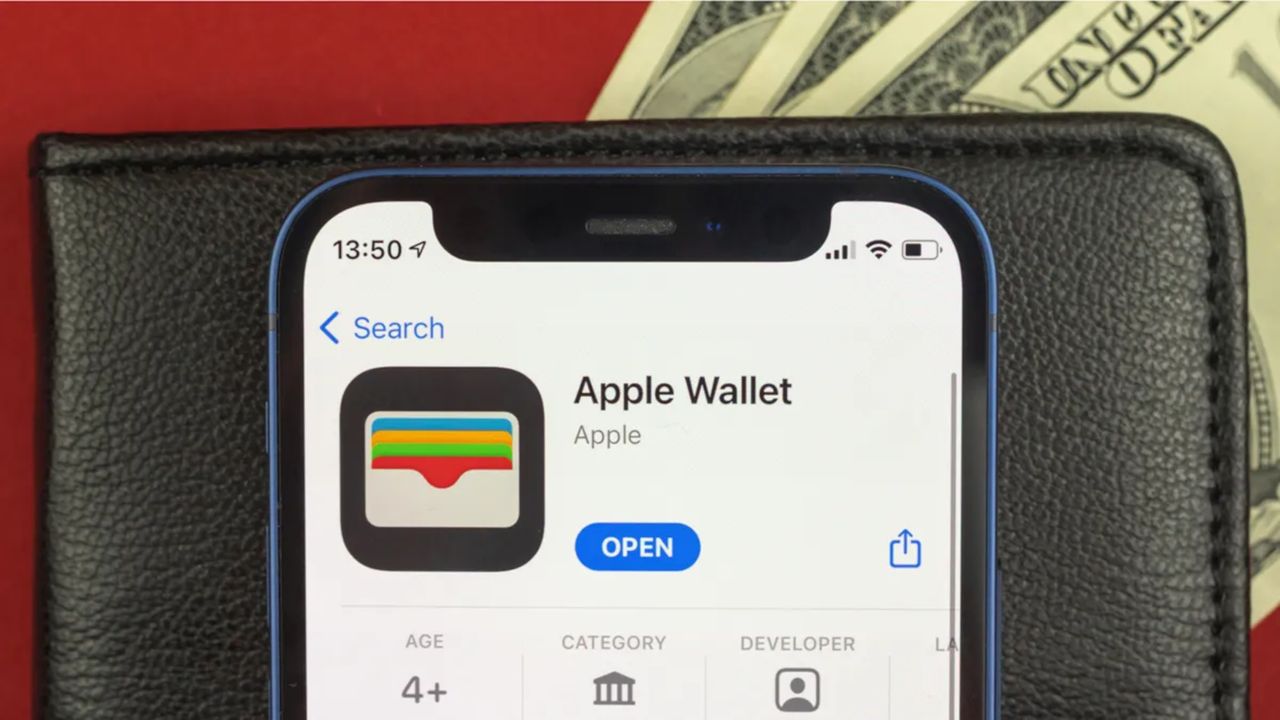
Apple wallet in front of a phone lying on a wallet.

If you're a frequent flier, then we have good news, as iPhone and Apple Watch users in the U.S. can now store a digital version of their passport in Apple Wallet.

Apple first announced that Apple Wallet would support Digital IDs as part of iOS 26, although the ability to create a digital passport was initially delayed. However, users with an up-to-date iPhone or Apple Watch can now use the feature at TSA checkpoints in several states. Just note that you can't use this digital passport internationally (at least not yet).

1. Select the option to add to wallet

To create a digital version of your passport, you will first need to navigate to your Apple Wallet app, then select "+" icon in the upper right corner.

2. Find and select the option to add a new ID

In the following menu, you'll want to select the Driver's License and ID Cards option.

3. Select the Digital ID option

In the follow-up window, select the Digital ID option, which should be at the very top of the list.

4. Scan your passport and verify

From there you will be able to scan the photo page of your passport to add it to your wallet. You will also need to scan the chip embedded in the back of the passport, as well as provide a selfie and a series of facial and head movements to verify the process.

Once you have the passport added, you'll be able to access it in the same way that you would Apple Pay. All you need to do is double-click the side or home button and then select the Digital ID you want to use.

You will need to verify that it's you through either Face or Touch ID, but once that is done, you'll be able to tap your device on a TSA Identity reader. If you're worried about which information is being requested, the app will allow you to check before completing the action.

Currently, the TSA's website states that digital passport support is available in the following states:

  • Arizona
  • California
  • Colorado
  • Georgia
  • Hawaii
  • Iowa
  • Maryland
  • Montana
  • New Mexico
  • Ohio
  • Puerto Rico

It is also worth noting that you can't use digital passports when travelling internationally. So I'd recommend making sure you keep your physical passport with you for the time being.

Outside of Digital IDs, Apple has also released the developer beta for iOS 26.2, which is bringing several improvements to both iPhones and Apple Watches. For instance, it Apple has adjusted the ranges for the sleep scores introduced earlier in the year. The update also allows users in the EU to make use of the Live Translate feature for the AirPods 4 (with noise cancellation), AirPods Pro 2 and AirPods Pro 3.

Let us know if you’ve tried using a digital ID or if you're concerned about giving more information to Apple than you already do.

Follow Tom's Guide on Google News and add us as a preferred source to get our up-to-date news, analysis, and reviews in your feeds.

More from Tom's Guide

Sign up to read this article
Read news from 100’s of titles, curated specifically for you.
Already a member? Sign in here
Related Stories
Top stories on inkl right now
One subscription that gives you access to news from hundreds of sites
Already a member? Sign in here
Our Picks
Fourteen days free
Download the app
One app. One membership.
100+ trusted global sources.