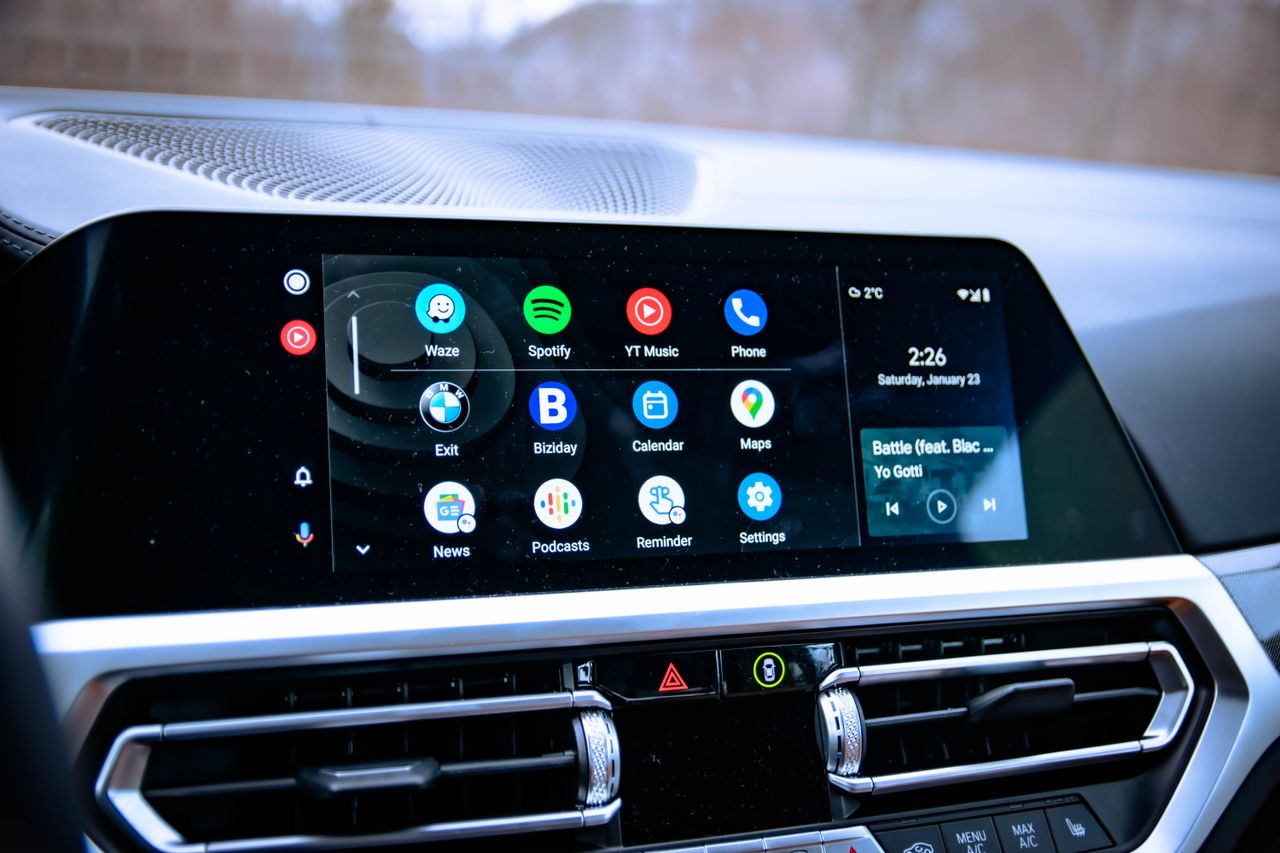
There are a lot of hidden features in the far reaches of Android, and Android Auto is no exception to that. One of my favorite hidden settings lets you utilize side-loaded apps that Google may not fully approve of, but there are a bunch more ways to truly personalize and make Android Auto your own. The best part is they're pretty easy to set up, too.
There is a way to create your own custom shortcuts for Android Auto, which live on your home screen and look just like a regular app icon. The difference is that it's a custom command for Google Assistant that initiates as soon as you tap the bubble, and saves you the hassle of actually having to summon the assistant yourself.