Get all your news in one place.
100’s of premium titles.
One app.
Start reading
Android Central
Android Central
Technology
Sanuj Bhatia

Android 17 Beta 1 on hold after seemingly accidental announcement — Here's what happened

Pixel 10 models with different color home screens .

Original story follows:


What you need to know

  • Google has released Android 17 beta 1 shortly after wrapping up Android 16 QPR3 testing.
  • Android 17 will force developers to optimize apps for foldables and large-screen devices.
  • The update brings performance gains, including improved garbage collection and memory handling.

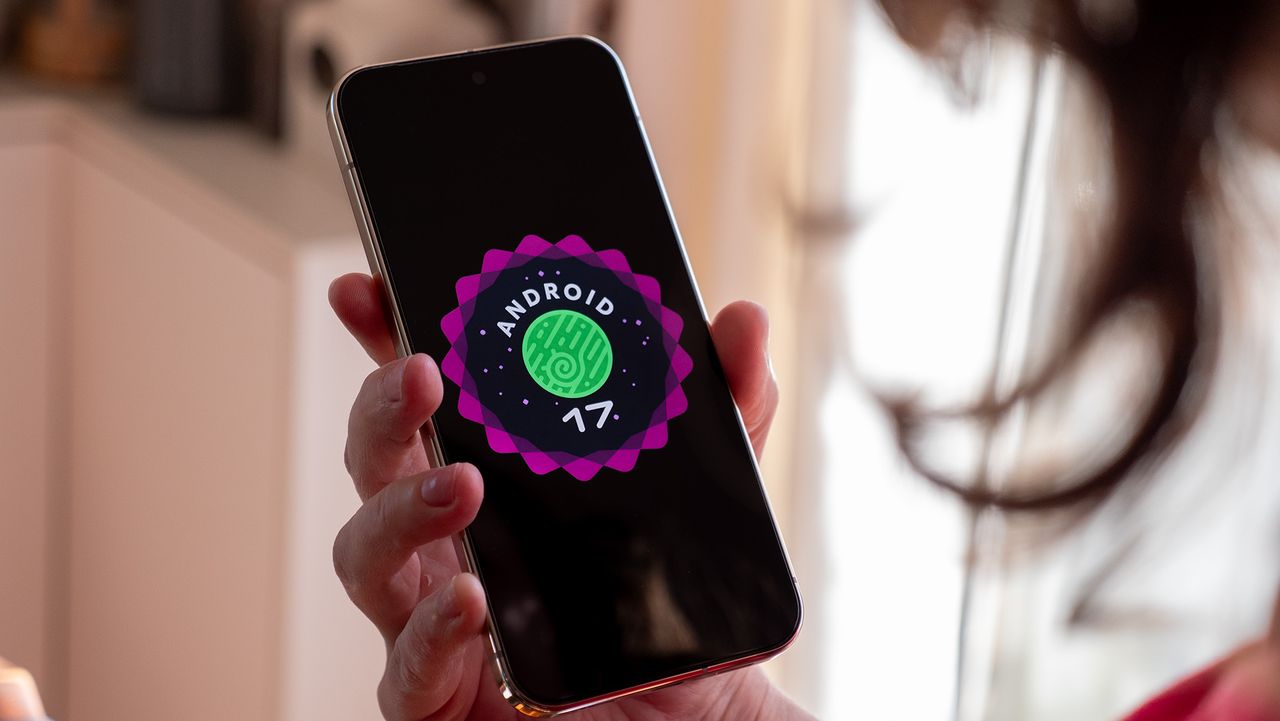
Google has officially released the first Android 17 beta for developers, bringing a few important changes to how Android works across different devices.

Earlier today, Google confirmed that testing for Android 16 QPR3 had finished and that the company was ready to begin Android 17 beta testing. Just a few hours later, the first Android 17 beta has gone live. Google says this release is part of its "continuous drumbeat of updates" aimed at making Android better for both developers and users.

As for what's new in Android 17 beta 1, the biggest change is that Google is now pushing developers to properly adapt their apps for big-screen devices. Devices like the Samsung Galaxy Z Fold 7, Pixel 10 Pro Fold, other foldables, and even Android's desktop mode still struggle with apps that are not optimized for larger displays.

With Android 17, Google is taking a firmer stance and requiring developers to improve support.

Android 17 promises big improvements for large-screen devices

(Image credit: Andrew Myrick / Android Central)

Google says Android 17 introduces the "next phase of our adaptive roadmap," meaning developers will no longer be able to opt out of orientation and resizability requirements. In short, apps will have to properly support large-screen devices.

Alongside this, Android 17 also brings performance improvements, including a new "generational garbage collection" system designed to reduce CPU usage and custom notification restrictions to lower memory consumption.

Additionally, Android 17 adds new professional-grade tools for media and camera apps, aiming to deliver a more consistent listening experience across apps and hardware, as well as smoother transitions between different camera modes.

Google has not shared details about major UI changes yet, but we're installing the build now to see what else might be new.

How to install Android 17 beta 1 on your Google Pixel

(Image credit: Sanuj Bhatia / Android Central)

If you want to try Android 17 beta 1 on your compatible Pixel device, you'll need to enroll in the Android Beta Program.

Start by visiting the official Android Beta Program website from your browser and sign in with the same Google account as your Pixel. Then, find your device in the "Your eligible devices" list and select opt in.

After that, go to Settings > System > Software updates, check for the Android 17 beta 1 build, and install the available update.


Android Central's Take

With the first Android 17 beta, Google is clearly preparing for a future with more Android-powered computing devices. Forcing developers to properly support orientation and resizability clearly indicates that Google wants apps to fully embrace large-screen and windowed experiences.

I'm excited to see where Android heads this year, and hopefully we'll get a clearer look at Google's broader vision at I/O 2026.

Sign up to read this article
Read news from 100’s of titles, curated specifically for you.
Already a member? Sign in here
Related Stories
Top stories on inkl right now
One subscription that gives you access to news from hundreds of sites
Already a member? Sign in here
Our Picks
Fourteen days free
Download the app
One app. One membership.
100+ trusted global sources.