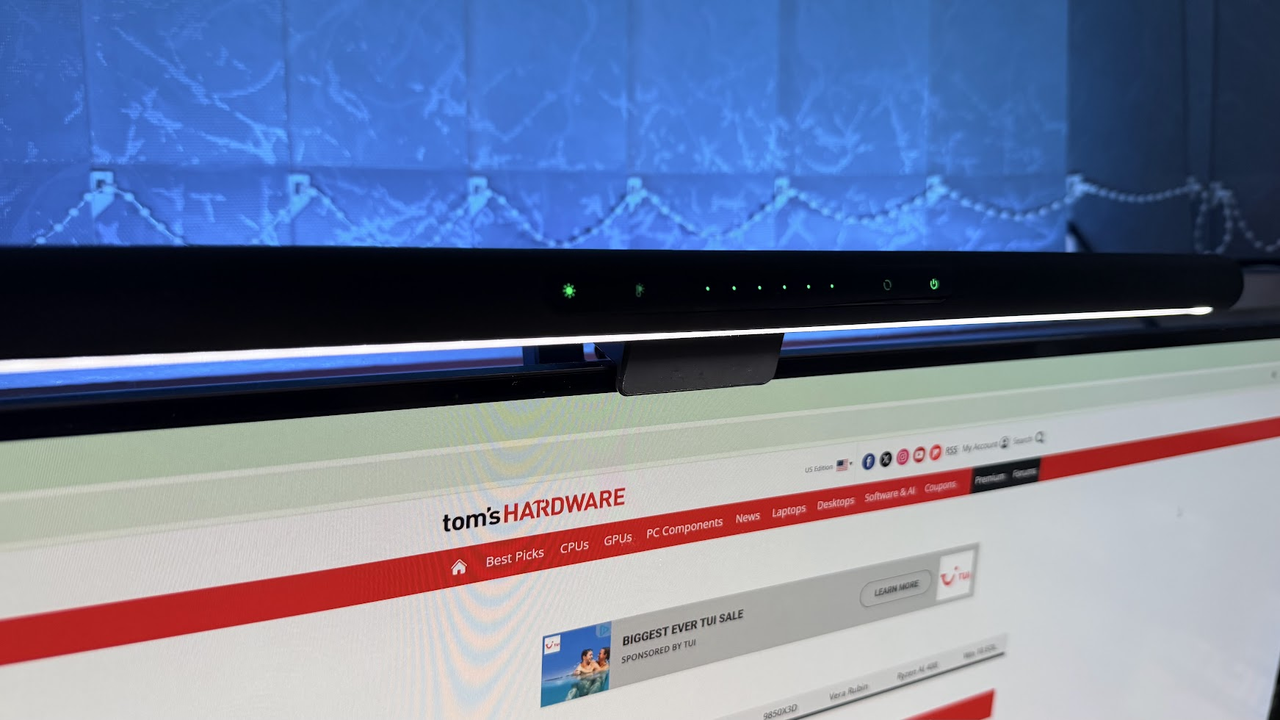
Sometimes it’s not all about the fastest speeds you can muster, or upgrading your PC (especially in this market). To get the most from your setup, you have to consider how you interact with it daily. If you’re anything like me, you’re probably sitting at your desk for an unhealthy amount of time every single day, so minute improvements to your environment can make a huge difference in your day-to-day. For me, one of the biggest upgrades I made to my setup was the addition of a monitor light bar. The model I use is Razer’s Aether Monitor light bar, which retails for $129.99.
Now, there are a lot of folks who question what they actually do, but after having used a good handful of them, it’s easy to see how one might help. For me, my PC desk isn’t just where I work, it’s where I play games, engage in my model-building hobby, and where I’m often working into the night. So, how does a light bar help with all of this?