Get all your news in one place.
100's of premium titles.
One app.
Start reading
Windows Central
Windows Central
Technology
Mauro Huculak

5 settings I always change to declutter the System Tray on Windows 11

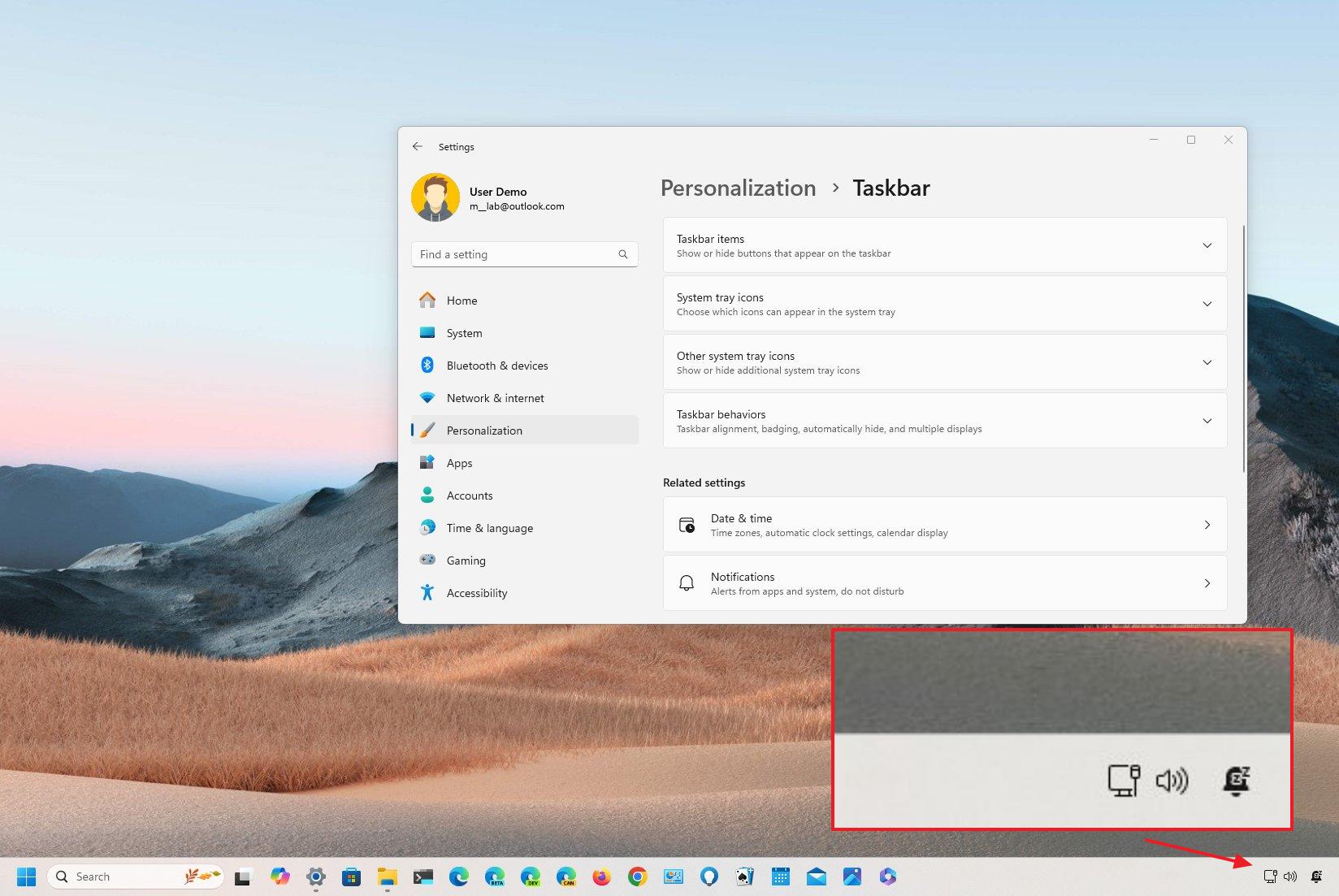
Taskbar System Tray custom settings.

On Windows 11, the System Tray, also known as the notification area, is located on the right side of the Taskbar, and it can display various pieces of information and enables you to access different system functions and applications, such as the clock, network status, volume control, and more.

Since the operating system usually has some default configurations for the Taskbar, I will share with you the settings I typically change to optimize and declutter the System Tray space.

Sign up to read this article
Read news from 100's of titles, curated specifically for you.
Already a member? Sign in here
Related Stories
Top stories on inkl right now
One subscription that gives you access to news from hundreds of sites
Already a member? Sign in here
Our Picks
Fourteen days free
Download the app
One app. One membership.
100+ trusted global sources.