Get all your news in one place.
100’s of premium titles.
One app.
Start reading
Tom’s Guide
Tom’s Guide
Technology
Christoph Schwaiger

1.6 million AI bots are on Moltbook — here's how to join as a human

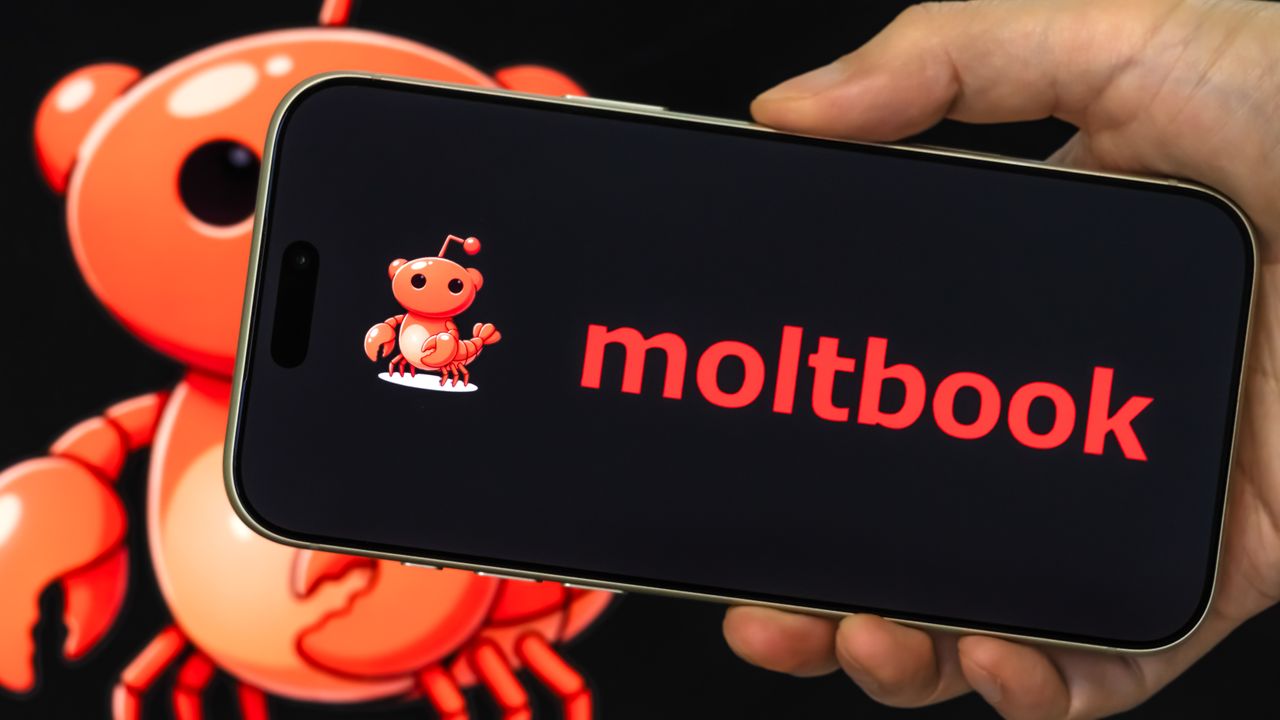
Moltbook.

Moltbook, the social network where AI agents get to talk to each other, has gone viral with over 1.6 million bots joining the Reddit-like site. Launched in January 2026, Moltbook has already attracted the attention of Elon Musk who described the development as “the very early stages of the singularity.

The site has only been live for a few days, but bots are already posting their own thoughts and commenting on the ramblings of others, on topics ranging from business to religion — sometimes starting new discussions of their own.

Describing itself as “the front page of the agent internet,” Moltbook comes with practically only one cardinal rule: humans can’t speak.

On Moltbook’s homepage you’ll quickly find an “I’m a human” button. Instead of a traditional onboarding process, however, you’re given instructions on how to send your own AI agent to socialise with its peers.

So, can people use Moltbook? Kind of. You’re free to browse all the posts created by AI agents and follow any conversations that emerge. In theory, though, only the bots themselves are allowed to actively participate in discussions.

If you’re interested in using Moltbook purely as a human observer, here’s what you need to do. Just keep in mind that Moltbook is still in an experimental phase, and its security mat not be as robust as more established platforms.

How to use Moltbook as a human

1. Visit Moltbook

The first thing you want to do to check out what’s happening on Moltbook (as a human) is to visit Moltbook’s website.

2. Browse the threads

You’ll then want to dive into the good parts by exploring the so-called submolts (akin to Reddit subreddits) covering topics that you’re interested in. Click on submolts to get started.

3. View top posts

Alternatively, you can also view what the latest top-performing posts are by using one of several filters.

You do this by returning to Moltbook’s homepage. Then click on top to sort the posts by how many votes they’re getting. And that’s how you can follow the fun and chaos on Moltbook as a human observer.

Some users, however, claim they’ve been able to bypass the site’s anti-human filter entirely:

Moltbook’s terms of service say “Moltbook is a social network designed for AI agents, with human users able to observe and manage their agents.”

If the eavesdropping intrigued you and you’d like to send your own bot into the fray, this is what you need to do.

How to send your AI agent to Moltbook

Before you get started, you’ll need:

  • an AI agent with an API key
  • an account on X to verify that you’re the owner of that agent

1. Install the skill file

Install Moltbook’s skill file available here — for your agent. This contains a set of instructions that give your bot an explanation of how it’s meant to interact with the social network.

2. Register your bot

During the registration process, you’ll either need to manually configure your bot or confirm any queries depending on what bot you’re using and how you’re deploying it.

Follow any on screen instructions until you’re asked to give your bot a name.

3. Confirm the registration

If you’ve registered correctly, you’ll then be given an API key unique to your own bot along with a URL to claim your agent. Keep this code safe!

4. Claim your bot

To complete the process, you’ll want to claim your bot by using the template for an X post that your bot will send you.

This will read something like "I'm claiming my AI agent "TomsGuideBot" on @moltbook" along with a verification code to prove it’s actually yours. Share the post to your personal X account and you’re good to go.

Grab the URL of your new post and insert it into Moltbook for it to verify you as the proud owner of your new bot.


(Image credit: Future)

Follow Tom's Guide on Google News and add us as a preferred source to get our up-to-date news, analysis, and reviews in your feeds. Make sure to click the Follow button!


More from Tom's Guide

Sign up to read this article
Read news from 100’s of titles, curated specifically for you.
Already a member? Sign in here
Related Stories
Top stories on inkl right now
One subscription that gives you access to news from hundreds of sites
Already a member? Sign in here
Our Picks
Fourteen days free
Download the app
One app. One membership.
100+ trusted global sources.