
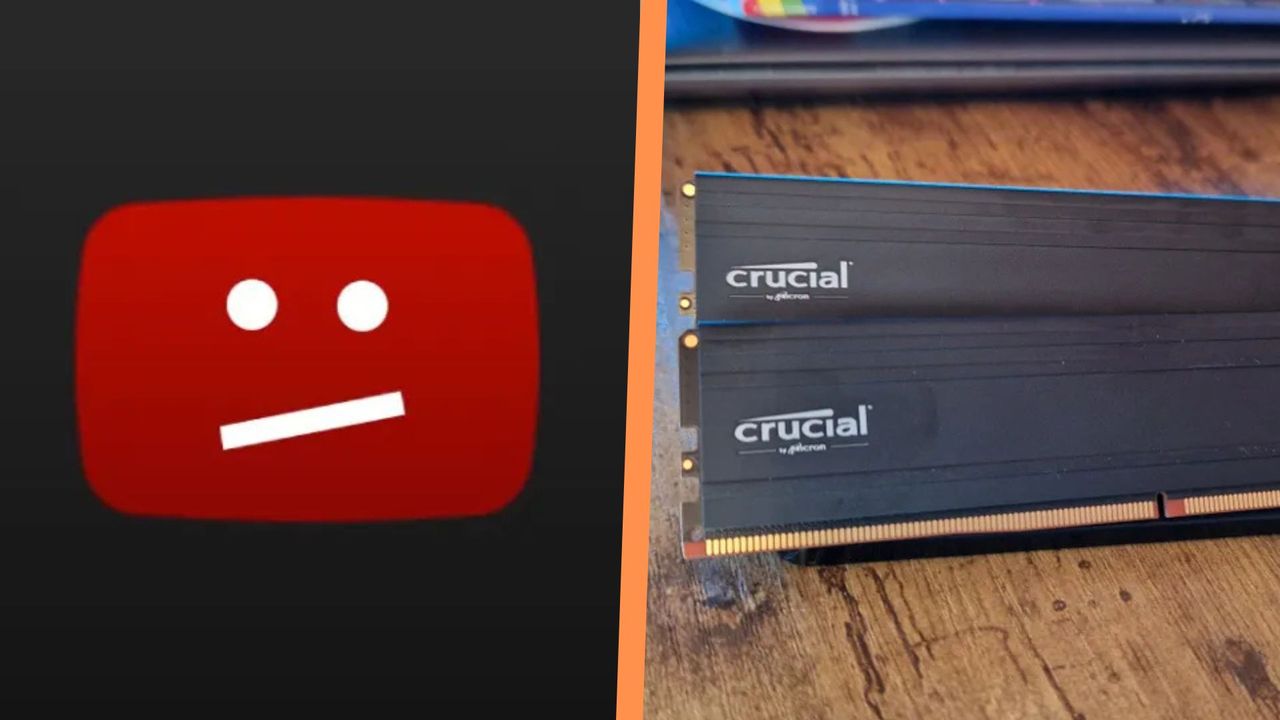
If you've been experiencing slowdowns and stutters on your gaming PC in the last week or two, you may be getting increasingly frustrated and thinking, "maybe it's finally time to upgrade my RAM". Please, please, don't jump straight to that just yet, because it turns out that if you've had even one YouTube tab open, the website could be eating up 7GB or more of your existing memory and causing some big performance dips.
Especially amidst the current RAM shortages, when the best RAM for gaming can set you back more than a new CPU, you might be happy to learn that your current PC isn't giving up the ghost. In fact, it seems the YouTube bug has been causing problems all for a lot of people, with the first reports emerging on Reddit a few weeks ago.

From reading up on as many of the reports online as I can see, the memory-hungry glitch seems to be happening due to UI elements on YouTube video pages rearranging themselves behind the scenes. You may have encountered this if, like me, you frequently put your YouTube tabs on a second monitor, especially a vertical one where the usual space for a video window is less than usual.

When you resize a YouTube page, or just refresh it, the site's interface will start to repeatedly check if all of the buttons for its UI have space on their appropriate bars. But as more and more buttons have been added to these UI elements (like, dislike, hype, video settings, closed captions, clip, and more), they've begun having to hide themselves to prevent overlapping on the bars. When they then try to appear again, they enter a feedback loop which rapidly starts to use more and more of your PC's RAM, and even steal CPU power as well.
This has been noticed on multiple browsers, including Firefox, Edge, Chrome, and more, and isn't an indication that your RAM is giving out, or even that your CPU for gaming isn't capable of keeping up with modern-day demands.
This could, however, impact your PC's gaming performance if you like to have some YouTube tabs open in the background, or on a second monitor while you play games. Alternatively, people trying to livestream with some of the best streaming gear for gamers might notice some serious stutters and crashes if they have background music on while broadcasting.

It should also be said that while Mozilla's open-source bug tracking system found YouTube to be the culprit of this bug, and it is happening across multiple browsers, YouTube and Google haven't confirmed that the blame for it lies at YouTube's door. In fact, some early reports on Reddit point at a Firefox update causing stutters on other video services like Twitch, but given the widespread reports about YouTube being the culprit, this seems more likely.
I suspect this could be patched out of existence without a public acknowledgement, but it's worth knowing about the bug right now if you frequently leave YouTube tabs open while gaming.
If you do suspect your PC is slowing down, I regret to inform you that it is not the best time to go shopping for memory or storage devices. To make sure grabbing some new DDR5 is the right move for you, maybe have a gander at this article I wrote about when to upgrade your memory right now.
Also take a look at the best computer speakers, the best Alienware gaming PCs, and the best gaming PCs in the UK.