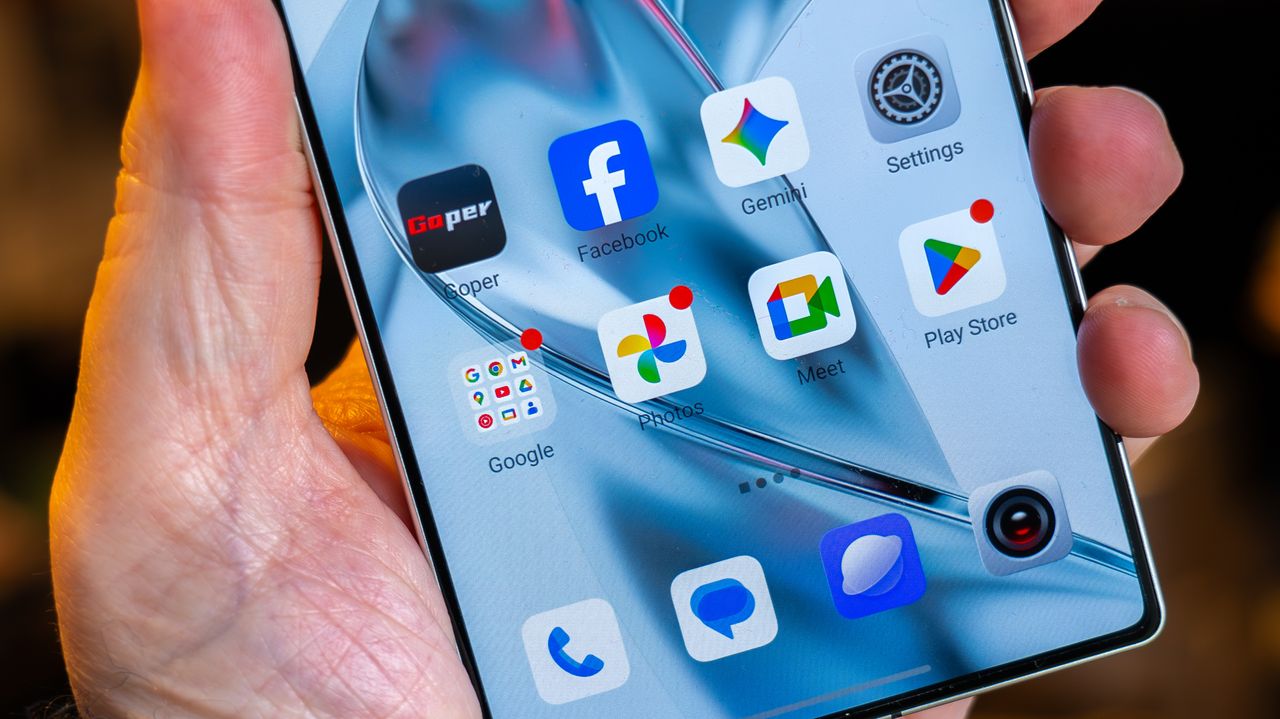
Google has started rolling out a new AI feature on Google Photos – it lets you turn yourself into a meme.
Called Me Meme, the new option is currently appearing on Android phones in the US.
Who doesn’t love a meme? They are perfect for a chuckle, whether you come across them on whatever social media platform you might be doomscrolling at the time, or a friend sends you one knowing it will make you laugh. More often than not, they're guaranteed to brighten someone’s day.
Well, now you don’t have to wait for the perfect meme to appear – you can turn yourself into one. Google has announced a new feature on a Google Photos support page (via 9to5Google) called Me Meme.
It will allow you to use generative AI to “help you create funny, personalised images” – according to the Google support page.
“It's a simple way to explore with your photos and create content that's ready to share with friends and family,” it adds.
How to create a Me Meme with Google Photos
So, how do you create one? Well that part is actually pretty simple, as long as you live in the right place.
It’s worth noting before we go too much further that the Me Meme feature is currently only available to those in the US, though hopefully it will roll out to other regions soon.
If you are in the US, you will need two things. First, you'll need a template.
You will be able to choose different options from those available, or you can upload your own funny picture to use.
And second, unsurprisingly, is a photo of you – you just need to select the image you want to use from Google Photos.
To create your meme, you then need to follow these steps:
- On your Android device, open the Google Photos app
- At the bottom, tap Create
- Then tap Me Meme. Note, if it’s your first time, you can follow the on-screen instructions after the intro screen
- Select a template
- Tap Add photo
- Select the photo you want to upload. Google suggests “for potentially better results, try to upload a well-lit, focused, and front-facing portrait photo”
- Tap Generate
After the meme is generated, there are a couple of extra steps to follow:
- To save the meme: Tap Save
- To generate again: Tap Regenerate
- To share on the other platforms: Tap Share
That’s it! Maybe you’ll even go viral and bring a smile to multiple people.