Get all your news in one place.
100's of premium titles.
One app.
Start reading
Tom’s Guide
Tom’s Guide
Technology
Kaycee Hill

You can turn off Galaxy AI on your Samsung phone — here's how

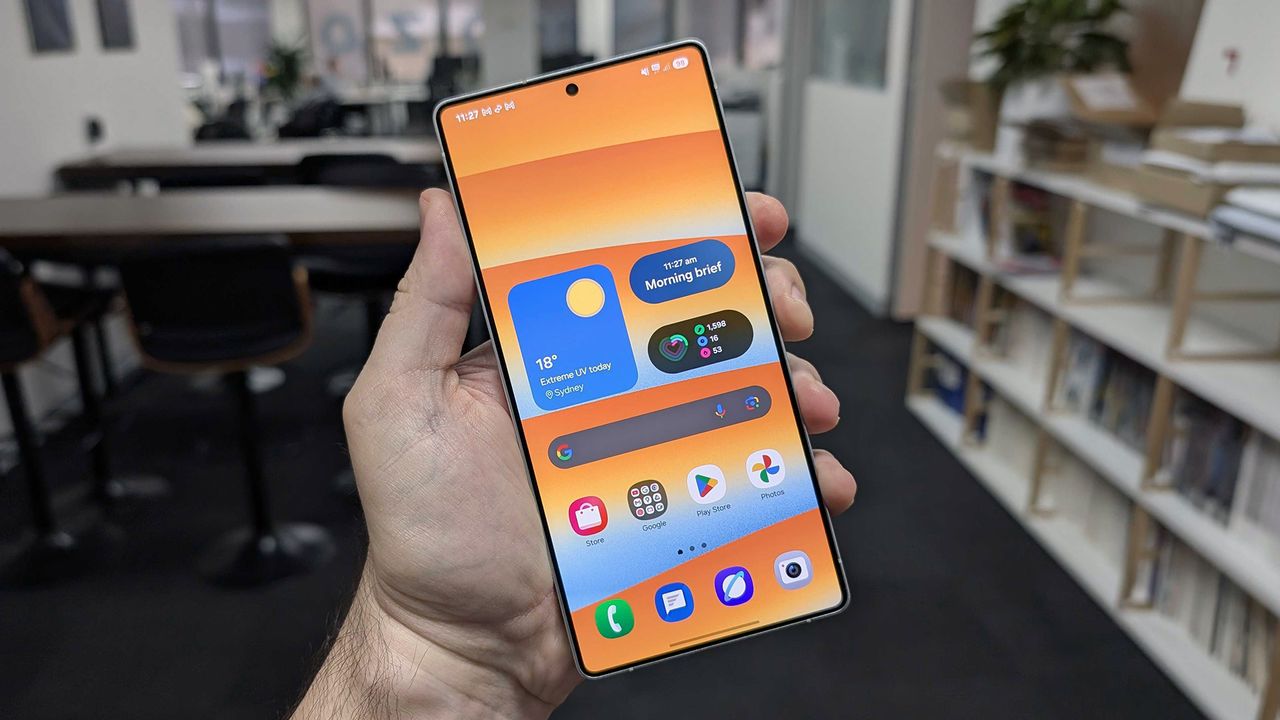
In-hand image of the Samsung Galaxy S25 Ultra against an office environment background.

Samsung's Galaxy AI is everywhere on your phone, integrated into apps and features throughout your device. While these AI tools can be helpful, you might find them intrusive, worry about privacy, or simply prefer doing things without AI assistance.

Fortunately Samsung gives you control over Galaxy AI. You can turn off specific features you don't want, switch to on-device processing for better privacy, or disable artificial intelligence altogether.

Sign up to read this article
Read news from 100's of titles, curated specifically for you.
Already a member? Sign in here
Related Stories
Top stories on inkl right now
One subscription that gives you access to news from hundreds of sites
Already a member? Sign in here
Our Picks
Fourteen days free
Download the app
One app. One membership.
100+ trusted global sources.