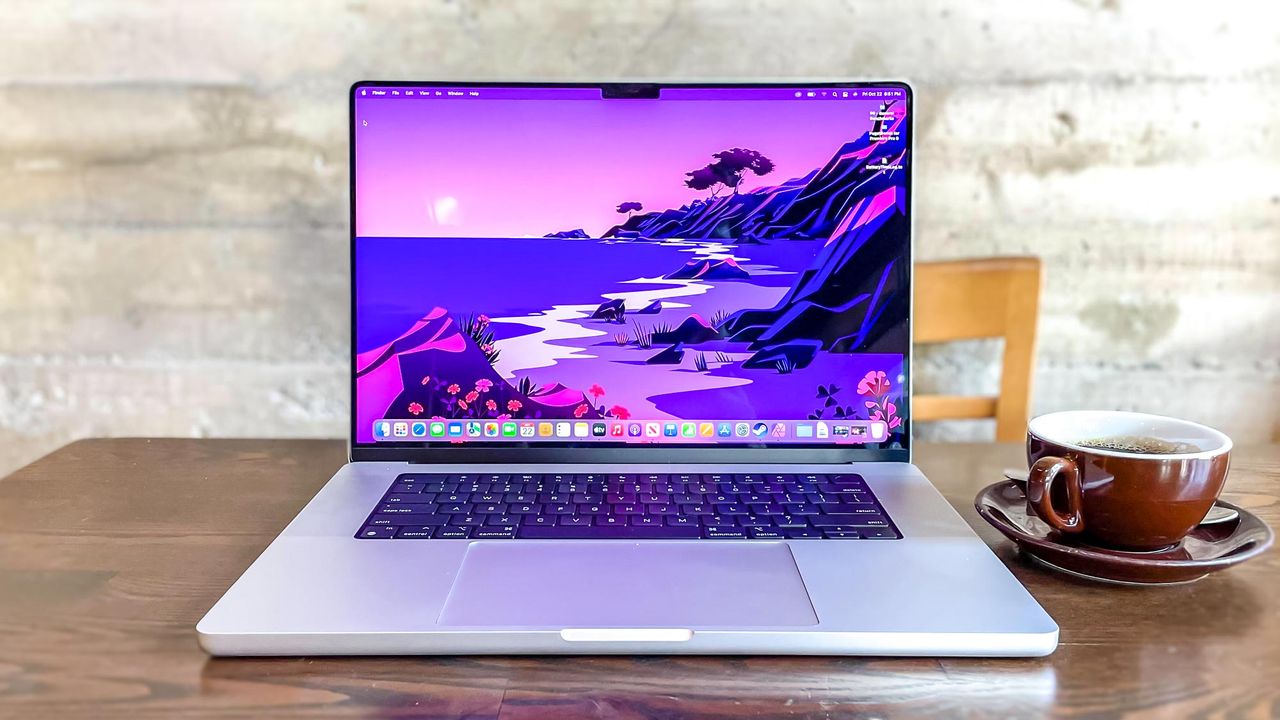
It's fair to say that, despite Apple making a big deal of the Liquid Glass design in macOS Tahoe, it's not to everyone's taste. The idea is that it lends a transparent look to various elements of the operating system, one which looks fresh and modern on the surface. However, it can make some items more difficult to see.
Recognizing that it may be a step too far for some users, Apple created an option that allows you to reduce the transparency effects. Doing so can make a big difference — it makes the menu bar easier to see, for instance, and it can even make navigation feel more straightforward. There's also a chance it will reduce eye strain.