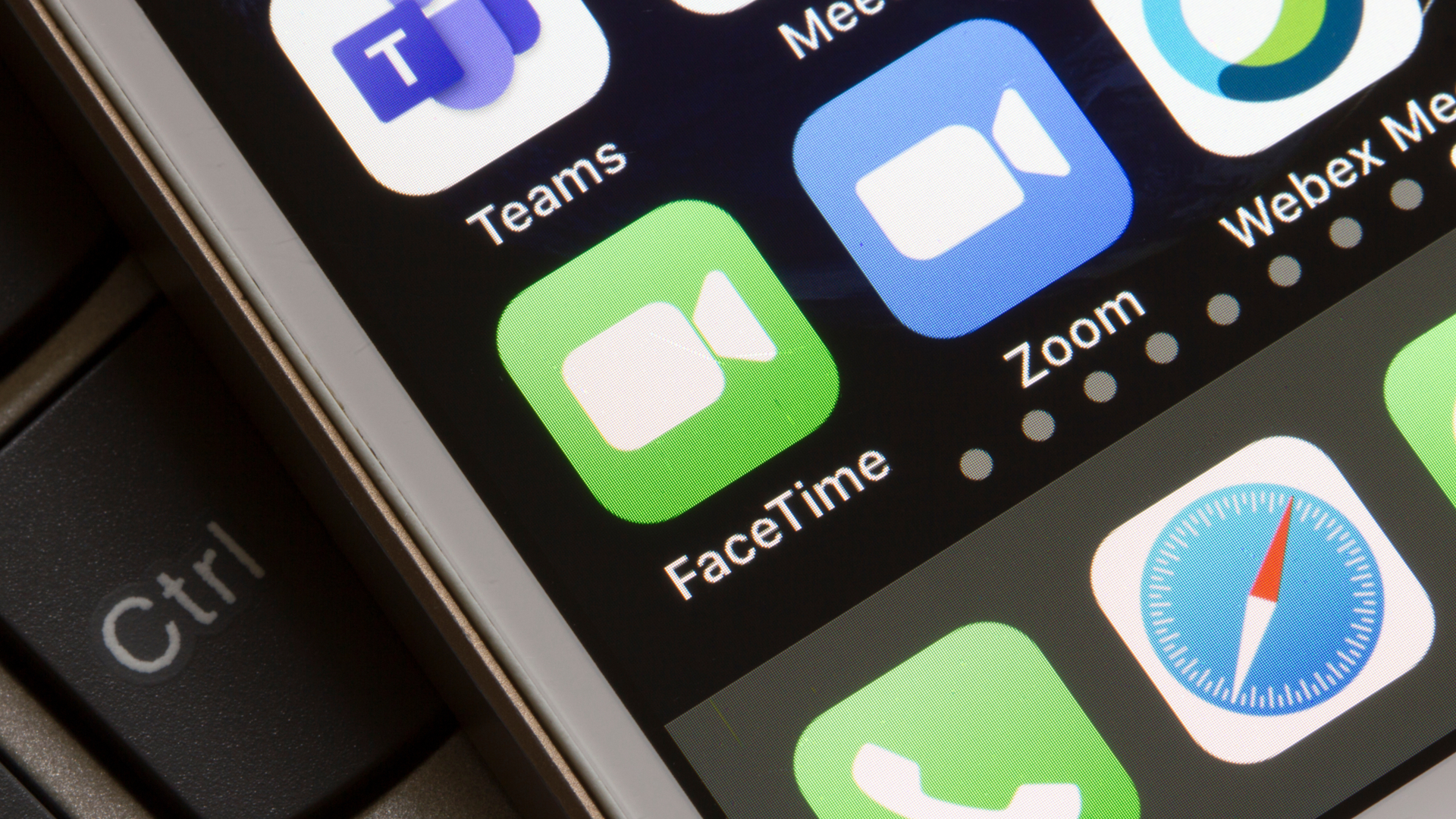
When you know how to leave a video message using FaceTime on iPhone, you don’t need to worry about your call going unanswered. Instead, you can just say what you intended to say and wait for the recipient to watch your recording at their convenience. It’s a great addition to iOS 17 and it works on all iPhone models from 2018 on to the latest iPhone 15 Pro.
There are some restrictions, though. Both you and the recipient need to have iOS 17 installed. Video messages can also only be received from people you’ve called, people suggested by Siri or your saved contacts. These measures prevent you from receiving unsolicited videos from people you don’t know so we’re kind of cool with them.