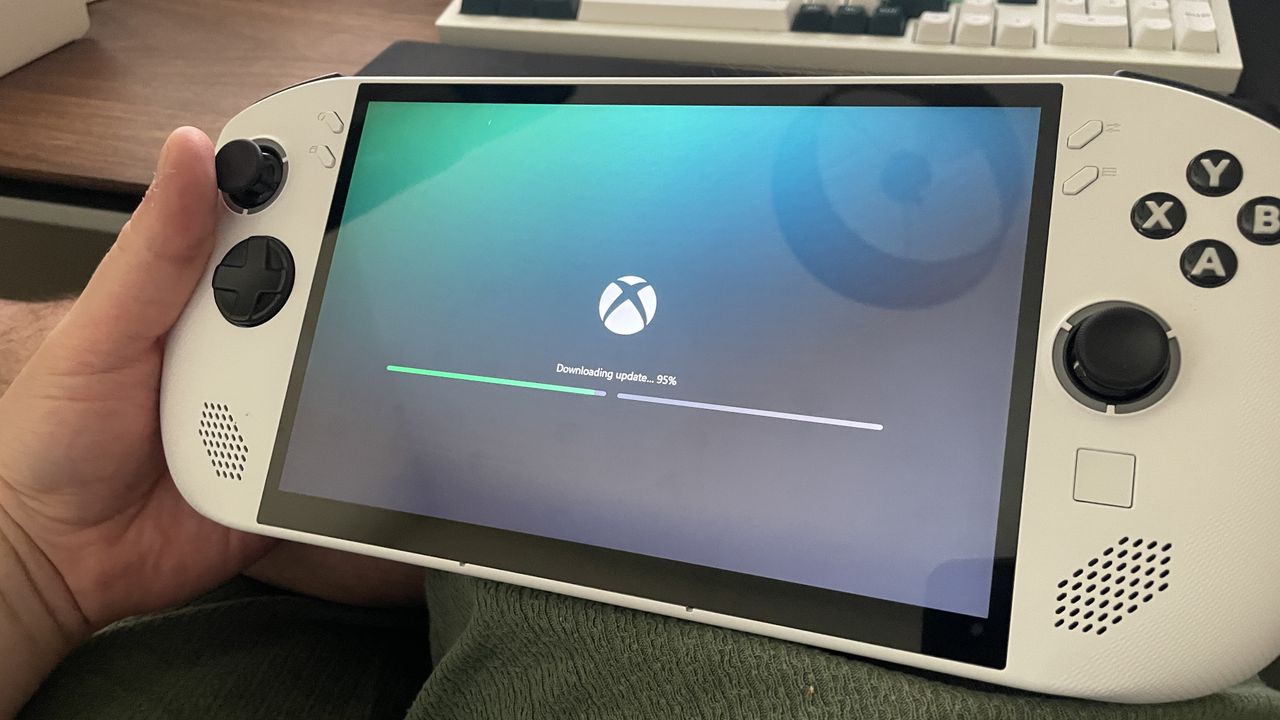
Microsoft's "Full screen experience" mode for handheld gaming PCs shouldn't officially be usable yet, but it turns out you can use it already if you're happy using a Preview version of Windows and using a third-party tool. Only problem is, if my experience is anything to go by, it might not work all too well.
There are detailed instructions on how to set it up on your Windows handheld on Reddit, thanks to user Gogsi123 (via The Verge). The basic idea, though, is to become a Windows Insider, update to 25H2, and then if you can't see the option in your Settings, you can use ViVeTool to enable the feature (some of you might remember using this tool to enable Copilot features before they officially rolled out in some regions).