Get all your news in one place.
100's of premium titles.
One app.
Start reading
Tom’s Guide
Tom’s Guide
Technology
David Crookes

You can extend your iPhone screen lockout time — here's how

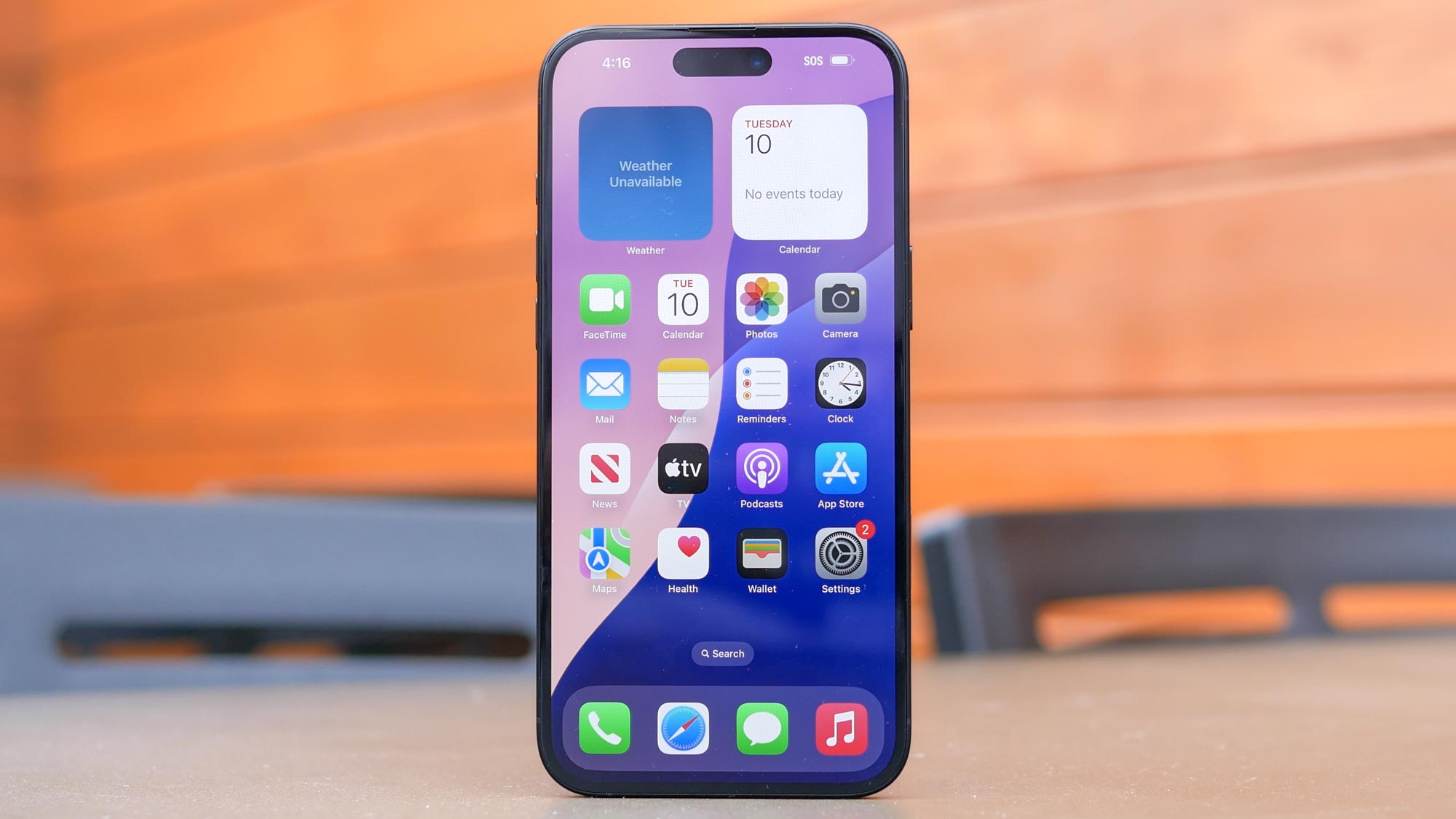
Apple iPhone 16 Plus Review.

It’s a familiar scenario — you’re looking at something on your iPhone and, all of a sudden, the screen turns to black and you have to interact with the handset to see what you were doing again.

If this happens time-after-time it can start to become mightily frustrating, but there is a way you can exert some control over the timeout period.

Sign up to read this article
Read news from 100's of titles, curated specifically for you.
Already a member? Sign in here
Related Stories
Top stories on inkl right now
One subscription that gives you access to news from hundreds of sites
Already a member? Sign in here
Our Picks
Fourteen days free
Download the app
One app. One membership.
100+ trusted global sources.