Get all your news in one place.
100's of premium titles.
One app.
Start reading
Tom’s Guide
Tom’s Guide
Technology
Kaycee Hill

You can change your iPhone name — here's how

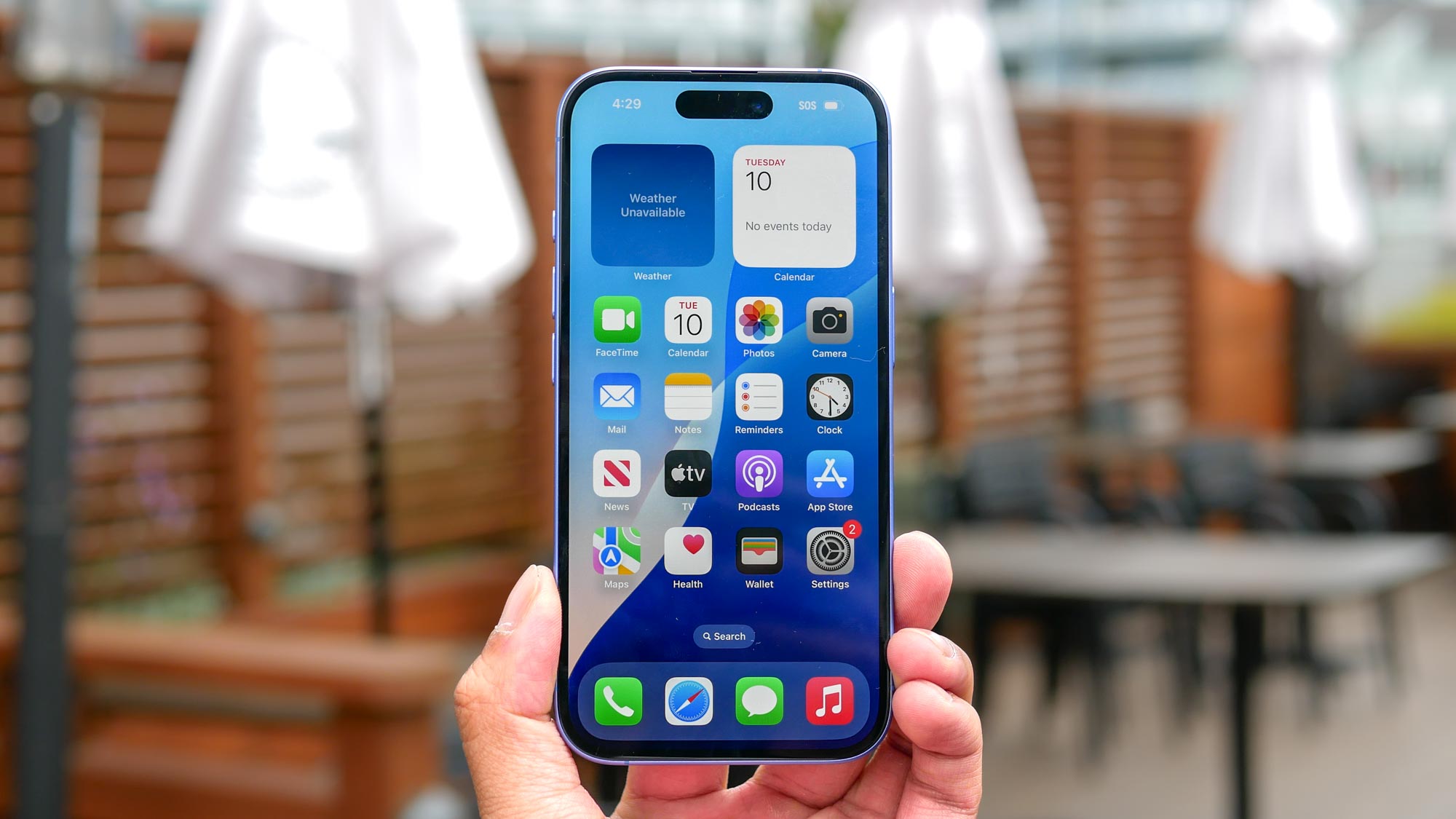
Apple iPhone 16 held in the hand.

While you might be well aware of the basics, like how to record your iPhone screen, factory reset, or clear its cache, sometimes it's the simpler customizations that make your device feel more personal.

Changing your iPhone's name might seem like a minor tweak, but it affects how your device appears across various Apple services and to other devices. Whether you want to make your iPhone more identifiable in AirDrop or just want to give it a personal touch, the process is straightforward but impacts multiple features.

Sign up to read this article
Read news from 100's of titles, curated specifically for you.
Already a member? Sign in here
Related Stories
Top stories on inkl right now
One subscription that gives you access to news from hundreds of sites
Already a member? Sign in here
Our Picks
Fourteen days free
Download the app
One app. One membership.
100+ trusted global sources.