
Get all your news in one place.
100’s of premium titles.
One app.
Start reading
Tom’s Hardware
Tom’s Hardware
Technology
Zhiye Liu

Yet another Windows update is wreaking havoc on gaming rigs worldwide — Nvidia recommends uninstalling Windows 11 KB5074109 January update to prevent framerate drops and artifacting

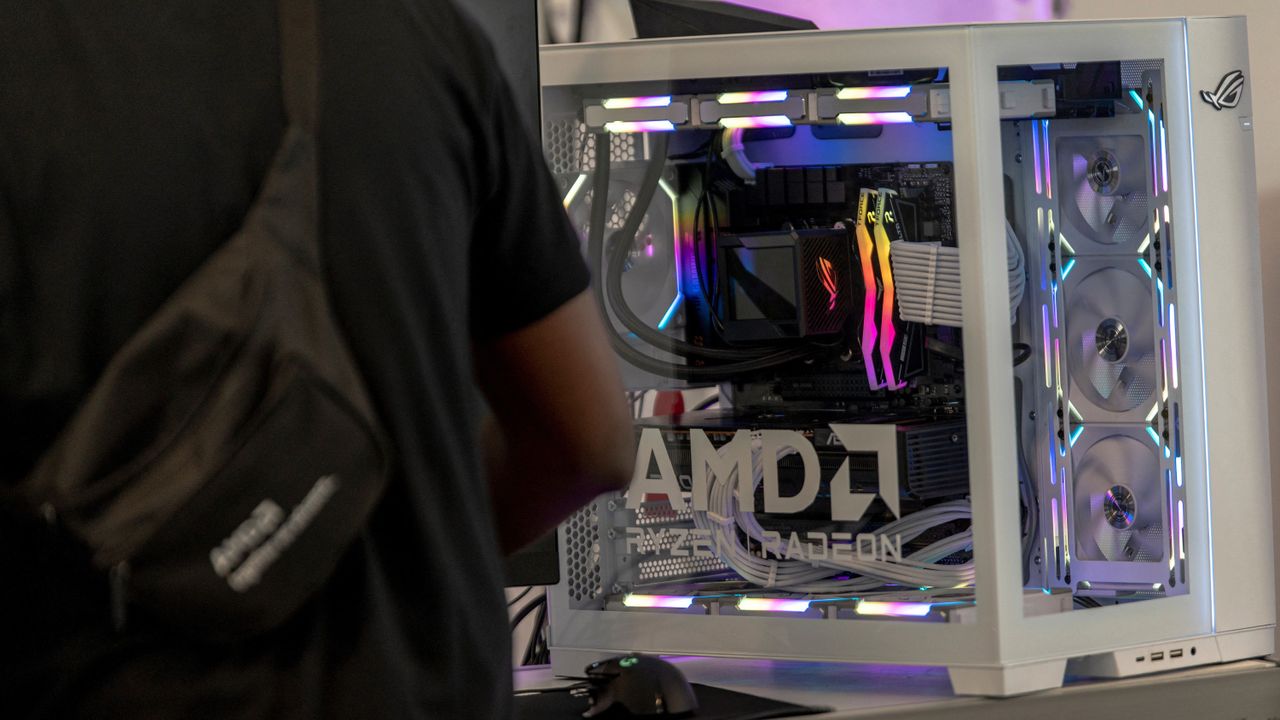
Gaming PC.

If you've recently updated your Windows and are experiencing gaming instability despite owning one of the best graphics cards, the Windows 11 KB5074109 January update may be to blame. Amid reports of framerate drops, gaming artifacts, and black screens, Nvidia has recommended uninstalling the update as a temporary workaround while the chipmaker investigates the issues.

"Even though it started after a Windows 11 update, we are looking into it. As far as I know, the only way to resolve it appears to be uninstalling KB5074109," wrote Manuel, a Nvidia representative, on the official GeForce forums.

The January 2026 security update is a mandatory one because it addresses 114 security vulnerabilities and resolves multiple issues, including battery drain on systems with NPUs. However, the major update has done more harm than good, particularly leaving owners of GeForce graphics cards on the short end of the stick. There don't appear to be any reports of AMD Radeon users struggling in the meantime.

The first user feedback focused on performance issues, with multiple GeForce gamers reporting framerate drops of 15 to 20 FPS. The performance hit was only the tip of the iceberg. As the month progressed, reports of instability began to build in the GeForce forums, with users expressing frustration with gaming artifacts and random black screens. Initially, many believed Nvidia's GeForce driver was the culprit, as the chipmaker released two driver updates (582.28 and 591.86) in the same month as the problematic KB5074109 security update.

However, many affected users reported that uninstalling the KB5074109 update restored their gaming systems to top condition. Nvidia appears to back the finding, as Manuel has recommended the same workaround while the company continues its investigation.

The KB5074109 update was problematic all around. Microsoft acknowledged that the update impeded some systems from booting correctly, and consequently, affected users had to resort to Windows Recovery to restore regular operation. Since then, Microsoft has released a couple of updates, one of which (KB5074105) fixes the black-screen issue. However, it's optional, so you may have to install it manually if you want to try that fix.

KB5074109 is a critical security update and mandatory; your system likely already has it installed unless you've disabled Windows updates. If you're not sure, you can check by navigating to Settings > Windows Update > Update history. You can also find the option to remove the irritating update in the same section. The performance hit and instability issues don't affect every single GeForce-powered gaming system. If you're in the clear, you should leave the update alone since it makes your system more secure.

Follow Tom's Hardware on Google News, or add us as a preferred source, to get our latest news, analysis, & reviews in your feeds.

Sign up to read this article
Read news from 100’s of titles, curated specifically for you.
Already a member? Sign in here
Related Stories
Top stories on inkl right now
One subscription that gives you access to news from hundreds of sites
Already a member? Sign in here
Our Picks
Fourteen days free
Download the app
One app. One membership.
100+ trusted global sources.