
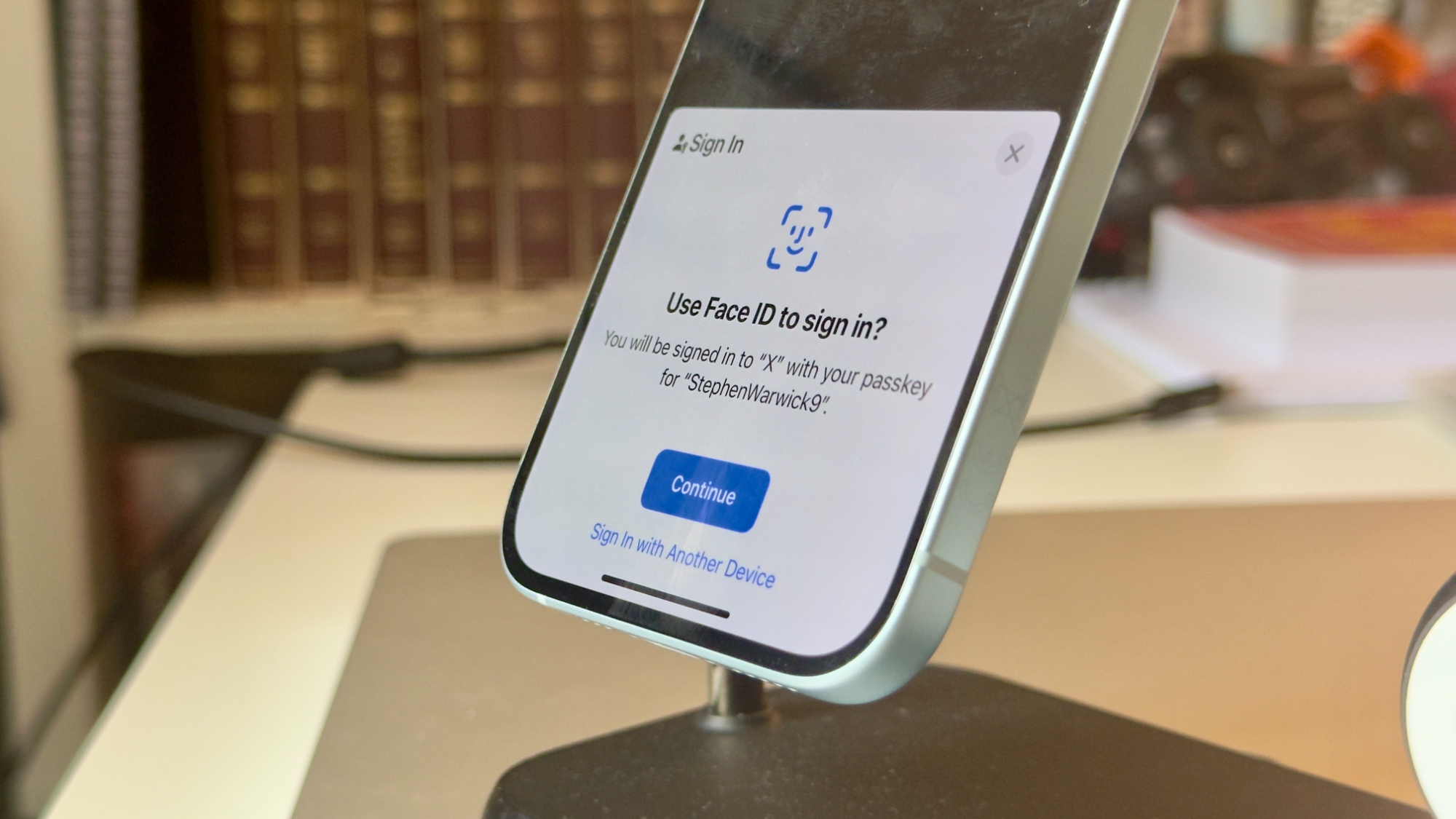
X, the artist formerly known as Twitter, has just announced a global rollout of Passkey support for iOS devices, available right now.
Support for passkeys was first rolled out to US-based users earlier this year. As X explains, passkeys are an easier and more secure way to log into any account online. Rather than using your usual password, you can sign into accounts such as X, Gmail, and more using Face ID on all of Apple’s best iPhones. Passkeys uses two unique generated passwords unique to your device, one stored online, and one stored on your device.

Jargon aside, it means you can log into services like X using nothing but your face, making your account much more secure in the process. Specifically, it makes your account far less vulnerable to phishing, and other fraudulent attacks.
Here’s how to activate Passkeys on any iPhone running iOS 17 so that you too can be protected!
How to activate Passkeys for X on iPhone
To activate Passkeys for X on iPhone:
- Open the X app
- Tap your profile picture in the top left corner
- Select the Settings and support menu, which will expand

- Tap Settings and privacy
- Select Security and account access
- Tap Security

- Enable the Passkey toggle
- Select Add a passkey
- Follow the instructions

Once enabled, you’ll be able to login to your X account on your iPhone using Face ID.
To delete your passkey, simply follow the same steps as above and select the Delete a passkey option.
While passkeys are definitely not mandatory, X says they are “highly encouraged to enhance your account’s security.” Currently, the feature is only available to existing users and can’t be used to create an account for the first time, although X says this could be possible in the future. As X notes, your passkey will work across all of your applicable Apple devices, such as iPad and Mac, so long as you’re signed into iCloud, thanks to the power of iCloud keychain.