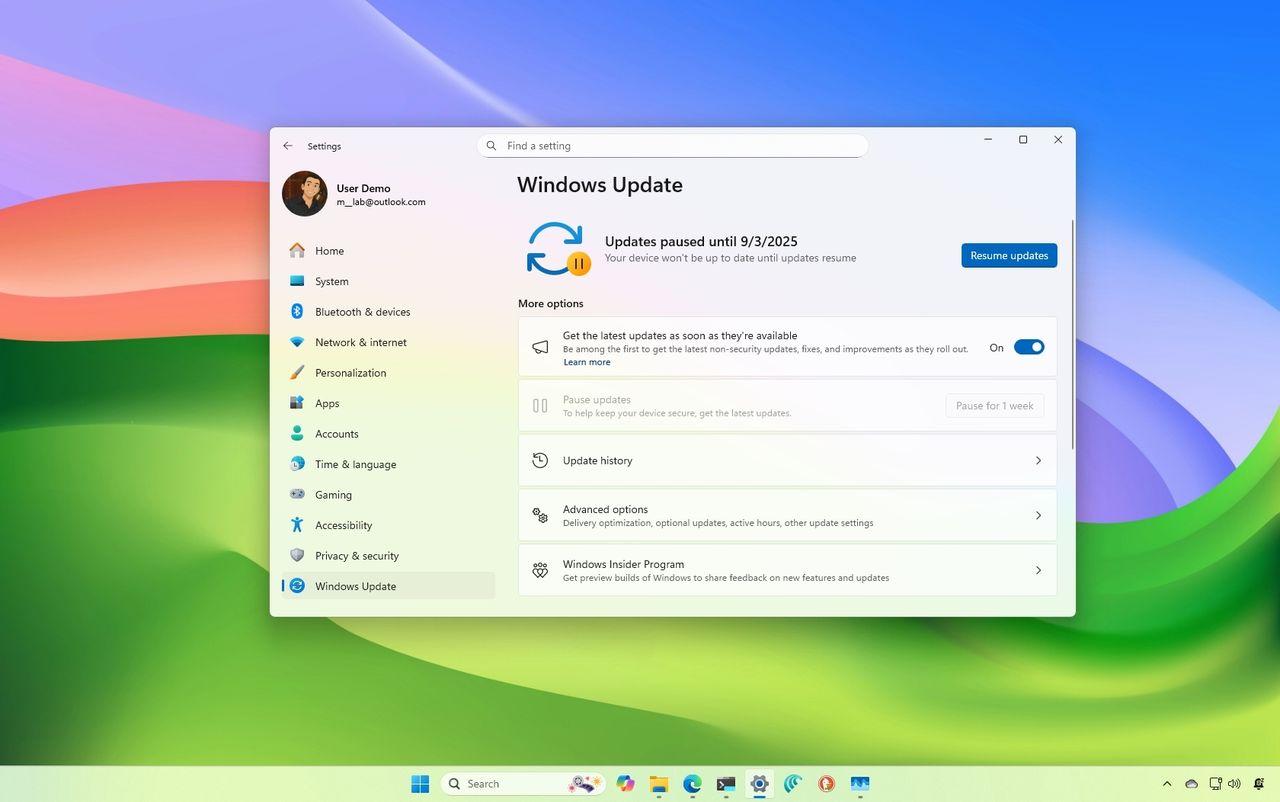
As reported on and discovered by WindowsLatest. If you’ve ever hit update and shut down on your PC, walked away feeling productive, and then later found your system still sitting at the login screen like nothing happened, you’re not alone. It turns out this wasn’t user error or a misclick. It was a real Windows issue that has been lingering for years across both Windows 10 and Windows 11.
In the latest Windows 11 25H2 Build 26200.7019, or 26100.7019 on 24H2 and newer updates, Microsoft has finally fixed it. For me, it goes all the way back to Windows 10, where I’d head out after hitting update and shut down, only to come home to a PC humming away hours later. It always left me questioning whether I pressed the wrong option.