After nearly a decade of service, Windows 10 is reaching its end of support on October 14, 2025. After that date, Microsoft will no longer provide security updates or technical support for the operating system. While you can continue using your PC for another year through the Extended Security Updates (ESU) program or upgrade to Windows 11 to stay protected, you might also decide to retire the device altogether if you have a new computer.
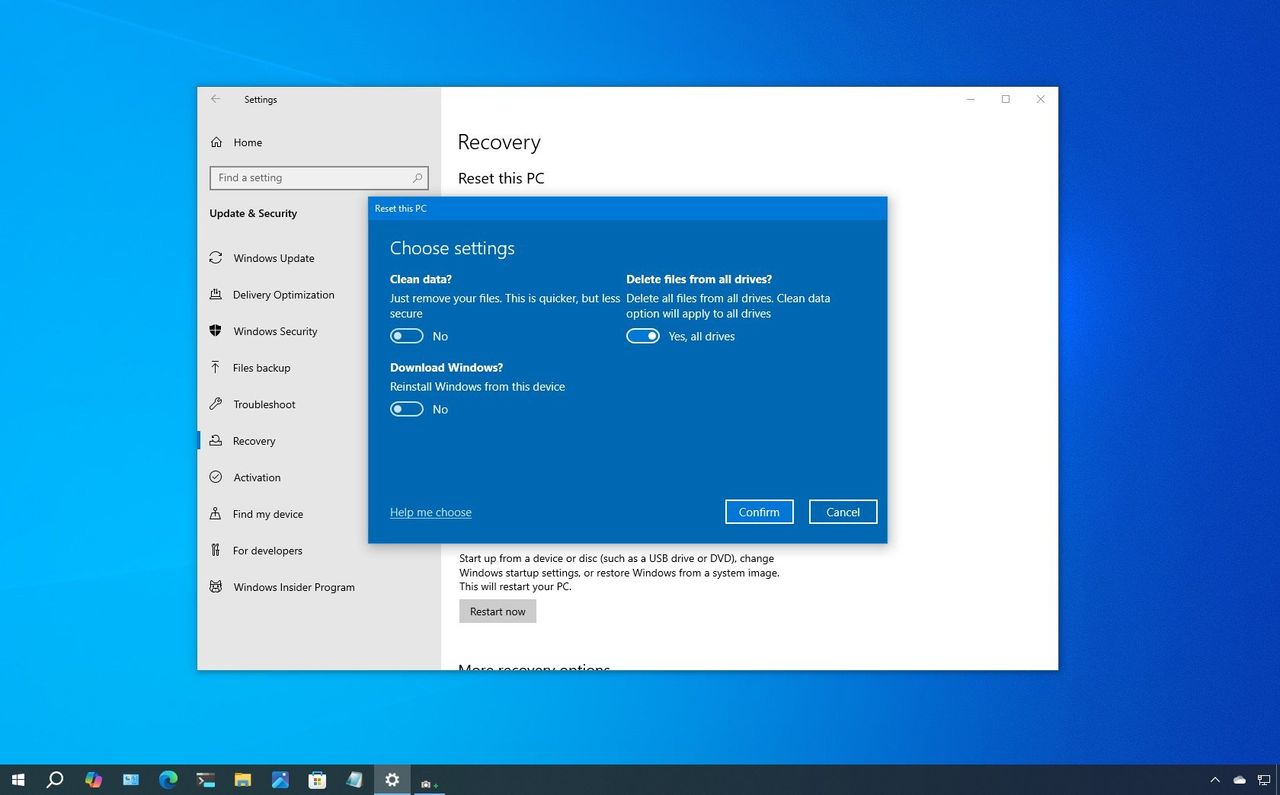
If that's the case, you shouldn't simply recycle, trade in, or give away the system without first properly cleaning it. Unless you securely erase the drive, your personal files, passwords, and other sensitive data could still be recovered.
➡️ See all of our Windows 10 End of Life coverage