If you’ve just switched from Windows to macOS (possibly because the affordable MacBook Neo has won you over), there’s a lot to learn. While the two operating systems have plenty of similarities, there are many ways in which they do things a little differently – and you might have questions about how exactly Apple’s software works.
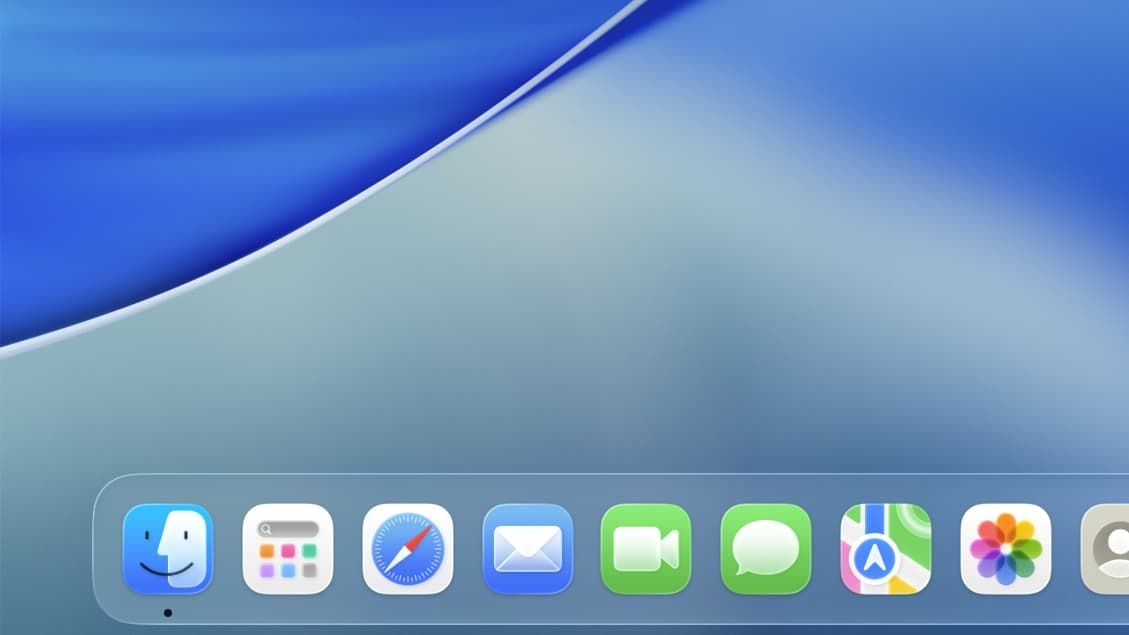
One of the key elements you’ll want to learn about is the macOS Dock. On the surface, this might look similar to the Windows taskbar, and that makes it a good place to start learning about macOS. Here, we’ll show you what the Dock is, how it works, and how you can customize it to make it your own.