Samsung's first Galaxy Unpacked event of 2026 revealed all of the new Galaxy S26 flagship handsets.
But beyond the phone hardware it was one function – called Privacy Display – that really stood out as the Galaxy S26 Ultra's big new feature.
I've tested out Privacy Display in person ahead of Unpacked, so I'm here to tell you all about it. From what it does, to how it actually works – both in hardware and software terms – and where you can get hold of the new tech yourself.
If it sounds like a must-have for you, then head over to the Galaxy S26 Ultra promotion page, where double storage at no extra cost is being offered on pre-orders before the 11 March 2026 on-sale date.
What does Privacy Display do?
Know those physical screen privacy overlays that some people like to use? The ones to prevent people from snooping over your shoulder? Yeah, those!
Well, Samsung's Privacy Display is a hardware and software implementation to deliver the same result, blocking visibility of your phone's screen from more acute angles.
Privacy Display works in both horizontal and vertical orientations, rather than being limited to just one, so whichever way you're using your device is of no consequence to the effectiveness.
Is Privacy Display on every Galaxy S26 device?
No, it's only on the top-tier Samsung Galaxy S26 Ultra at present. That's because it's a hardware, not software only solution.
While it was rumoured to be in all Galaxy S26 handsets, this isn't the case, as the base S26 and larger S26 Plus simply lack that display hardware to offer the feature.
How does Privacy Display actually work?
Back in 2024, Samsung Display revealed what it called Flex Magic Pixel technology. Privacy Display is built from this, but has been further developed.
This panel tech allows for control over the direction of light that's emitted from this structure of AMOLED panel, specifically.
As Active-Matrix Organic Light Emitting Diode displays (i.e. 'AMOLED') have a per-pixel illumination, there's precise control available.
But Privacy Display does much more: its interlaced both wide and narrow illuminations, so it's possible to determine whether one or both are active – and, thus, the visibility in acute angles.
The result? Off-axis viewing doesn't receive light sufficiently and the screen appears dark, as if a physical privacy layer has been applied.
Is Privacy Display always on?
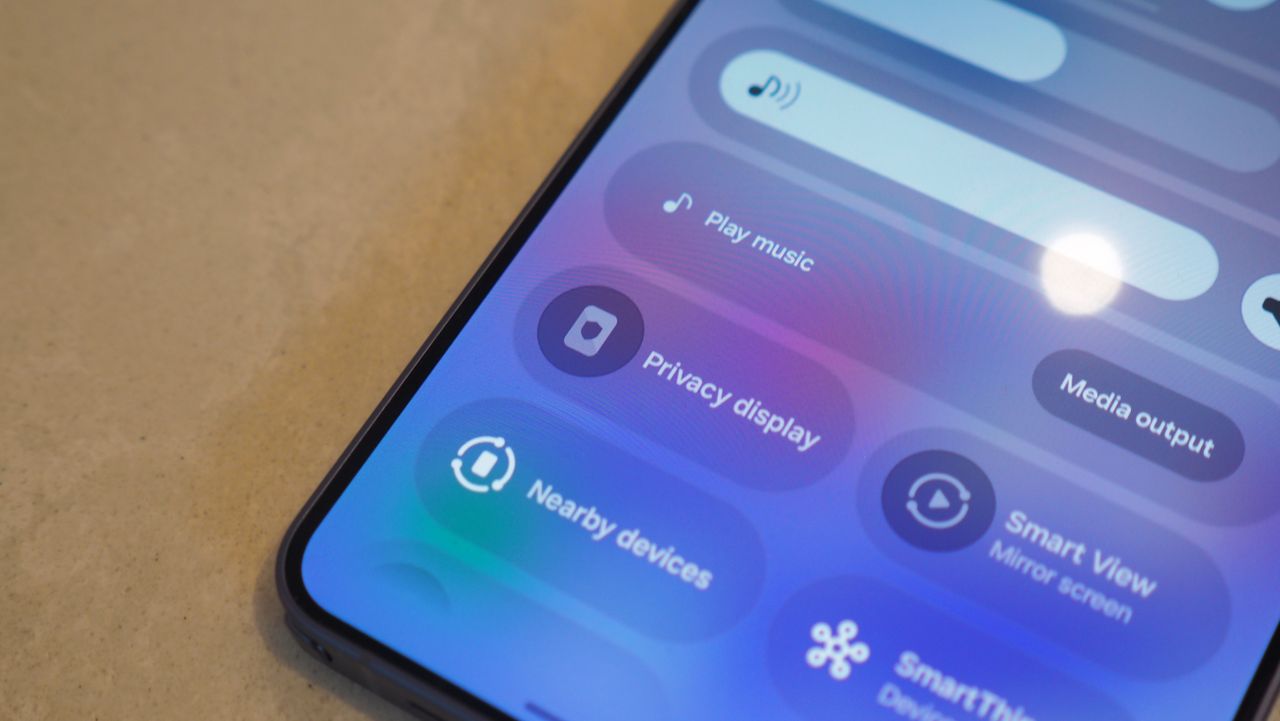
No. Quick Settings – a swipe down from the top of the S26 Ultra's display – is where it can be controlled, by toggling it on or off at its simplest level.
Can Privacy Display be applied contextually?
Yes. Tap the Privacy Display setting and it'll raise a screen where you can apply the following.
Per app activation. Specify that any of your apps activate Privacy Display.
Notifications. Specify that all pop-up notifications – from all apps – activate a context-aware Privacy Display, only affecting the notification area itself.
PIN. Specify that PIN entry activates Privacy Display. This doesn't affect password input fields, however.
Can Privacy Display only affect certain areas of the display?
Yes. This is perhaps the most impressive aspect of the feature – it doesn't have to affect the full display.
With notifications activated, for example, the small oblong pop-up notification will be the only area affected by the live wide/narrow adjustment in real-time.
So while it's a hardware solution at its core, the software integration can make it so much more intelligent in application.
Can Galaxy AI control Privacy Display?
No, not at this stage. Privacy Display can't be activated by an always-viewing methodology, so no AI agent, including Galaxy AI, can determine whether the feature should be active.
At this stage you choose, as above, to have the feature on or off entirely, to per-app activate, or to apply to notifications and PIN – or a combination of those.
Does Privacy Display mean lower brightness?
The official answer is 'no', but perception might give a different impression. When face-on, while brightness doesn't technically lower, it certainly appears to in person.
However, if you're used to using physical privacy panels, then you'll find Samsung's solution is way less extreme in its visibility and brightness impact.
Does Privacy Display lower the resolution?
While supposedly the answer is 'no' – as this panel technology doesn't suddenly halve the number of pixels used, determining whether to use wide and narrow illumination or not – there's a visible but mild shift in definition.