If you like to peruse YouTube, or are a fan of podcasts, chances are you've heard some of your favourite creators extolling the virtues of VPNs. You might recall them saying that this handy bit of digital security software can prevent your login details from falling into the hands of hackers, make your gaming sessions smoother and even help you unblock shows and movies from other countries. The best part is, all of this is true!
This obviously sparks some questions – what actually is a VPN? How does it work? Do you really need to use one even if you just use the internet to scroll through social media and binge-watch Netflix? Unfortunately, if you do a quick Google, a lot of the answers to these questions tend to be laden with jargon, with the answer-provider assuming that you're familiar with all sorts of different kinds of technology. This can lead to the assumption that VPNs are for experts only, which couldn't be further from the truth. Nowadays, all the best VPNs are made for all consumers, not matter their level of technical literacy.
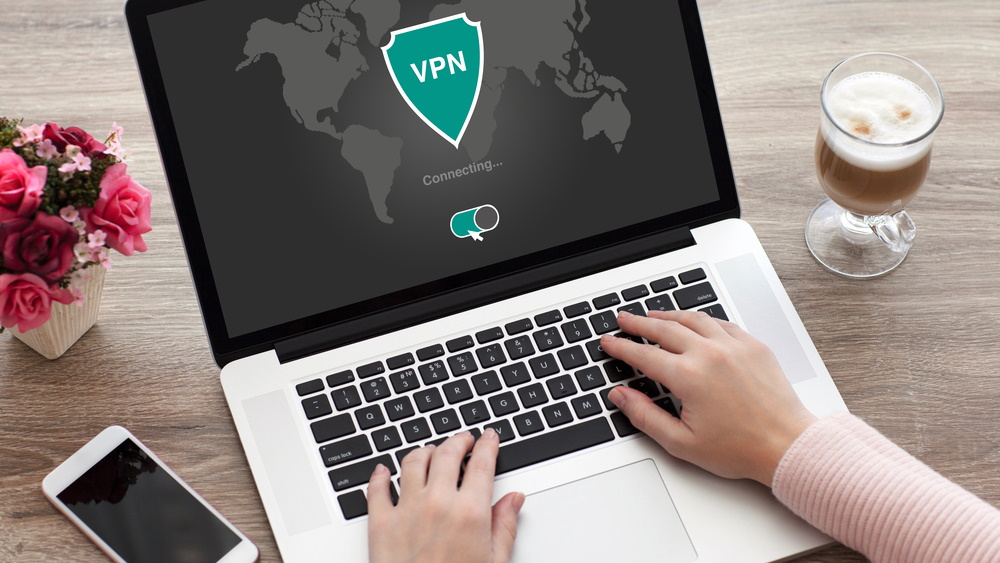
When you use a VPN (or virtual private network), it routes your internet traffic through a secure tunnel, encrypting it and therefore hiding it from anyone who might be trying to snoop on it. This massively boosts your online privacy. Plus, as a VPN works by routing your connection through a server, if you pick a server in a different location you can spoof your location to there, unblocking region-specific content quickly and easily.
If you're looking for more info on all things VPN, simply read on for all this and more – I'll even explain how using a VPN can help level up your online experience.
Top 3 VPNs in 2024
What are VPNs for?
It's worth considering which kind of VPN you're interested in before considering the purpose. A business VPN like the one you may use at work (or when working from home) is an essential tool for connecting remote users to a single Intranet and accessing restricted files. It will have specialized tools to allow teams to work well together like dedicated IPs and a central management system, but you won't want to use it for more recreational reasons.
A consumer VPN – the ones you see advertised in YouTube videos and on TV – are optimized for personal use. That means while you won't be able to connect to particular restricted Intranets, you probably won't want to, either.
The purpose of a consumer VPN is to provide the user with privacy and security online, allow access to sites that are blocked by your Internet Service Provider (ISP) or government, and change region on Netflix to watch exclusive content for free.
This is done by rerouting your Internet connection away from your ISP's servers and through the VPN's servers. There are multiple benefits to this, but the three most important reasons are to hide your activity from your ISP (which is likely to log any suspicious activity), change your IP address so that your activity can't be linked back to you by other websites, and to change your apparent location.
In short, a VPN can make you appear to be a totally different person online. That helps to avoid ad trackers, access different content that may be blocked by your ISP, and ensure all your browsing can't be linked back to you.
What are VPN protocols?
The best secure VPNs use several protocols that encrypt data traffic. This is especially important because data is being transmitted over a public network between two remote locations.
The most popular VPN protocols include:
- Internet Key Exchange (IKEv1 and IKEv2)
- IP Security (IPSec)
- OpenVPN
- WireGuard
Most of the time, you'll use OpenVPN and WireGuard, as these are today's gold standard, balancing battle-tested security with the speed you need to stream, game, and browse without hiccups. The best mobile VPN services will also often use IKEv2 thanks to the fact it copes with unstable connections more effectively.
In all protocols, both endpoints – your computer, smartphone, or router – and the VPN server, use a "handshake" method of authentication. To successfully initiate this connection, the connecting computer must share a key that matches the required parameters for the receiving location.
Why do I need a VPN?
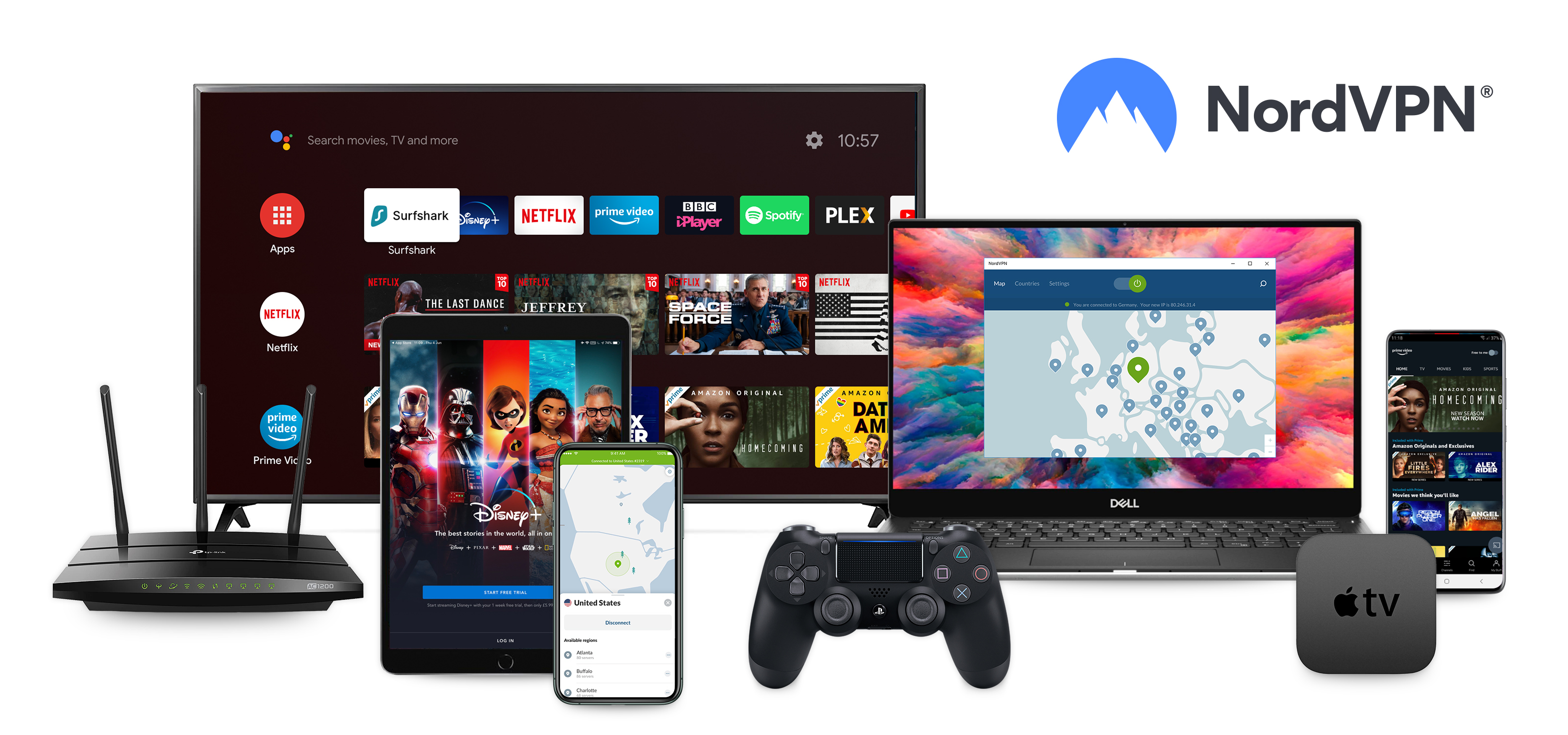
Consumer VPNs have a huge amount of advantages. You'll be able to access sites like torrent repositories that may be blocked by your ISP. If you're in a country like China or the UAE, you'll be able to sidestep government restrictions. If you use one of the best Netflix VPNs, you'll be able to watch shows on it that aren't available in your country, and even access country-specific services you pay for like Hulu and HBO Max if you're out of your home country.
What's more, if you take the right precautions alongside using the VPN (for example, browsing in Incognito mode and not entering personal data), you can also avoid linking yourself to any activity you'd prefer to keep totally private.
Are there downsides to using a VPN?
It's well-known that many VPNs do have an impact on performance. That's almost inevitable thanks to the fact that you're essentially making your connection travel further. However, if you pick a fast VPN you won't notice much of a difference at all.
If you choose to try out a free VPN, even if it is one of the best free VPNs, you'll also be subjected to certain limitations. For example, you may have a data limit, and almost invariably you won't be able to access streaming site – plus, free services often aren't as secure as paid ones.
The Tom's Guide team is always putting VPNs to the test – and we'll let you know the good, the bad, and the ugly that we uncover in our results. Visit our VPN testing methodology page for more information about our process.
It's also worth noting that on rare occasions you may be faced with CAPTCHA tests on some sites when using a VPN. This is because a VPN's IP addresses are shared between users, and some sites may detect 'unusual' activity. In our experience, however, this is fairly unobtrusive and is preferable to the unprotected alternative.
Finally, it's essential you make sure to sign up for a reputable VPN provider – taking your pick from any of our guides is a good place to start. If you choose to go with a lesser service (especially, for example, a free Android VPN) you may be putting yourself in danger of having your data stolen and leaked.
Is a VPN enough?
For many people, a VPN will offer enough functionality to get more out of the web and stay safe online. It'll get access to more streaming content, stop ad trackers collecting your data, and keep you safer by encrypting your traffic on public Wi-Fi.
However, if you're looking for true web privacy, there are a number of other steps you should take to ensure you're staying anonymous.
First of all, use Incognito or private browsing mode. That means your history will not be saved, and, depending on your settings, cookies will be disabled. Plus, you won't be automatically signed into websites, which is an easy way of linking your fresh IP straight back to you.
Beyond that, using Tor Browser is even more secure, and for ultimate untraceability you may want to consider using the Tails OS. With each step you'll find usage becomes more and more inconvenient, so it's worth considering just how private you need to be.
As always, though, you – the user – are the weakest link. If you're not careful about inputting personal information, no matter how well-protected your connection is you can be discovered. That won't be a huge issue for most, but no matter what precautions you take to secure your connection, you need to match that with your own diligence and common sense.
FAQs
Do I really need a VPN?
Yes – as the unfortunate truth is that the internet is full of threats to your digital security. A VPN's encrypted tunnel keeps your data secure from third-party snoops and hackers, reducing the risk of identity fraud and theft, and can even help banish invasive ads that use your browsing history to create tailored campaigns.
How much does a VPN cost?
VPNs are available at all price ranges – so you're bound to find a service that suits your budget. Premium providers come with all the bells and whistles, like antivirus features and password managers, though you'll likely have to pay more for the privilege. You can save money by choosing a service that offers the tools you'll actually use, and make sure to check out our VPN deals page for all of the latest and greatest offers.
How do I set up a VPN?
Don't worry, getting your VPN up and running is quick and easy. All you need to do is:
1. Choose a provider, pick a plan, and download the right app for the device you're using.
2. Log in to the app.
3. Choose a server to join (locations near you will be quicker, but you'll unblock different content in cities overseas) and hit the connect button.
4. Wait a moment, and you're ready to go.