
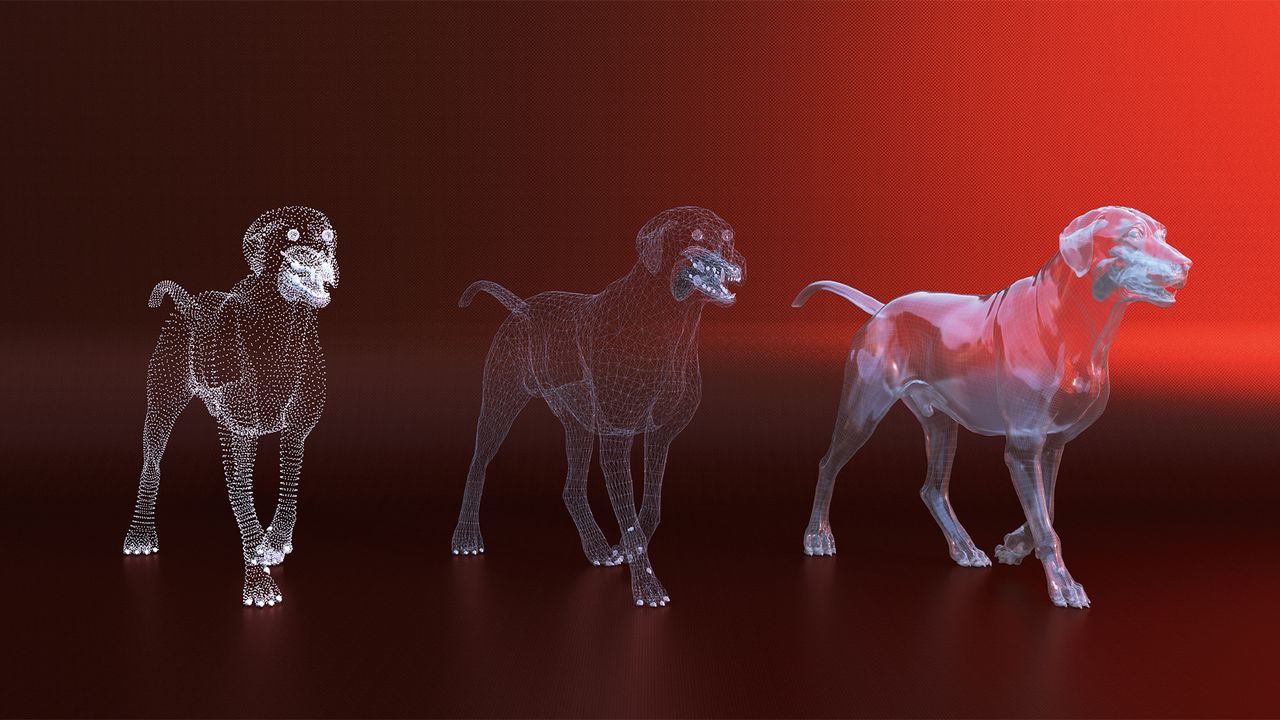
It is weird to think that every time we see a 3D rendering of a character or environment, it’s essentially a bunch of equations that place points in an infinite computer void, and then the computer connects them in the 3D application. This is true whether you’re using the best 3D software or just starting out, because every polygon-based 3D model is constructed from three components: vertices, edges and faces.
Everything else regarding the model depends on how these three parameters work together, from texturing, which maps to the polygons, to animations that depend on organised edge flow. And of course, all of this runs a lot smoother when you’re working on the best laptop for 3D, especially once scenes get dense and complex.

If you’ve used sculpting tools like ZBrush or Blender’s Sculpt mode, you may be reading this going nope, I use a voxel based workflow, and you would be correct; that works differently – up until the point you need to do something with the model and then the sculpt needs to be baked (aka converted) into a usable point, edge and polygon mesh. Therefore, understanding how to access vertices, edges and polygons in your 3D application of choice is essential.
This is because this knowledge unlocks everything that follows – for example, selecting parts of a model, editing edges precisely, and that’s where real modelling control begins.
1. Object mode vs Edit mode

Most 3D applications have two basic states: Object mode treats your model as a single item, and Edit mode lets you access the geometry. Be mindful of parametric shape types, which are application-specific. This is especially the case in Cinema 4D, as these are controlled via inputs and can be converted to become basic meshes.
2. Vertices, edges and faces

In Edit mode, you can select individual components. Vertices are points – the corners and control points of your geometry. Edges are the lines connecting vertices. Polygons are the flat surfaces enclosed by edges. Most 3D apps let you switch between these modes. Also, be mindful of normals; the ‘direction’ that a polygon is facing.
3. Why topology matters

The arrangement of vertices, edges and faces is called topology. When importing models from a sculpting or CAD application, these can export topology, which can involve learning how to ‘remesh’ a model to work with your 3D applications – for example, with characters where topology can define creases in a face.