Over recent months, I started noticing a weird pattern: I’d wake up feeling… fine, then glance at my wrist and see a sleep score that suggested a sub-standard night of honk-shoo.
At first, I assumed the watch must be right, but the more I dug into it, the more I realised most smartwatches aren’t directly measuring sleep in the way a sleep lab would. Perhaps unsurprising, but it makes you wonder, nonetheless.
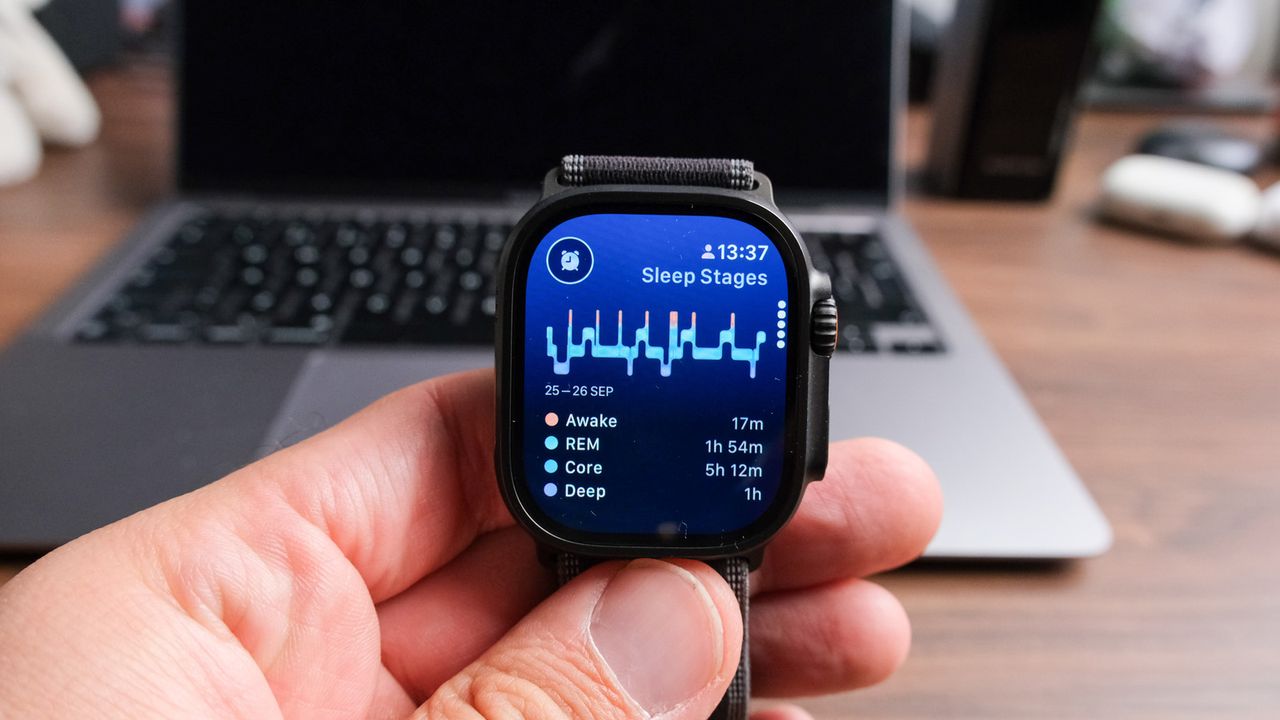
Smartwatches estimate your sleep quality using a mix of movement sensors and an optical heart rate sensor (green light PPG), then turn that raw data into sleep stages and a headline score via software.
Even though they don't have lab-level accuracy, smartwatch sleep data is far from useless. Wearables can be genuinely helpful for spotting trends, like whether you’re consistently short on sleep or showing signs of poorer overnight recovery.
However, they can, on occasion, misinterpret certain nights, especially when the sensor signal is messy, or the algorithm confuses quiet wakefulness for sleep (and vice versa). So, if you’ve ever found yourself thinking, "Why does my watch keep saying I slept badly?", these are the smartwatch-and-software factors at play.
What your watch is actually measuring overnight
Before I started blaming my body, I looked at what my smartwatch can realistically “see” while I’m asleep.
For most mainstream smartwatches, such as the Apple Watch Series 11 or the Samsung Galaxy Watch 8 Classic, it boils down to two inputs: motion (via the accelerometer and gyroscope) and optical heart data. This is a slight oversimplification, but humour me on this occasion.
From these, the software then estimates time asleep, wake-ups, and, on many platforms, sleep stages, along with related metrics such as resting heart rate and HRV, which are often used in readiness or recovery scores.
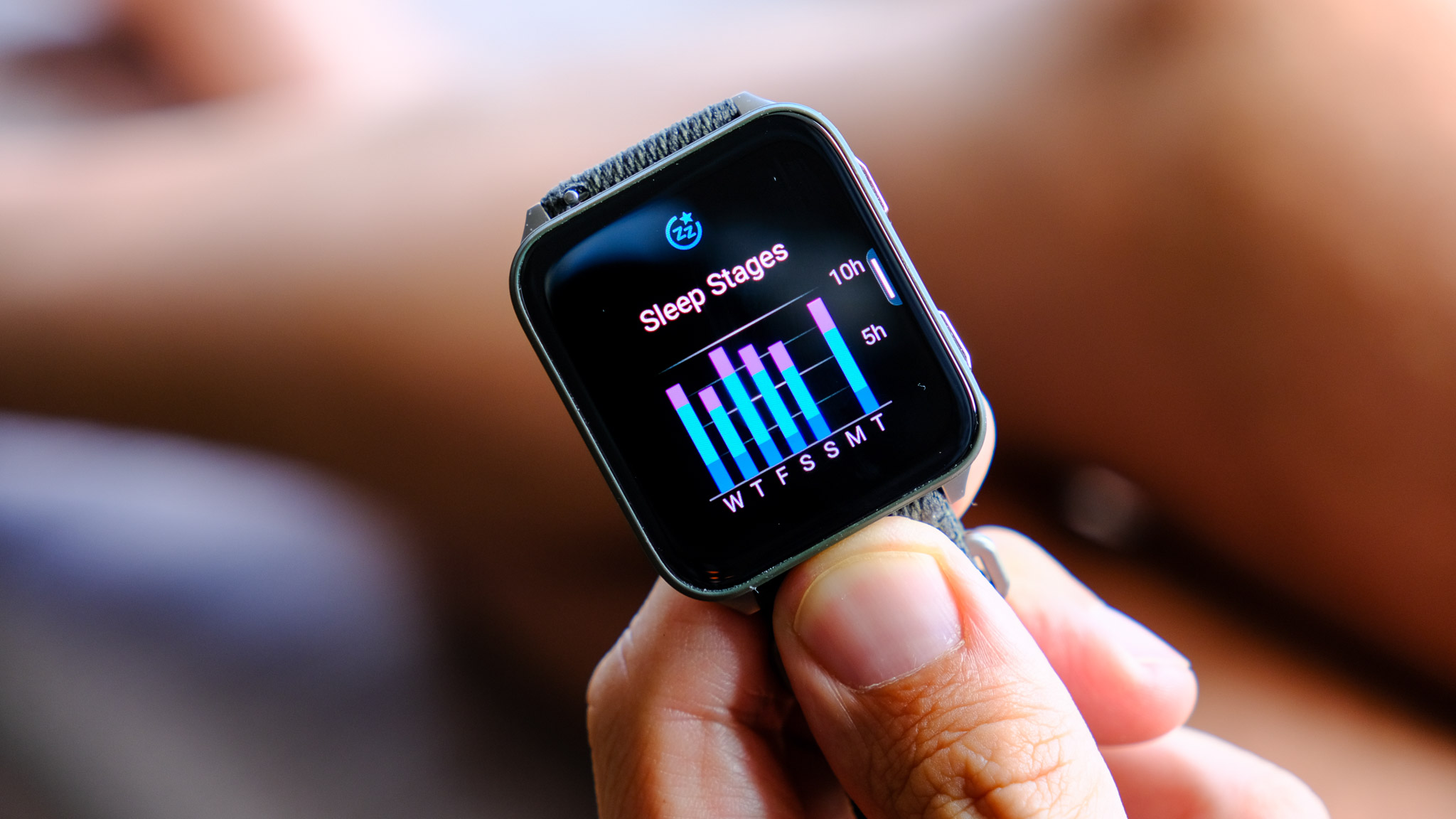
The key detail is that none of this is the same as a sleep lab, which uses sensors like an EEG to measure brain activity. Wrist-based wearables are working with indirect signals, so they’re usually better at the broad strokes.
Knowing all this, I identified seven potential issues that might make your watch think you had a bad night's sleep, ranging from misread sleep stages to misaligned sensors. Below, I presented all in no particular order.
Your watch’s heart sensor had a “bad signal” night
Most smartwatches rely on an optical heart sensor (PPG) overnight, and it’s surprisingly easy for that signal to get noisy if the watch shifts, the strap is a bit loose, or you move around a lot in your sleep.
When that happens, the software still has to interpret imperfect data, which can show up as odd heart-rate spikes or a strangely low HRV reading.
Those quirks can drag down a sleep or recovery score, even if you feel like you slept fine (and, in fact, you did sleep fine).
I now treat a one-off “bad night” as a sensor-and-fit issue first, and I’ll try wearing the watch slightly higher on the wrist with a snug (not tight) strap, plus a quick sensor wipe, before I change anything else.
Sleep stages are easy to misread
The moment I stopped taking my REM and deep sleep charts 'personally', my sleep data became much more useful.
Sleep stages on a smartwatch are an algorithmic estimate based on indirect signals like wrist movement and optical heart rate data, not a direct measure of brain activity as you’d get in a sleep lab.
Validation studies regularly find wearables can be pretty good at the broad strokes, such as “asleep vs awake”, but only moderately accurate when it comes to splitting the night into neat stage buckets.
Watches can misread “quiet wakefulness”
A big one for me is when I’m lying still in bed, but I’m not actually asleep yet, or I wake up and stay motionless while my brain spins up for the day. I remember once sitting so still while watching a gripping movie that my watch began logging a couple of hours of "sleep".
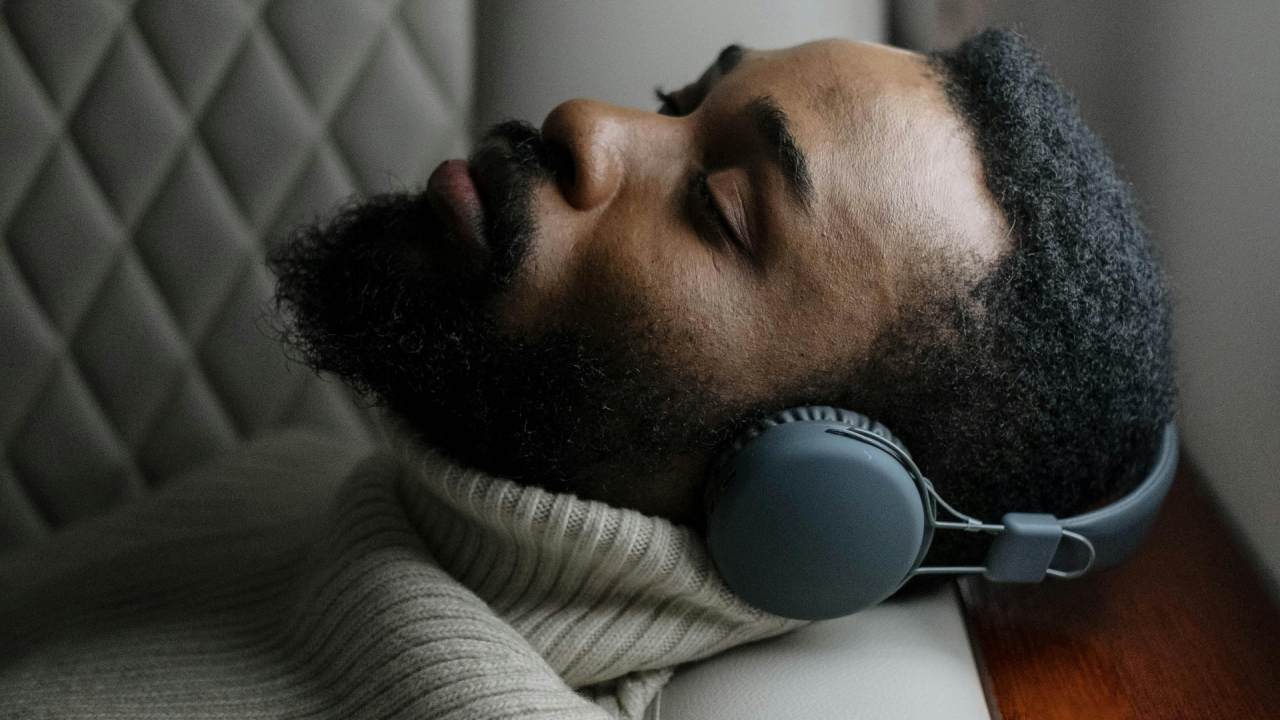
Because wearables rely heavily on movement patterns (actigraphy-style logic), they can struggle to distinguish between quiet wakefulness and light sleep, which can skew sleep onset time, awakenings, and “sleep efficiency”.
In practice, that can make a perfectly normal night look fragmented, or make it seem like you fell asleep instantly when you didn’t.
Your ‘bad sleep’ score might flag stressed physiology
This is the one that made the biggest difference for me, because it explains why I can sleep for ages and still get a brutal score, which makes me feel even worse.
Many watch ecosystems bake heart-rate patterns into sleep, readiness, or recovery scoring, so a night with a higher resting HR and lower HRV can be labelled “poor” even if you barely remember waking up.
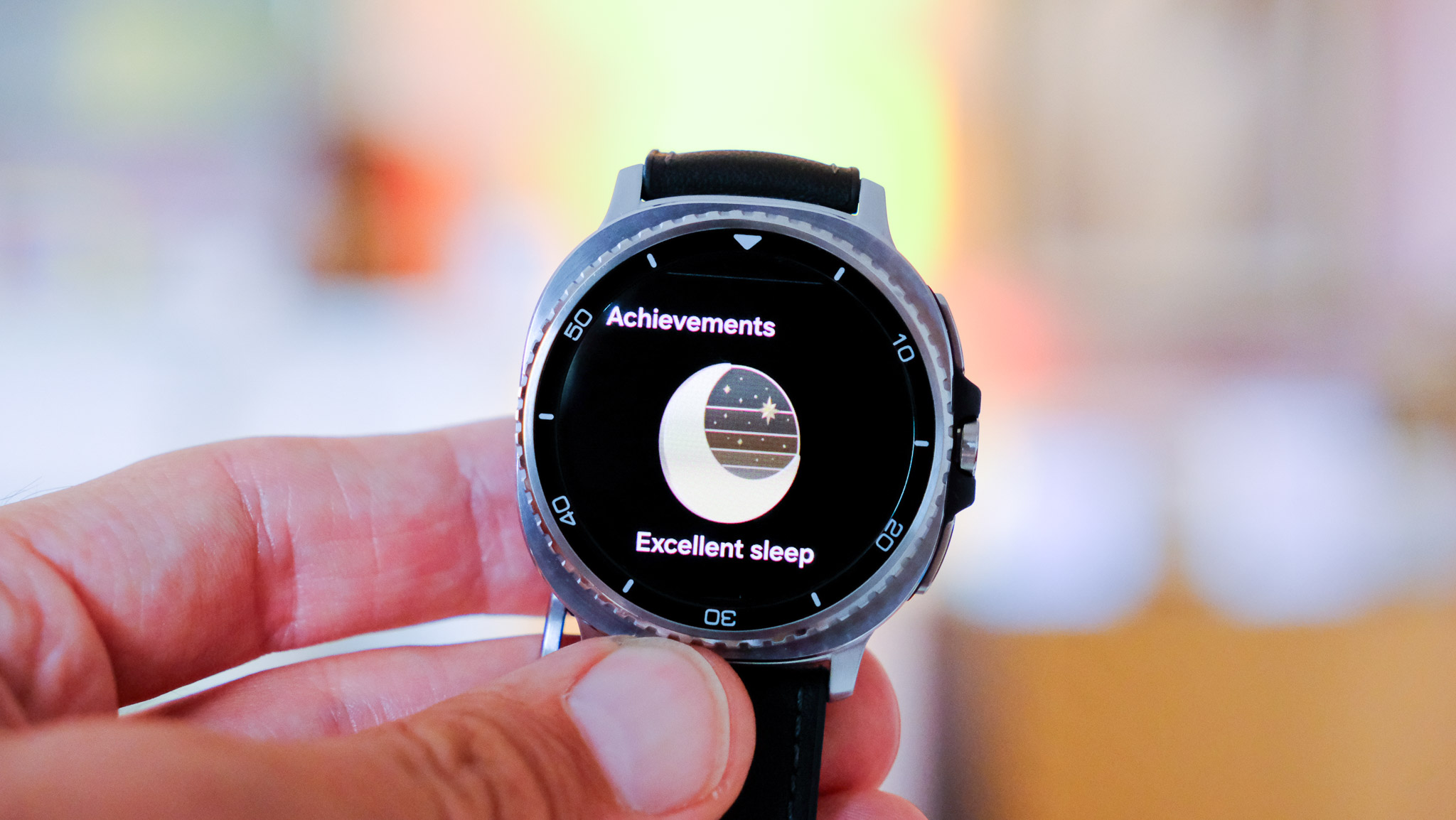
Alcohol is the clearest example: research shows it can raise nocturnal heart rate and reduce HRV during sleep, which is exactly the kind of pattern a wearable will interpret as weaker recovery.
The catch is that the watch can’t tell you the cause. After all, watches know only the date they can sense with their LEDs and information you tell the algorithm (e.g., lifestyle logging on Garmin watches). It can only 'see' your body working harder overnight.
Your sleep "baseline" has shifted
a Jet Lag Adviser feature that can recommend actions and a timeline for reducing jet lag symptoms, includingA lot of sleep scoring is relative, which means your watch isn’t only looking at last night; it’s comparing it to your recent patterns and baseline.
That’s why you might see scores wobble after switching devices, changing how you wear the watch, travelling, ramping up training, and so on.
It can also happen after firmware or app updates, because small tweaks to models and scoring can change what gets labelled as “good” or “poor” sleep from one week to the next.
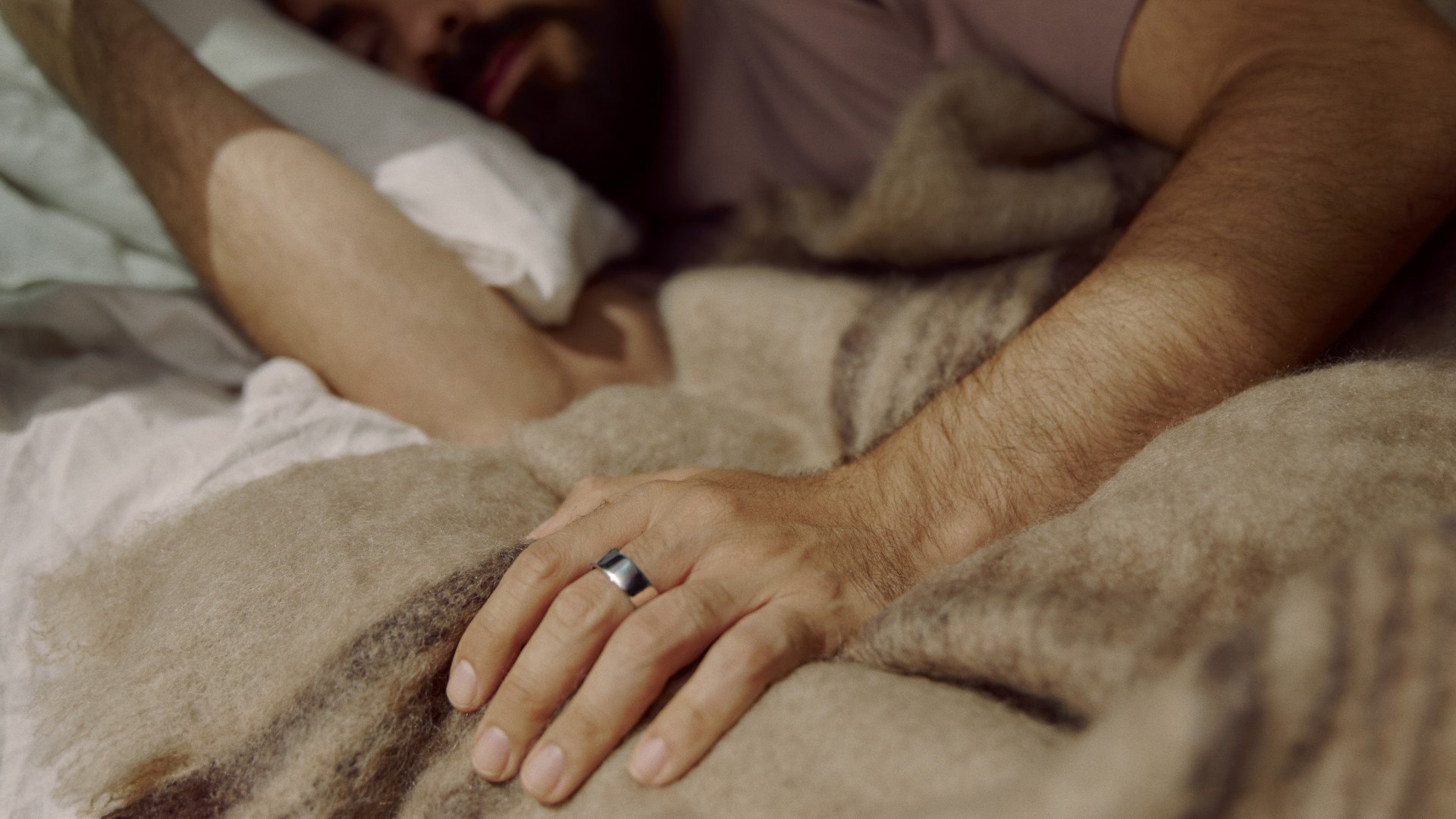
Some wearables, such as the Oura Ring 4, can provide readiness insights that help track how well you’re adapting post-flight.
Some Garmins, such as the Venu X1, have what's called a Jet Lag Adviser feature, which can recommend actions and a timeline for how to reduce jet lag symptoms, such as when to rest, exposure to light, and other behavioural guidance.
Your watch isn’t the only judge
One thing I’ve come to learn is that a “sleep score” isn’t a standardised metric, so you can’t assume it means the same thing across brands.
Some platforms, such as the Apple Watch, lean heavily on duration and disruption, while others, including Google's Pixel range and Fitbits, fold in recovery-style signals like overnight heart rate, HRV, and stress, which can make the exact same night look “fine” on one device and “poor” on another.
That’s also why switching watches, or comparing a watch to a smart ring, can feel like you’ve suddenly become a different sleeper – it’s often the software’s weighting, not a dramatic change in your actual sleep.
Anything else I should know?
When my watch flags a rough night, I first check whether it’s complaining about sleep itself (short duration, lots of wake-ups) or physiology (a higher overnight heart rate), because those can mean very different things.
Wearables are generally better at the broad strokes of sleep–wake detection than they are at pinning down exact sleep stages, so I try not to overreact to a single-night REM or deep-sleep chart.
Stress can be one of the biggest sleep inhibitors, so if your watch is consistently producing readings that cause it, try a few nights off.