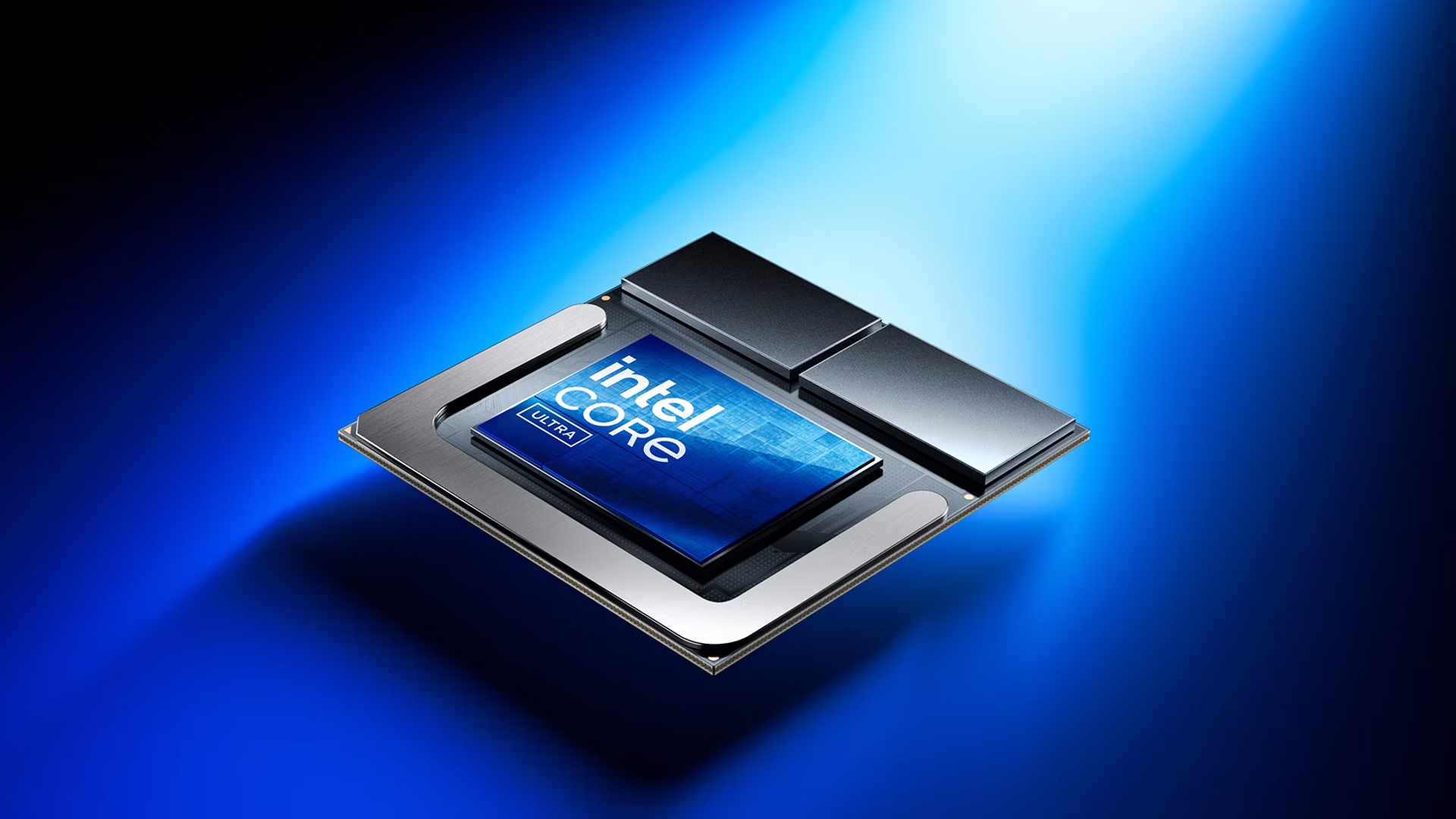
Intel officially released its Lunar Lake mobile processors today, and we have a review of the Asus Zenbook S14 with the Core Ultra 7 258V. This is supposed to be the new king of laptop processors, with improved battery life being a key element. But it's also the showcase for Intel's latest GPU architecture, and while no integrated graphics solution will rank among the best graphics cards and these aren't positioned as gaming laptops, we want to see how Intel's latest stacks up against the competition.
The Core Ultra 9 288V comes with Intel Arc Graphics 140V, with the V indicating the power level of the chip. It's a nominal 30W part with a maximum turbo power of 37W. We're using the Core Ultra 9 in order to potentially remove power restrictions that might impact the Core Ultra 7 258V, with the hope of seeing higher, more consistent performance. This is also the debut of Intel's Battlemage GPU architecture, sort of — power limits and shared memory will be major limiting factors for any GPU workload.
To see what Lunar Lake and Battlemage bring to the table, we'll compare the new processor with the previous generation Meteor Lake chip along with AMD's Ryzen AI chip. Here's the quick rundown of core specs for the various chips we're looking at.
[Note: We have retested the games that used FSR3 upscaling and framegen to eliminate those technologies from the equation, as it seems framegen may have failed to work in at least one instance. We also tested with XeSS alongside FSR3 upscaling on both AMD and Intel GPUs, without framegen.]
What should be clear from the above table is that the three laptops we have for testing are not equivalent in a variety of ways. There are slightly different power targets, different CPU core counts, different tiers (Core Ultra 7/9 and Ryzen 9), different memory, and other places where they don't match up. There are also wildly different NPUs in play for AI workloads and even wildly different AI capabilities for the GPUs.
But I'm mostly interested in the graphics performance, so that will be the focus. And even here, we have some interesting changes relative to the previous generation Meteor Lake GPU. Both have eight Xe-cores (roughly similar to an AMD Compute Unit, aka CU), but where Meteor Lake's Arc Xe GPU omitted the XMX functionality, Lunar Lake's Arc Xe2 includes that. It should allow for better XeSS upscaling quality and performance; otherwise, we don't expect that to make much of a difference in graphics performance.
The Lunar Lake GPU also has a peak clock speed of just 2.05 GHz, down 200 MHz from Meteor Lake's 2.25 GHz and way, way below AMD's potential 2.9 GHz. AMD also has twice as many graphics clusters (CUs) as Intel, but half as many shaders per CU, giving peak theoretical compute of 5.94 TFLOPS. That's 41% more than the 4.20 TFLOPS on Lunar Lake and 29% more than Meteor Lake's 4.61 TFLOPS. Theoretical TFLOPS rarely tell the whole story, so it will be interesting to see how the new Arc Graphics 140V stacks up against the previous Arc Graphics; Intel says the new chips should be universally faster.
All three laptops support DDR5 (or LPDDR5) memory, but the actual memory used is often up to the laptop vendors — though not on Lunar Lake. We're using Asus Zenbook models in all three cases, and both the Meteor Lake and Strix Point models have DDR5 running at 7500 MT/s (the MTL says 7467 MT/s, but close enough). With dual-channel memory that works out to 120 GB/s of raw memory bandwidth — a far cry from what you get with even a modest dedicated GPU, but it should be reasonably sufficient for a laptop with integrated graphics. The new Lunar Lake laptop has 8533 MT/s LPDDR5X memory integrated onto the package, yielding a moderately higher 136.5 GB/s of bandwidth.
As I said, we're looking at apples and oranges in some respects, as there are many differences in the core specifications. Still, it's what we have available, so let's go ahead and run some gaming and graphics benchmarks to see where things land.
We have three laptops, all from Asus, and the MyAsus app also allows you to set a fan speed profile. The default is "Standard," but we've found that selecting "Performance" seems to increase the TDP limit and can help quite a bit with gaming performance. We initially tested each laptop with both the Performance and Standard fan modes (flip through the galleries to see the framegen results), but we'll stick with just Performance mode for the additional non-framegen testing. Windows 11's power profile was set to "Balanced" mode for all the testing shown here.