Get all your news in one place.
100’s of premium titles.
One app.
Start reading
Tom’s Guide
Tom’s Guide
Technology
Michael Desjardin

Want to make the NFL playoffs on your TV look awesome? This is the one setting you need to change on your Samsung TV

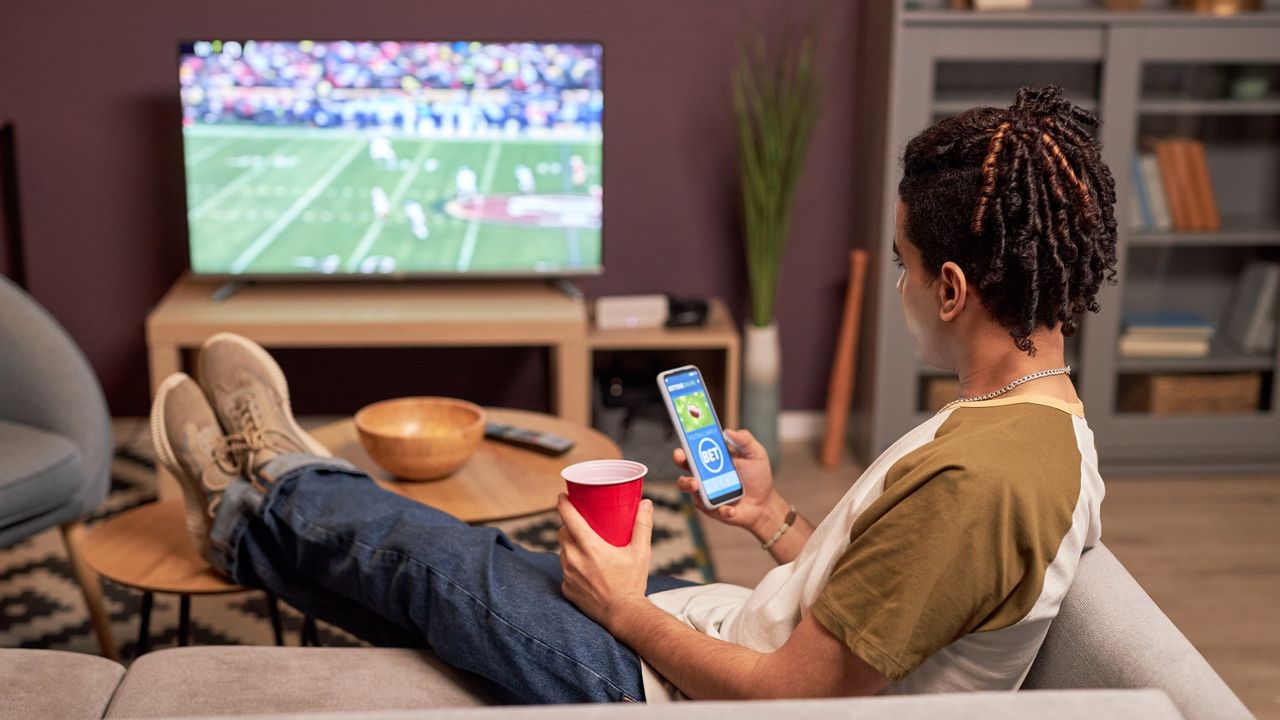
Watching football on tv with phone open to second-screen app.

We’re knee-deep in the NFL postseason, and if you’re watching the action from home, getting your Samsung TV to deliver on its promise of a punchy, eye-popping picture is half the battle.

When friends, family and readers approach me about their Samsung TV looking weird — especially during sports broadcasts — my immediate assumption is that the TV’s motion-smoothing settings are either tuned too high or too low for someone’s personal preference.

In recent years, Samsung TVs have arrived with a full slate of motion clarity-related settings, and depending on the chosen picture mode, these settings can be quite aggressive by default. With that in mind, I’ve put together a quick cheat sheet for Samsung TV owners looking to tweak their motion-smoothing settings for football (and other sports).

1. Access the Samsung Picture settings menu

(Image credit: Tom's Guide)

To start, you'll need to access the Settings menu. Press the gear button on your Samsung remote to access the global Settings menu. Next, navigate to All Settings, then select Picture.

2. Access the Picture Clarity settings

(Image credit: Tom's Guide)

Once inside the Picture submenu, select Expert Settings. This will expand the list of picture-related menu options. From this list, select Picture Clarity settings. This will open a menu of various motion-related sliders.

3. Adjust the Picture Clarity settings to your liking

(Image credit: Tom's Guide)

From this menu, you're free to make finer adjustments to your Samsung TV's motion settings as you see fit. More often than not, these settings are enabled by default — and they're usually cranked up pretty high.

Blur Reduction aims to smooth out fast-moving objects by reducing the smearing effect that often comes with them. If you're allergic to the so-called soap opera effect, I recommend keeping this off entirely during filmic content like movies and fictionalized shows.

However, for football (and other sports), you might find that this goes a long way toward cleaning up the appearance of thrown balls and sprinting athletes, particularly during 60fps broadcasts. I recommend starting low on the slider and working your way up until you find something agreeable.

Judder Reduction is less relevant for sports broadcasts at 60fps, so in general, I recommend keeping it off entirely. For movies (and other content at 24fps) this will have an impact on the smoothness of motion, but at higher levels, will also introduce the soap opera effect.

Should I enable motion smoothing during football games?

(Image credit: Photo by Nic Antaya/Getty Images)

At the risk of stating the obvious, this decision totally up to you. One nice aspect of newer Samsung TVs is that they arrive with a whole slate of motion-related settings rather than a binary, on-or-off toggle.

As a picture purist, I disable all of these settings during movies and most shows. However, I recognize the value of Samsung's Blur Reduction setting for sports.

As a picture purist, I disable all of these settings during movies and most shows. However, I recognize the value of Samsung's Blur Reduction setting for sports. This is especially true for football games, which are typically broadcast at 60fps and contain a ton of fast-moving action.

If you've chosen the best picture mode for your Samsung TV and it still looks funny to you or your guests, play around with Samsung's Motion Clarity settings. You might find that these sliders are tuned too high — or not enough to your liking.

Follow Tom's Guide on Google News and add us as a preferred source to get our up-to-date news, analysis, and reviews in your feeds.

More from Tom's Guide

Sign up to read this article
Read news from 100’s of titles, curated specifically for you.
Already a member? Sign in here
Related Stories
Top stories on inkl right now
One subscription that gives you access to news from hundreds of sites
Already a member? Sign in here
Our Picks
Fourteen days free
Download the app
One app. One membership.
100+ trusted global sources.