
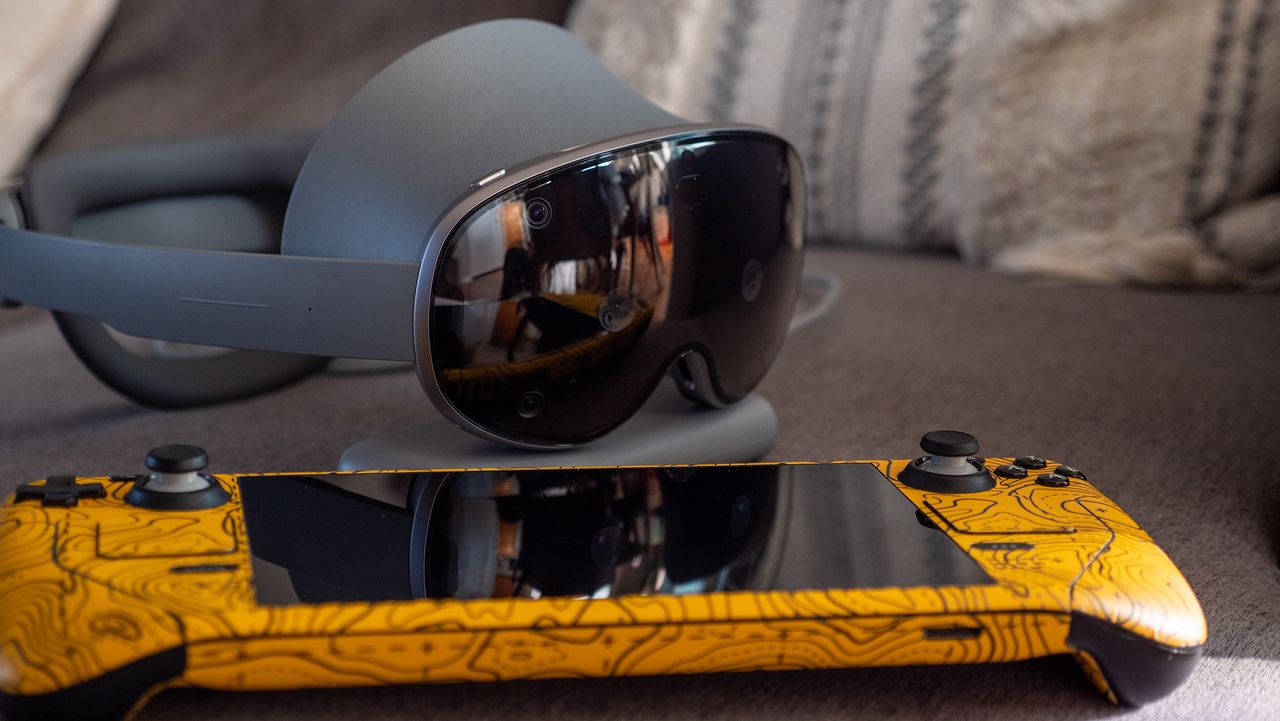
The Galaxy XR has become my go-to device for multitasking. While the headset seems to be marketed more toward entertainment like watching immersive MLB or NBA games, the Olympics, and more, I've found that I keep coming back to it to run my favorite Android apps and experiences in a larger, more comfortable way than my phone or tablets can provide.
But what if you want to go bigger than this? Streaming a desktop PC to the Galaxy XR can be done in a number of ways, but the two "official" ways of doing it are quite restrictive. Samsung's official app requires a GalaxyBook laptop — I don't know anyone who owns one of those — and the official Android XR PC Connect app is a surprisingly slow, laggy experience.




