Watching dialogue scenes where lips move noticeably before or after the sound is infuriating. The audio lag breaks immersion in movies, makes conversation scenes awkward, and turns action sequences into confusing jumbles where explosions arrive seconds late.Most people assume audio delay means their TV is failing, their soundbar is incompatible, or their HDMI cables need replacing. The actual cause is usually simpler: processing settings that handle audio and video at different speeds, creating the sync issues you're experiencing. Here's how to diagnose which problem you have and fix it.
1. If sound arrives before video (lips move after dialogue)
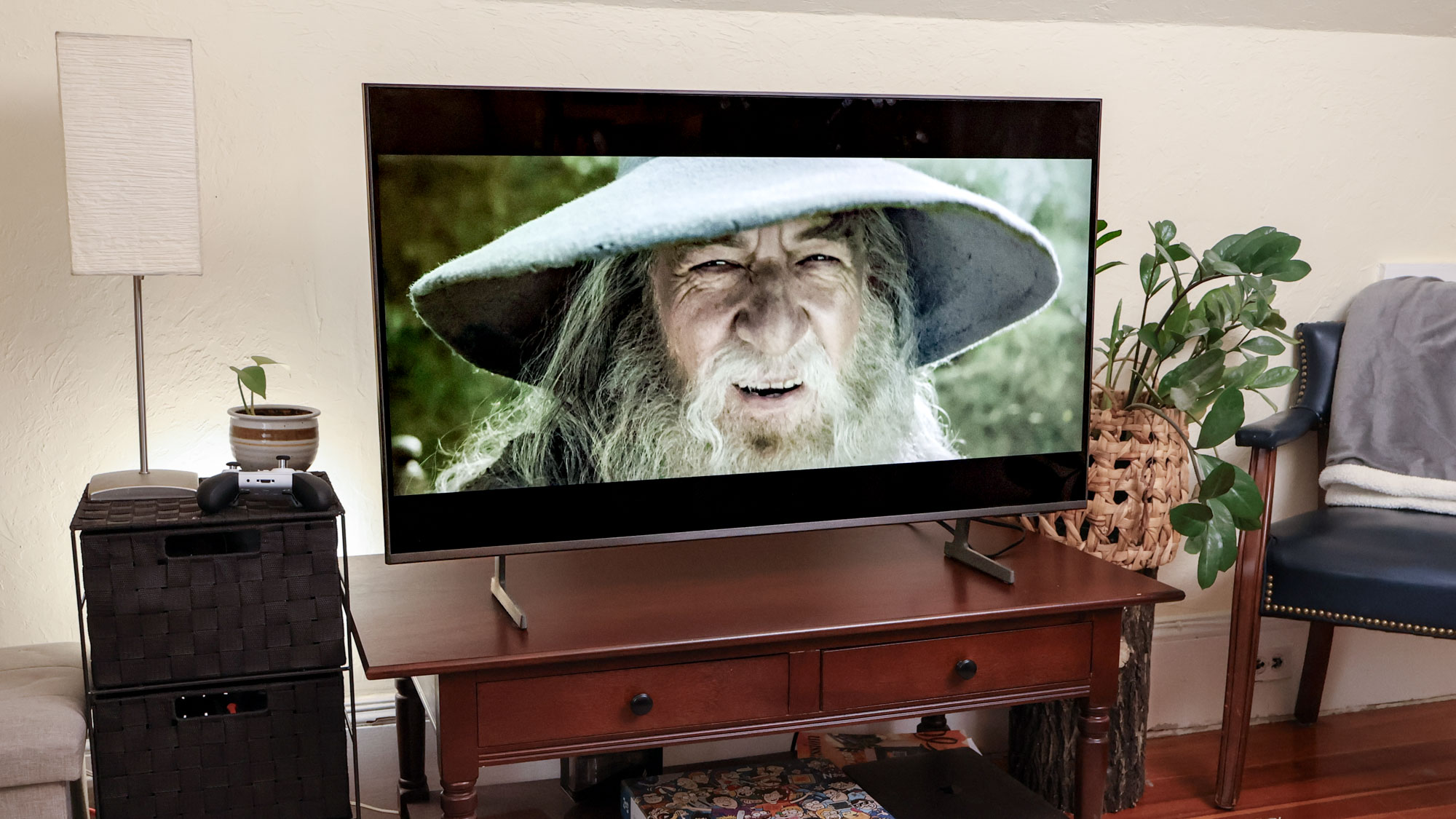
When audio plays before the video catches up, you hear dialogue slightly before actors' mouths move. This typically means your TV's audio processing is faster than its video processing.
The fix is adding artificial delay to audio so it matches slower video. Open your TV's Sound settings and look for Audio Delay, AV Sync, or Audio/Video Sync. This setting lets you delay audio by milliseconds.
Increase the delay value gradually then test playback after each adjustment. If lips still move after sound, increase the delay slightly more. Keep adjusting until audio and video sync perfectly. Most TVs use a slider for this, though some let you type exact millisecond values. Don't add more delay than necessary as excessive delay creates its own problems.
This is the most direct fix for sound-before-video problems because it addresses timing without changing audio quality or other settings.