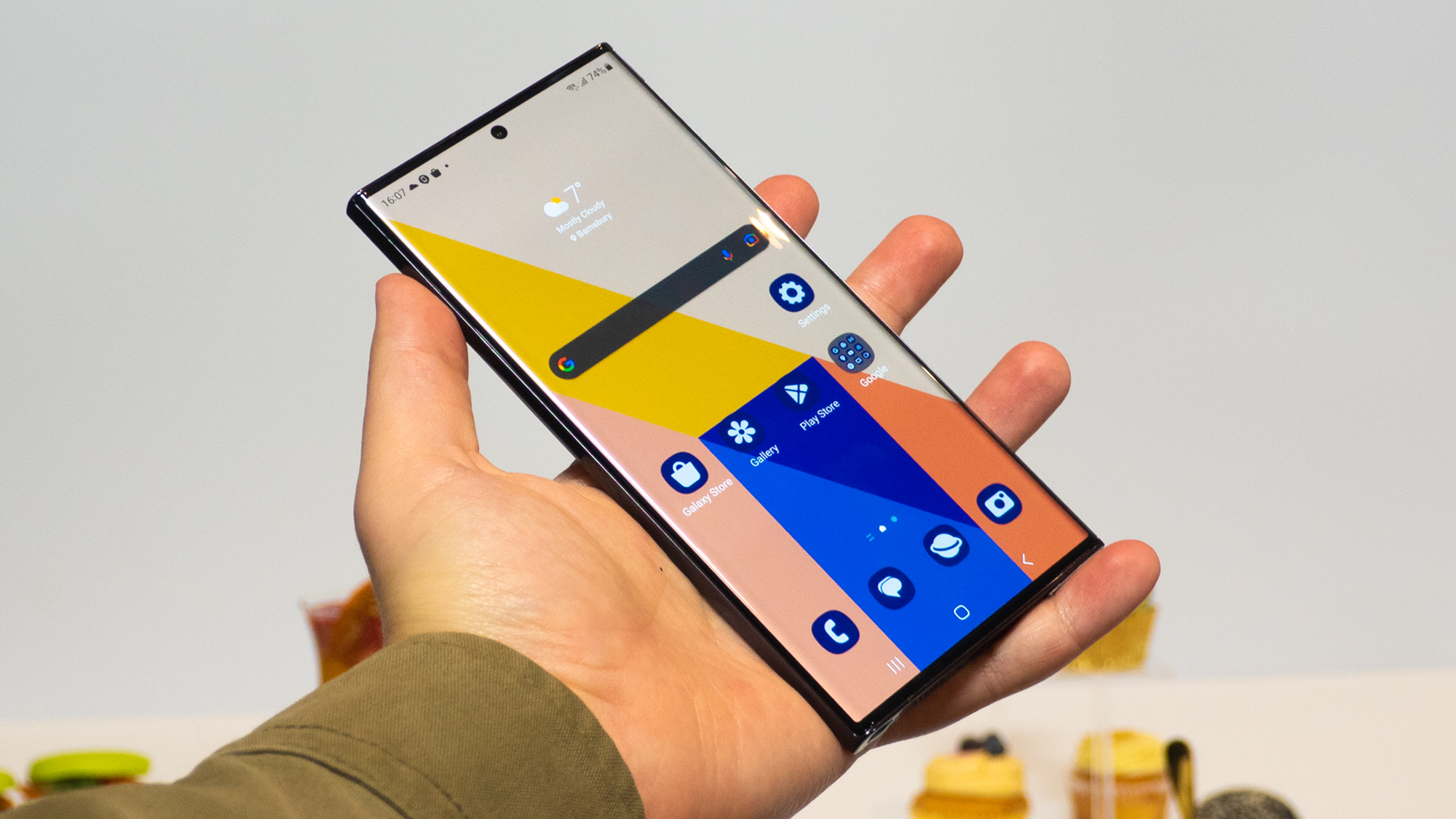
Today’s Android phones are more customizable than ever before. While you could just use your phone with the default settings, you can get even more out of your Android experience by rummaging around the settings to optimize your phone for your use. Whether you just got a shiny new Android phone or want to spruce up the one you’ve been using for months, we delve into the top 10 Android phone settings to get the best performance, maximum privacy, and most personalized experience possible.
Most of these settings are available in some form on recent Android smartphones. Use the search bar in your phone’s settings if your phone doesn’t follow the conventions we cite here (we used a Samsung Galaxy S23 Ultra as a reference). Some of these settings are specific to Android 14, as noted below.