Get all your news in one place.
100's of premium titles.
One app.
Start reading
Tom’s Guide
Tom’s Guide
Technology
Kaycee Hill

Tired of accidentally recording audio messages on iPhone? Here's how to stop it

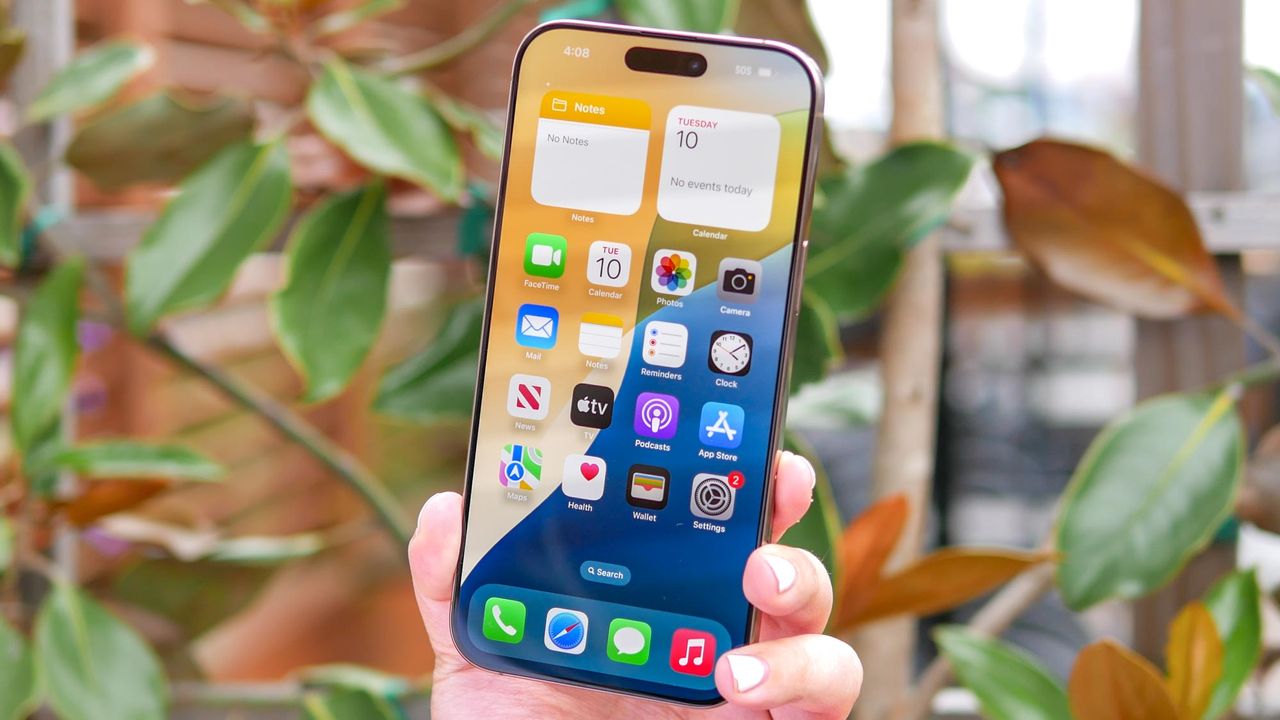
IPhone 16 Pro Max shown in hand.

Your iPhone's Messages app includes a feature called Raise to Listen that automatically starts recording audio messages when you lift your phone to your ear after receiving an audio message.

This feature can be super annoying because it automatically records audio when you raise your phone to your ear after listening to a message. Many users find embarrassing recordings waiting to be sent without realizing their phone captured private conversations or background noise.

Sign up to read this article
Read news from 100's of titles, curated specifically for you.
Already a member? Sign in here
Related Stories
Top stories on inkl right now
One subscription that gives you access to news from hundreds of sites
Already a member? Sign in here
Our Picks
Fourteen days free
Download the app
One app. One membership.
100+ trusted global sources.