Get all your news in one place.
100’s of premium titles.
One app.
Start reading
Windows Central
Windows Central
Technology
Kevin Okemwa

This third‑party Windows 11 app just fixed one of its most annoying design problems — because someone had to step in and do it

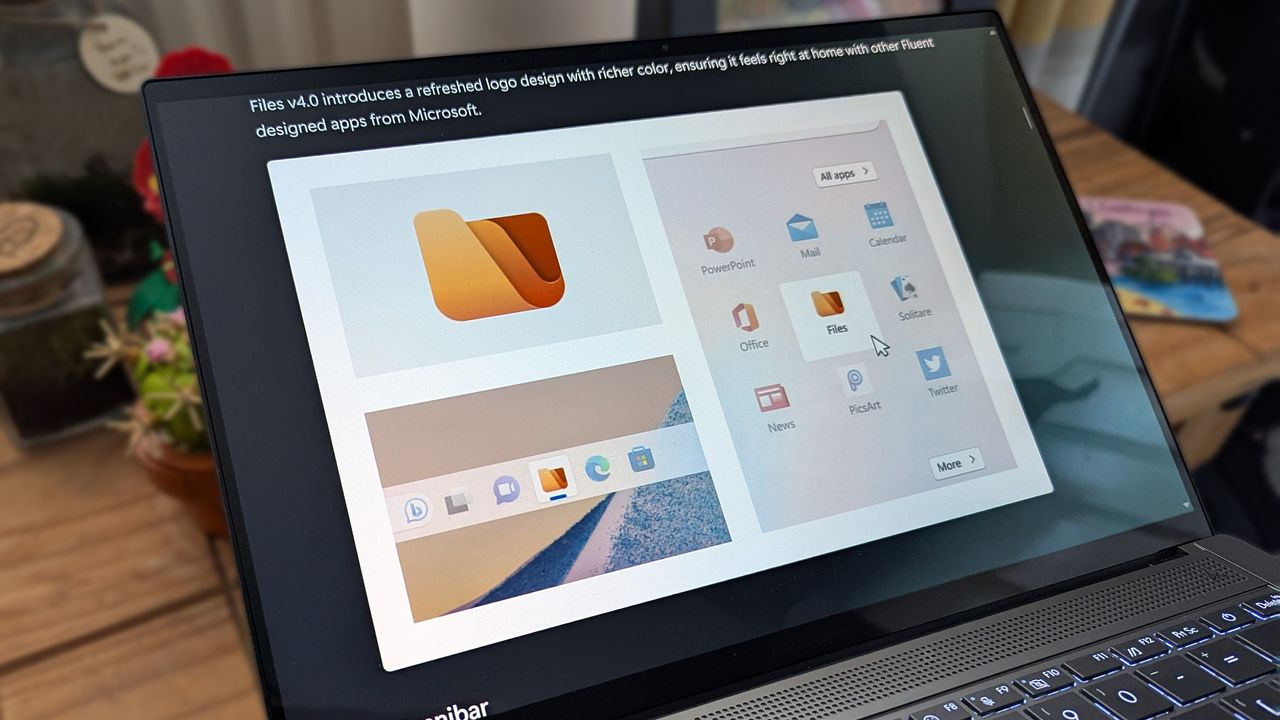
Files 4.0 app promotional images on an ASUS Zenbook laptop screen.

It's been close to 5 years since Microsoft shipped Windows 11, but it took a little while for the operating system to actually gain some real traction and broad adoption, famously following Microsoft's unpopular decision to pull the plug on Windows 10 on October 14, 2025.

Some of the best-known impediments preventing users from upgrading to Windows 11 include flawed design elements coupled with stringent hardware requirements. As a result, there has been an influx of third-party apps emerging, designed to improve the operating system's user experience, including the 'Files' app as an alternative to Windows 11's Files Explorer.

As it happens, Files recently got a new update, bumping it to version 4.0.28. The update ships with an updated right-click context menu and several fixes (via Neowin).

The new update makes the properties option a primary action across the sidebar and home page context menus, enhancing consistency across the app. Additionally, users can now disable the “Pin to Start” and “Pin to Sidebar” context menu items under Settings>General>Context Menu Options.

Here's everything you need to know about the update, including new features and fixes:

View the full changelog ↴

Files v4.0.28: What's New

Support for the Microsoft Store Version of Dropbox

Files now detects cloud drives for the Microsoft Store version of Dropbox. Previously, only the non-Store version was recognized.

Icon Customization for URL and Shortcut Files

The Properties customization page now supports changing icons for URL and shortcut file types.

Added Option to Disable Smooth Scrolling

Smooth scrolling can now be disabled from Settings → General → Scrolling.

Fixes

  • Fixed an issue where the ‘Open With’ menu was missing for script files.
  • Fixed an issue where switching tabs via the scroll wheel didn’t work correctly.
  • Fixed an issue where SEER would reopen after manual closure.
  • Fixed an issue where setting Files Stable as the default then opening Files Preview would switch the default incorrectly.
  • Fixed an issue where the Info Pane wasn’t hidden on the Release Notes page.
  • Fixed an issue with tag searches containing spaces.
  • Fixed inconsistent file type display for hidden items.

The Files app's development has also indicated that it is "actively working on performance improvements to make thumbnails load faster."

In January, Microsoft promised to improve the general sentiment around Windows 11, highlighting its plans to address major pain points across the operating system, including reevaluating its AI strategy.

Last year, Microsoft pulled the plug on the rollout of an upcoming new feature for the File Explorer on Windows 11, which promoted "recommended" files in large thumbnails at the top of the File Explorer Home tab. It will be interesting to see the plans the tech giant has under its sleeves for the File Explorer app in Windows 11 this year.

Still, the File Explorer app remains one of the most important parts of the Windows operating system, which you probably spend a huge chunk of your time on (presumably second only to your browser).


Join us on Reddit at r/WindowsCentral to share your insights and discuss our latest news, reviews, and more.


Sign up to read this article
Read news from 100’s of titles, curated specifically for you.
Already a member? Sign in here
Related Stories
Top stories on inkl right now
One subscription that gives you access to news from hundreds of sites
Already a member? Sign in here
Our Picks
Fourteen days free
Download the app
One app. One membership.
100+ trusted global sources.