

Get all your news in one place.
100's of premium titles.
One app.
Start reading
iMore
iMore
Technology
John-Anthony Disotto

This little-known trick lets you track flights directly from Messages on iPhone, iPad, and Mac

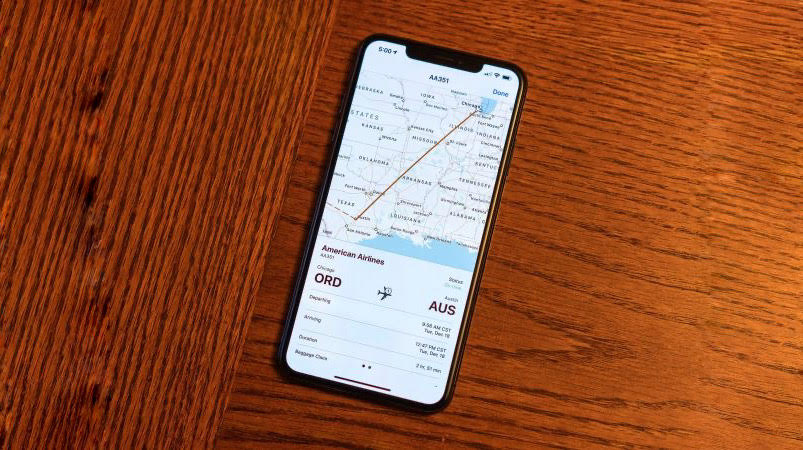
To track your flights on the iPhone or iPad, open Messages and bring up the message with the flight information. Tap on the Airline Air (or Abbreviation) and Flight Number. Choose Preview Flight. .

Many expert Apple users don't know you can track flights directly from Messages on iPhone, iPad, and Mac. Being one of the handiest features for regular flight takers, it's a great way of staying up-to-date without having to ask around at the airport and can help keep you on time as you leave the house. 

Sign up to read this article
Read news from 100's of titles, curated specifically for you.
Already a member? Sign in here
Related Stories
Top stories on inkl right now
One subscription that gives you access to news from hundreds of sites
Already a member? Sign in here
Our Picks
Fourteen days free
Download the app
One app. One membership.
100+ trusted global sources.