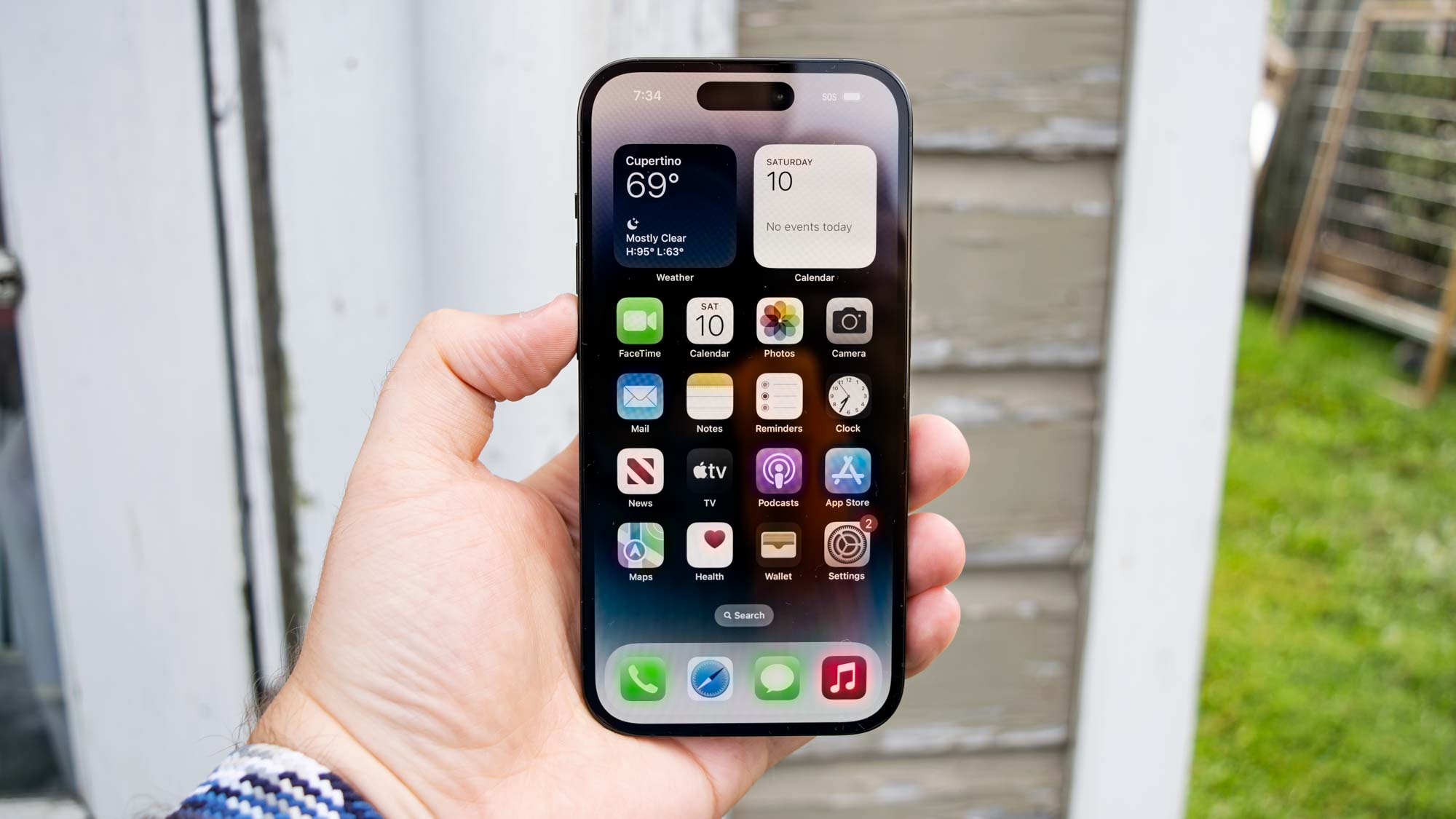
Knowing how to disable Wi-Fi Assist on iOS might just be the solution to a frustrating issue you're having with your iPhone. Like many of the best phones around, iPhones have a setting that allows your device to utilize cellular data to boost your internet speeds if your Wi-Fi connection is a bit dodgy. On an iPhone, this is called Wi-Fi Assist.
Wi-Fi Assist can be great — helping you utilize today's rapid 5G network while not using as much data as if you were using cellular data alone. However, having it switched on all the time without realizing can be a double-edged sword.