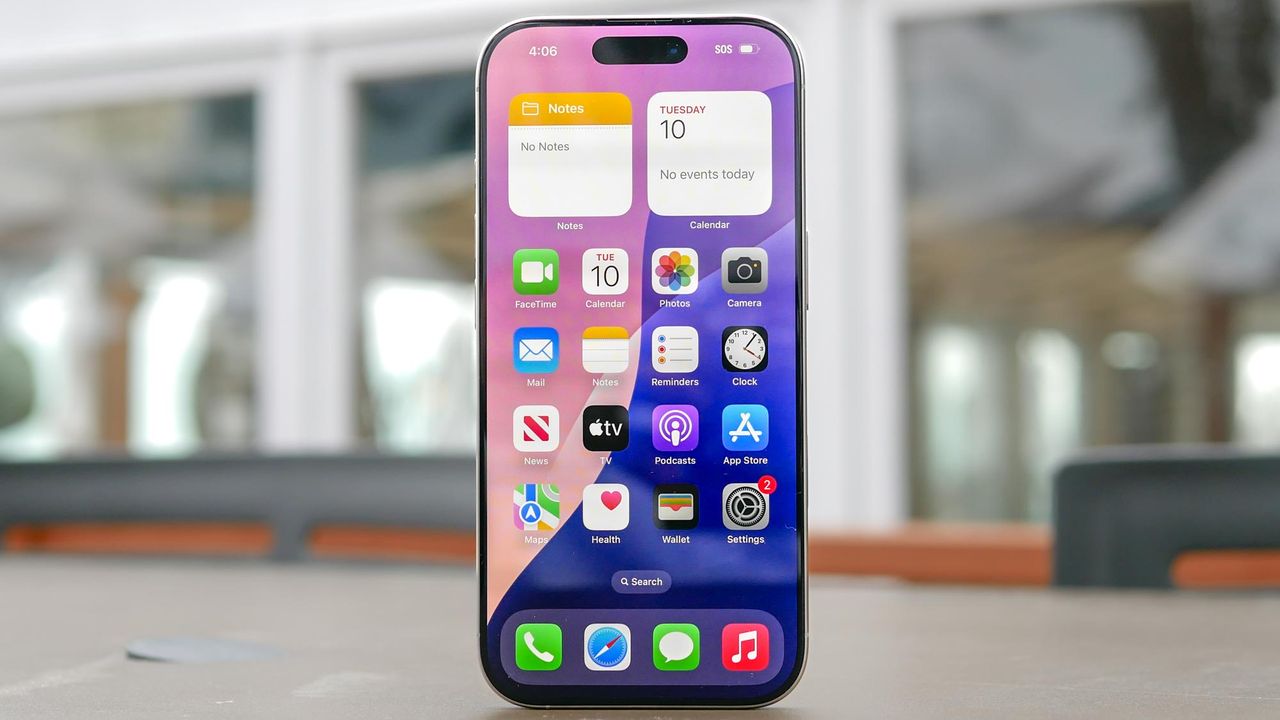
Every photo you take on your smartphone contains more than just the image. Hidden metadata gets saved automatically with each picture, including the exact GPS coordinates of where it was taken, the date and time, and details about your device and camera settings.
This is useful when you want to organize photos by location or remember where a picture was taken. But when you share photos publicly online, you're potentially giving strangers your home address, workplace, or travel locations without realizing it. Here's how to check if your photos contain location data and how to stop your phone from saving it.