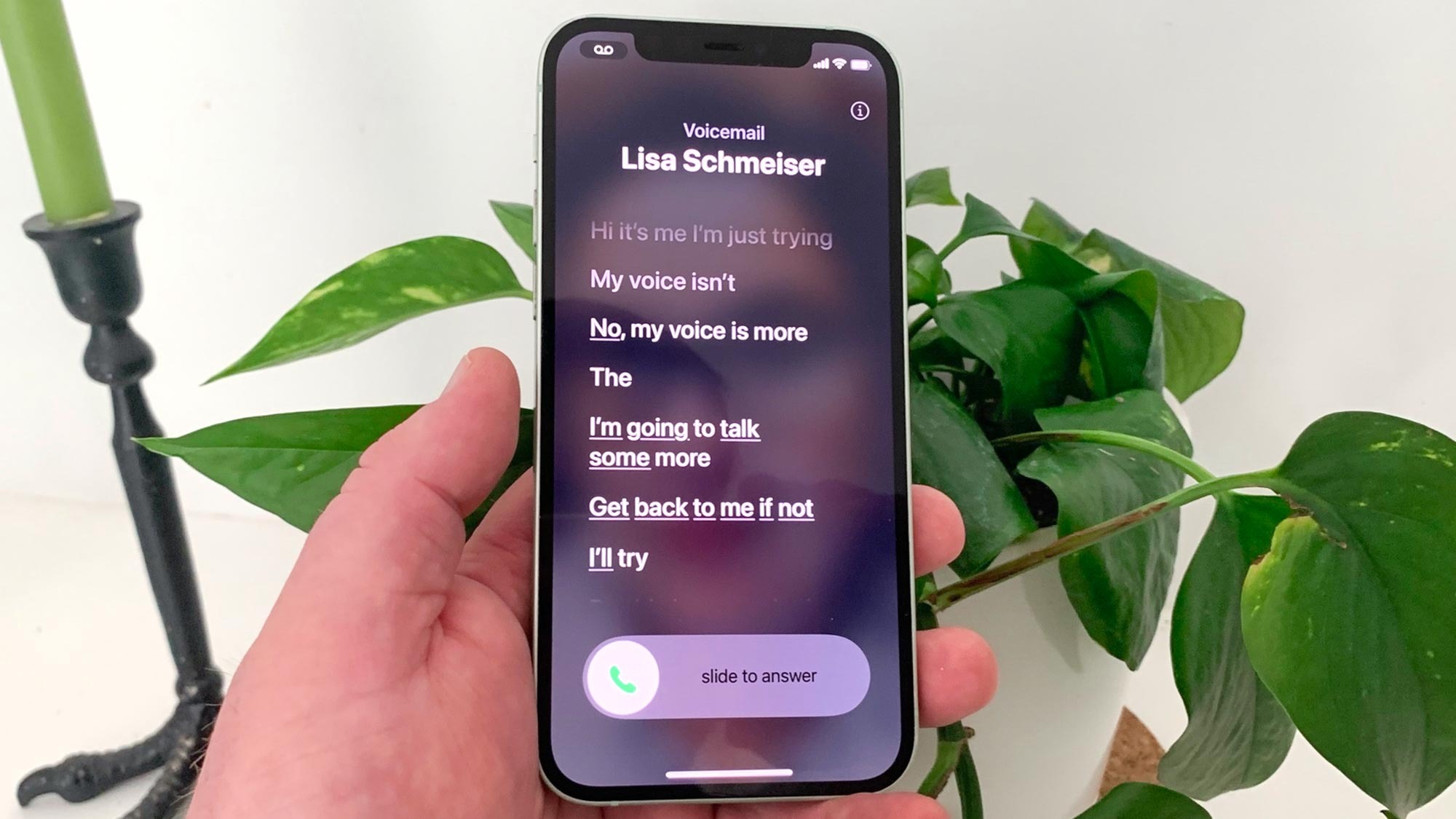
After learning how to use Live Voicemail to screen your calls, you’ll wonder how you ever did without it! Introduced in iOS 17, it lets you screen calls by waiting until they go to voicemail. When a caller then begins to leave a voice message, you’ll see a transcription, word-by-word, in real-time. You can decide whether or not you want to jump in and answer.
The feature is really useful for deciding if a call is important. If it’s a friend, then you may decide the message is enough information for now and reply later. If the message sounds like it’s coming from a scammer or someone else you’d rather not deal with, you can just ignore it completely. It’s definitely of the best time saving iOS 17 features and very similar to Android’s Call Screening function.