
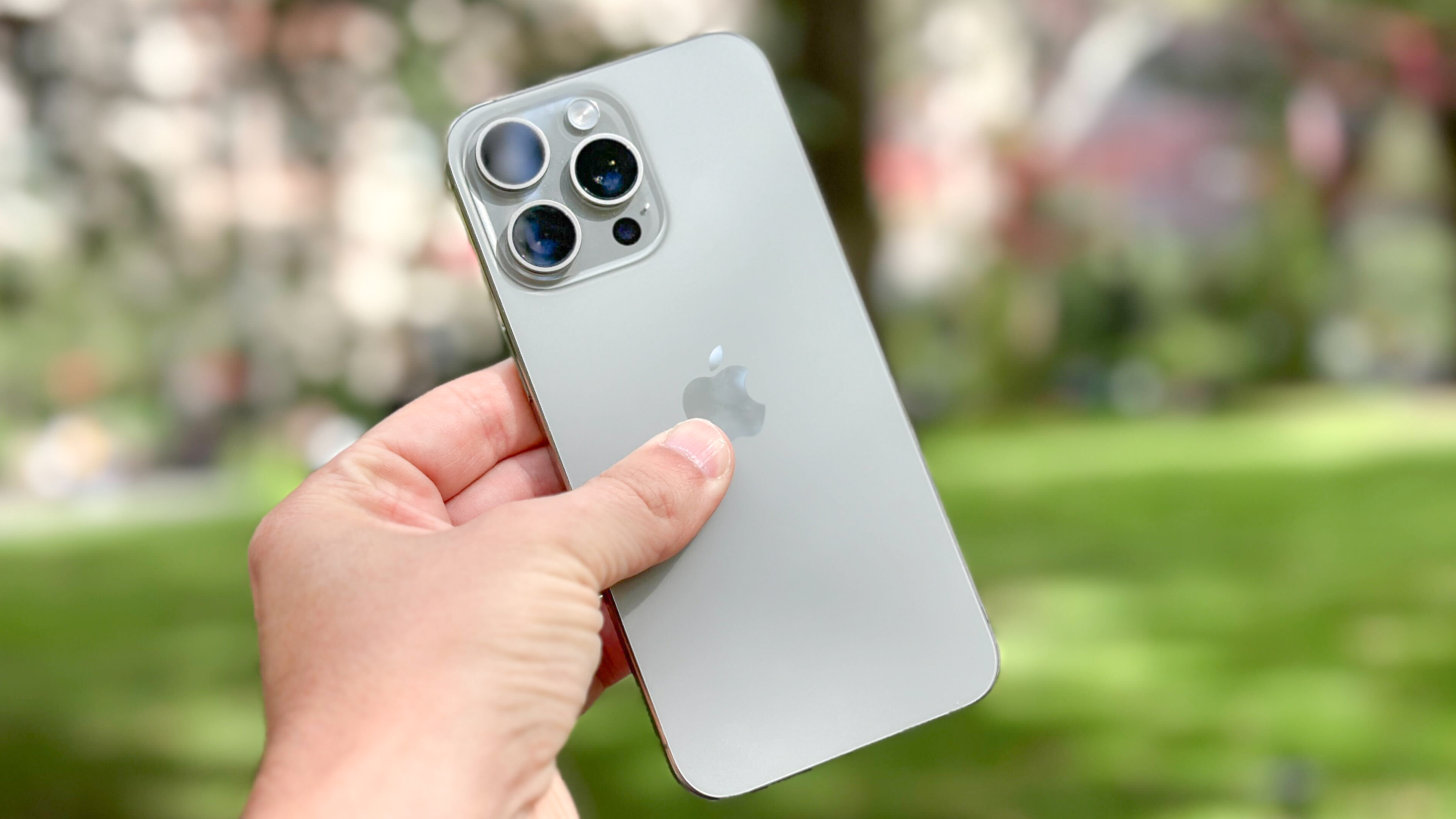
With iOS 17.3, Apple is introducing Stolen Device Protection on iPhone, and you'd be well advised to turn it on as soon as you've read this. Although you may not have heard of it, it's a very important feature.
Let's say your iPhone is stolen, and the person who stole it watched you type in your passcode beforehand. The thief would then have access to everything on your phone, which in today's day and age is very serious. They'd be able to access your email and Messages inboxes, allowing them to utilize two-factor authentication messages and reset passwords. They'd also have direct access to your password vault if, like many people, you use Apple's Keychain password manager. In short, you'd be about as digitally compromised as it's possible to be.




