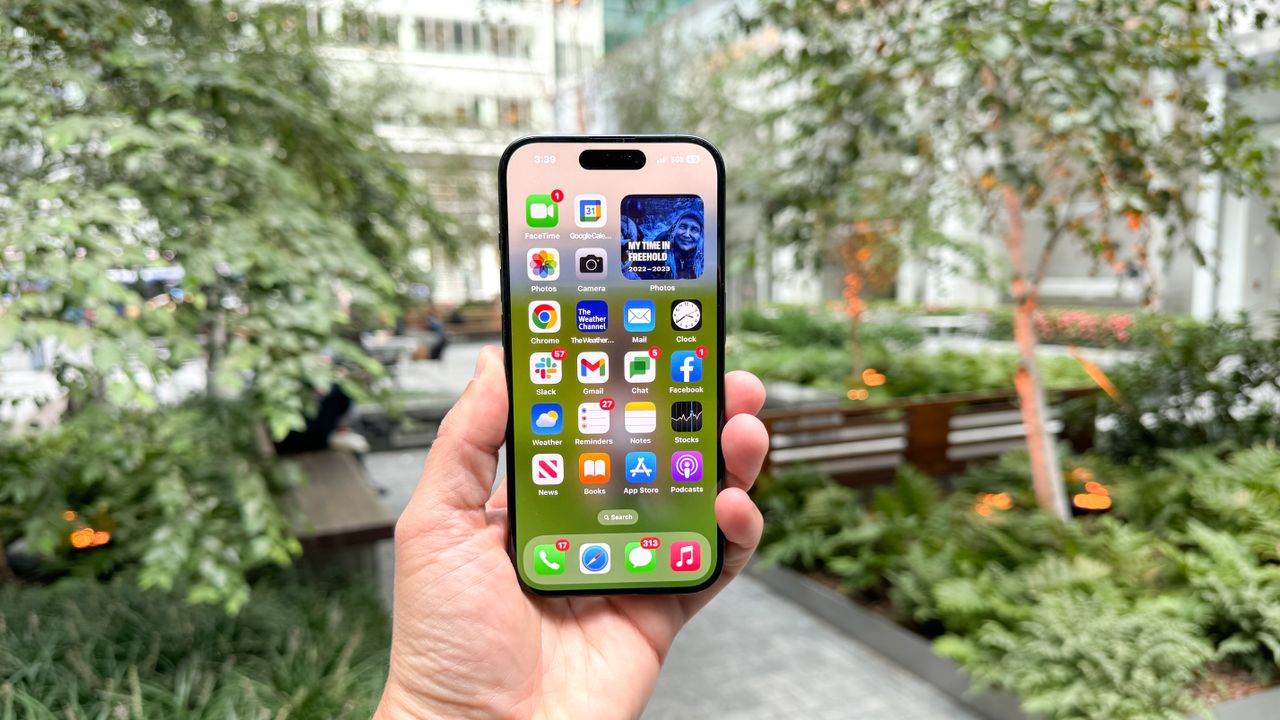
In order to help iPhone users know when their device’s camera and microphone were currently in use, Apple added privacy indicators back in 2020 with the release of iOS 14. Now though, the creators of the notorious Predator spyware have figured out how to completely disable them to make spying on potential victims a whole lot easier.
As reported by BleepingComputer, the European-based surveillance company Intellexa has given its spyware a major update which allows it to hide the green and orange dots that let you know when your iPhone is recording video or audio. It’s worth noting that, instead of exploiting a vulnerability in Apple’s mobile operating system, the spyware uses previously obtained kernel-level access to pull this off.
Here’s everything you need to know about this latest development with the Predator spyware along with how to keep your iPhone safe from being spied on.
Intercepting recording indicators
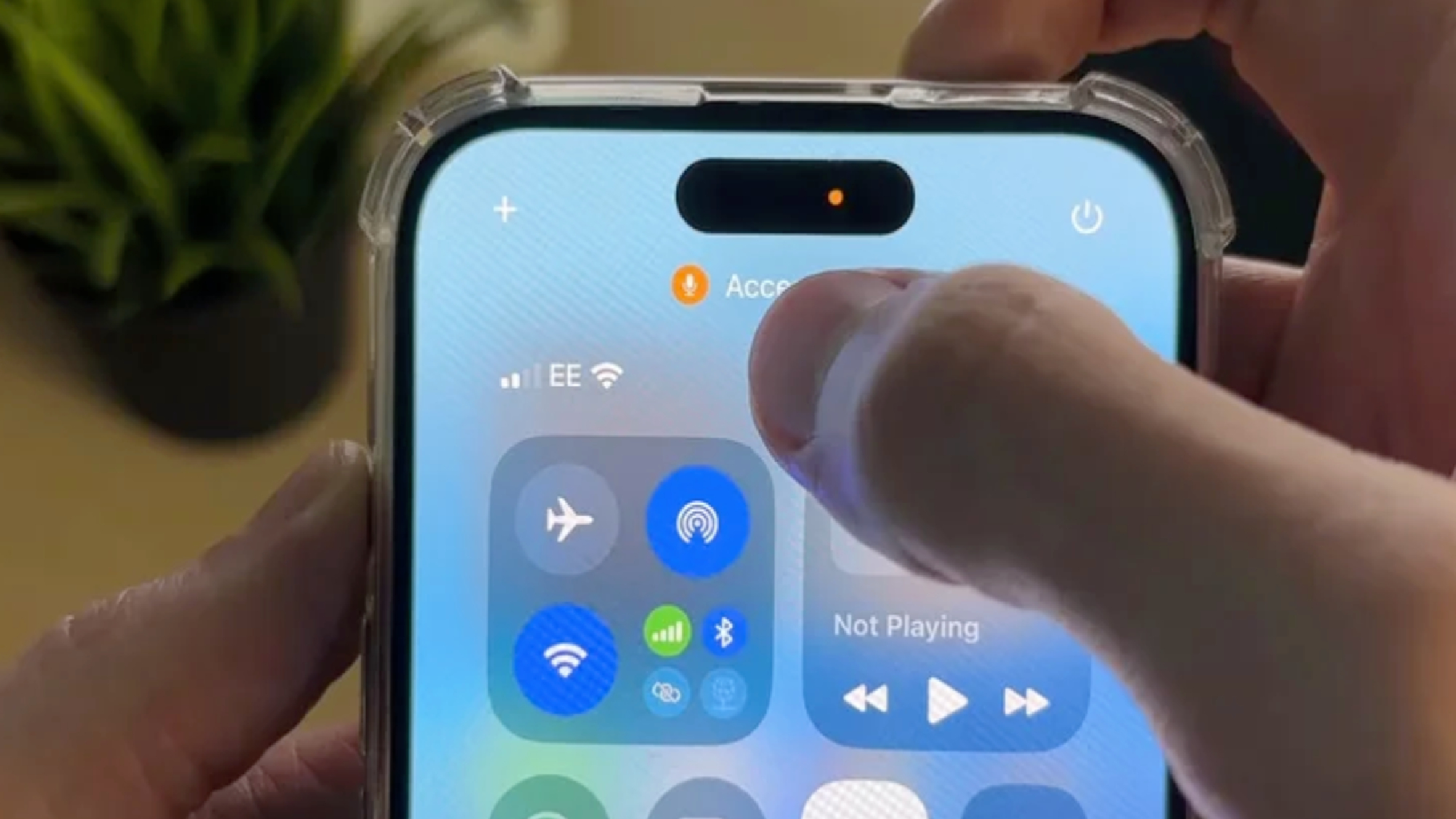
In order to learn more about this new Predator capability, researchers at the mobile device management firm Jamf analyzed recent spyware samples to see how Intellexa managed to disable Apple’s privacy indicators.
According to a new report, the firm’s security researchers discovered that the spyware hides all recording indicators on iOS 14 and later versions of Apple’s mobile operating system by using a single hook function in the core system application SpringBoard. This method is used whenever an iPhone’s camera or microphone is opened and the device’s sensor activity changes.
By intercepting these changes quickly, Predator is able to prevent any sensor activity changes from showing up on iPhone’s UI which means the green and orange dots won’t appear. Interestingly, since the hook nullifies all sensor update activity, it can be used to disable a device’s camera and microphone indicator at the same time.
Fortunately as Jamf’s researchers explain, “the technique outlined in this analysis requires a device to first be fully compromised, including kernel-level access to install hooks and the ability to inject code into system processes,” which means that it only works on iPhones that have already been fully hacked.
How to stay safe from spyware on your iPhone
With one of the best iPhones, you don’t have to worry about malicious apps spreading malware like on Android. However, since Apple’s phones are so popular and known for being difficult to hack, there’s a very lucrative spyware market built around them.
The good news is that with spyware, cybercriminals and others who use it in their attacks typically tend to go after high-profile targets such as CEOs, celebrities, politicians and other government officials.
Still, in order to keep your iPhone safe from spyware, the first and most important thing you can do is to keep it updated and running the latest version of iOS. The reason why is that Predator and other spyware strains often rely on now patched vulnerabilities to gain a foothold on targeted devices. By keeping your iPhone updated and restarting it at least once a week, you’re making your phone a whole lot harder to hack.
If you want to find out if there is spyware installed on your iPhone, then you should check out iVerify’s $1 Basics app. Once installed, it scans your iPhone on a monthly basis to check for the infamous Pegasus spyware created by the NSO Group but it can find other spyware strains too.
Although there isn’t an iOS equivalent to the best Android antivirus apps, one of the best Mac antivirus software suites in particular can scan an iPhone or iPad for spyware and other types of malware. When connected to a Mac via a USB cable, Intego’s Mac antivirus can scan an iPhone for viruses just like it would with an Apple computer.
The Predator spyware might not be the biggest threat to ordinary people but if you open your camera app or Apple’s Voice Memos and suddenly don’t see a green or orange privacy indicator light, you’ll now know why.

Follow Tom's Guide on Google News and add us as a preferred source to get our up-to-date news, analysis, and reviews in your feeds.