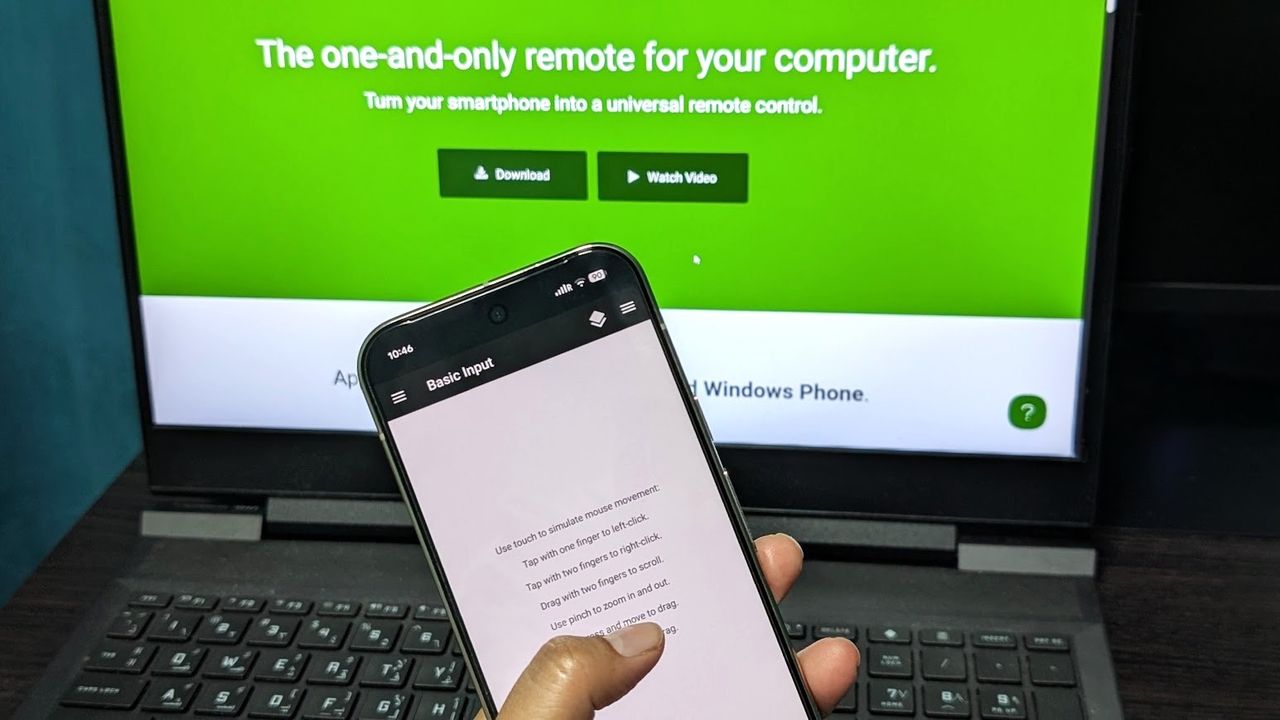
There are many reasons why you would want to use your smartphone as a mouse to control your computer. Maybe you're watching something, and it's just easier, or maybe you can't get a physical mouse at the moment. Regardless, I can teach you how I turned my Android phone into a remote mouse that connects to my Windows laptop seamlessly. You'll see just how simple the steps are and will find no trouble doing it yourself!
All of this is possible thanks to Unified Remote, an Android and iOS app that works with Windows, Linux, and macOS. The app's basic, most essential functions are free to use, but if you want more customization and features, you can always purchase the premium version. This tutorial uses the free basic version on a Pixel 10 Pro running Android 17 and an HP laptop running Windows 11.