If you’ve ever thought about utilizing AI for coding, but weren't sure exactly where to start, you're just a few prompts away from developing your own apps.
As someone who tests AI for a living, I've experimented with a lot of different prompts for everything from writing to coding. However, because AI-generated code is built by AI, not humans, it often takes a little tweaking to get to the finish line.
But even with a decent first result, you will want to experiment, remix, prompt dust and test until you're satisfied. These nine prompts are your on-ramp for getting started with vibe coding with your favorite chatbot.
1. Neon jellyfish animation
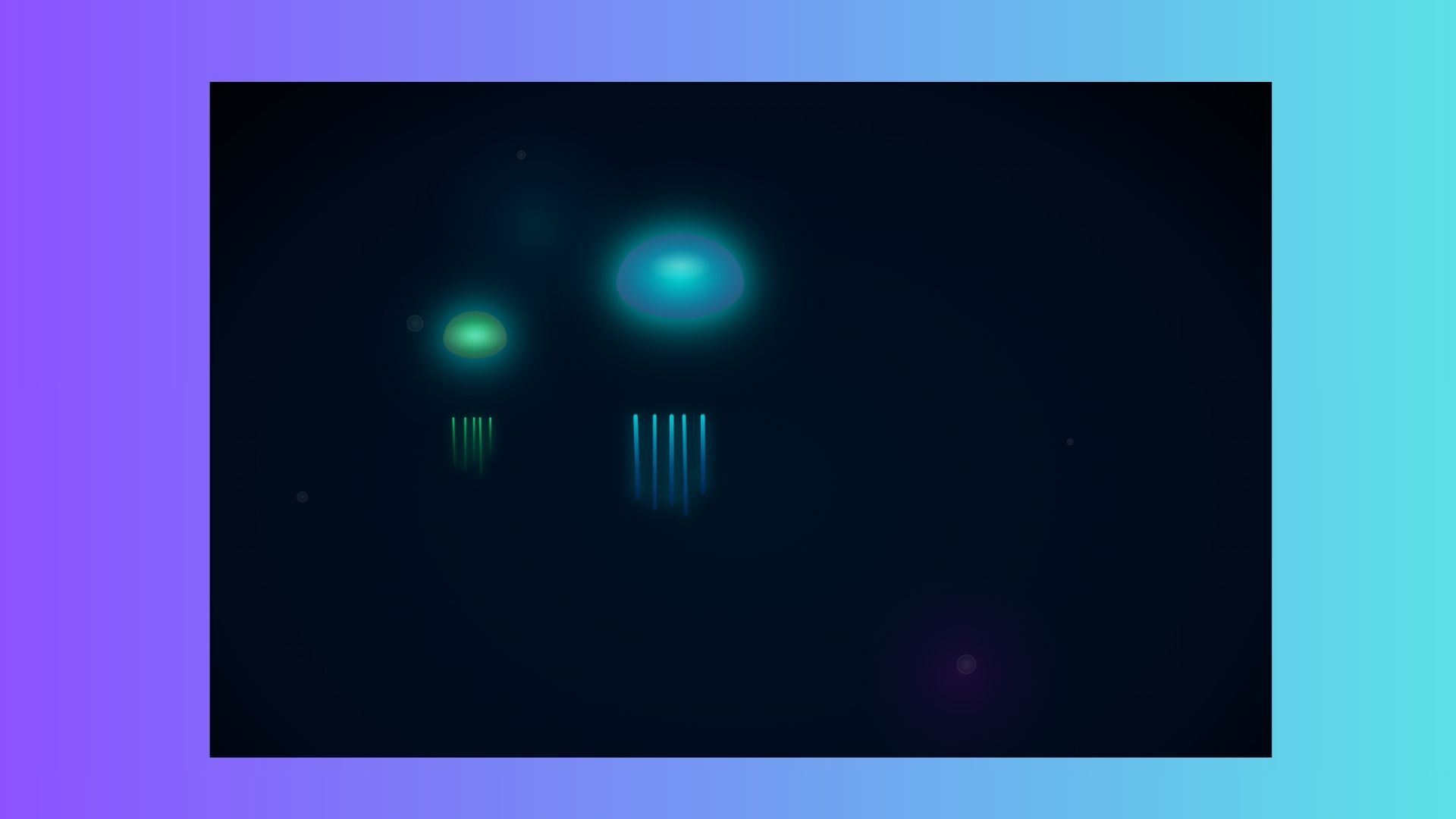
Prompt: “Create an HTML/CSS animation of a neon jellyfish slowly floating across the screen, glowing as it moves.”
Why it’s great: This is an exceptional prompt visually, while also being easy to grasp. It shows off how CSS animations can look organic and even beginners get something that feels alive on-screen.
2. Click-to-change background
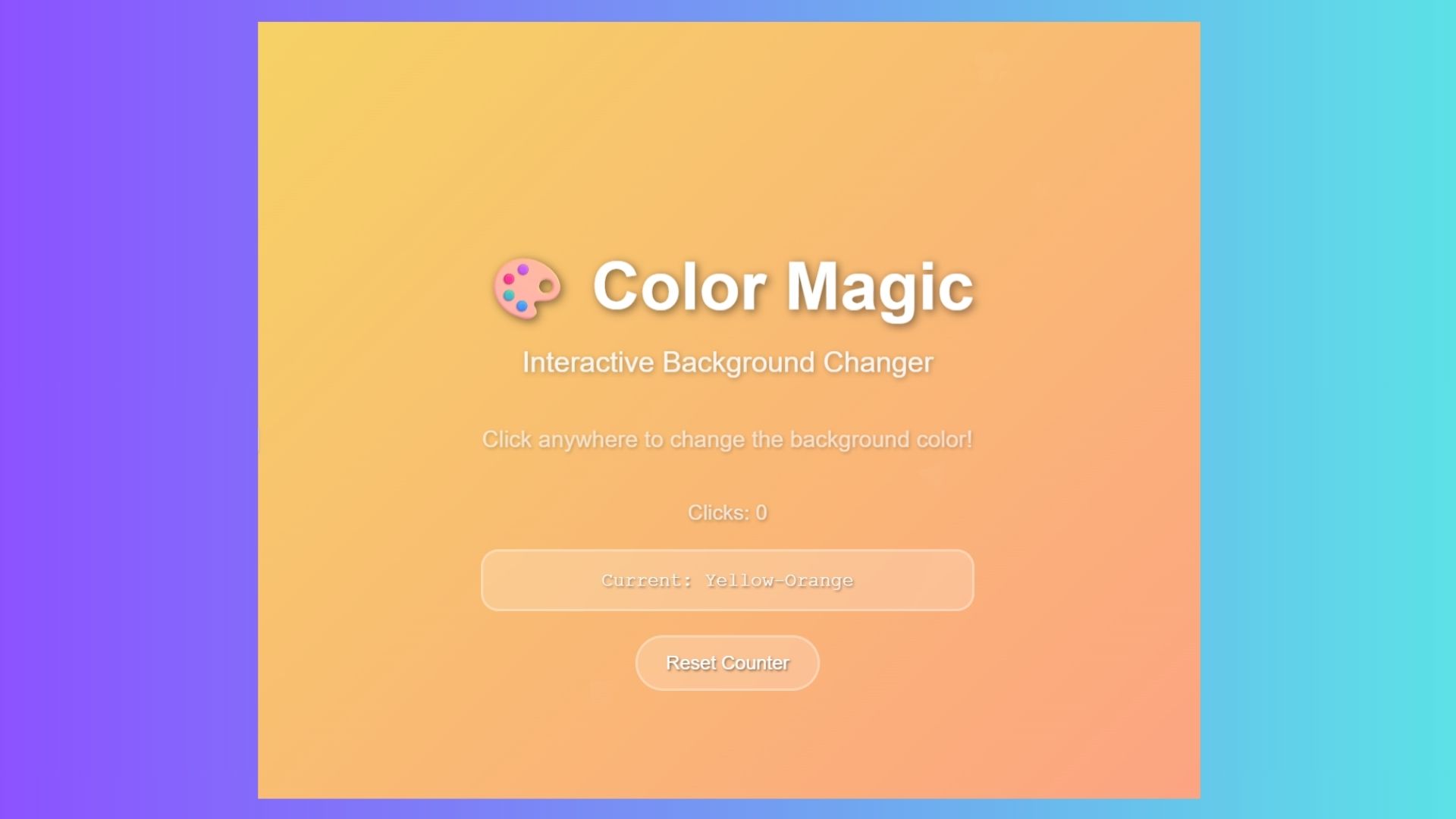
Prompt: “Make a webpage where the background color changes every time I click anywhere on the page.”
Why it’s great: I love this prompt because it's instant gratification. With this prompt you get satisfying results; perfect for learning how events work in JavaScript without being overwhelming. I think it also helps to see the code and learn coding by studying what is produced by AI.
3. Bouncing color-changing balls
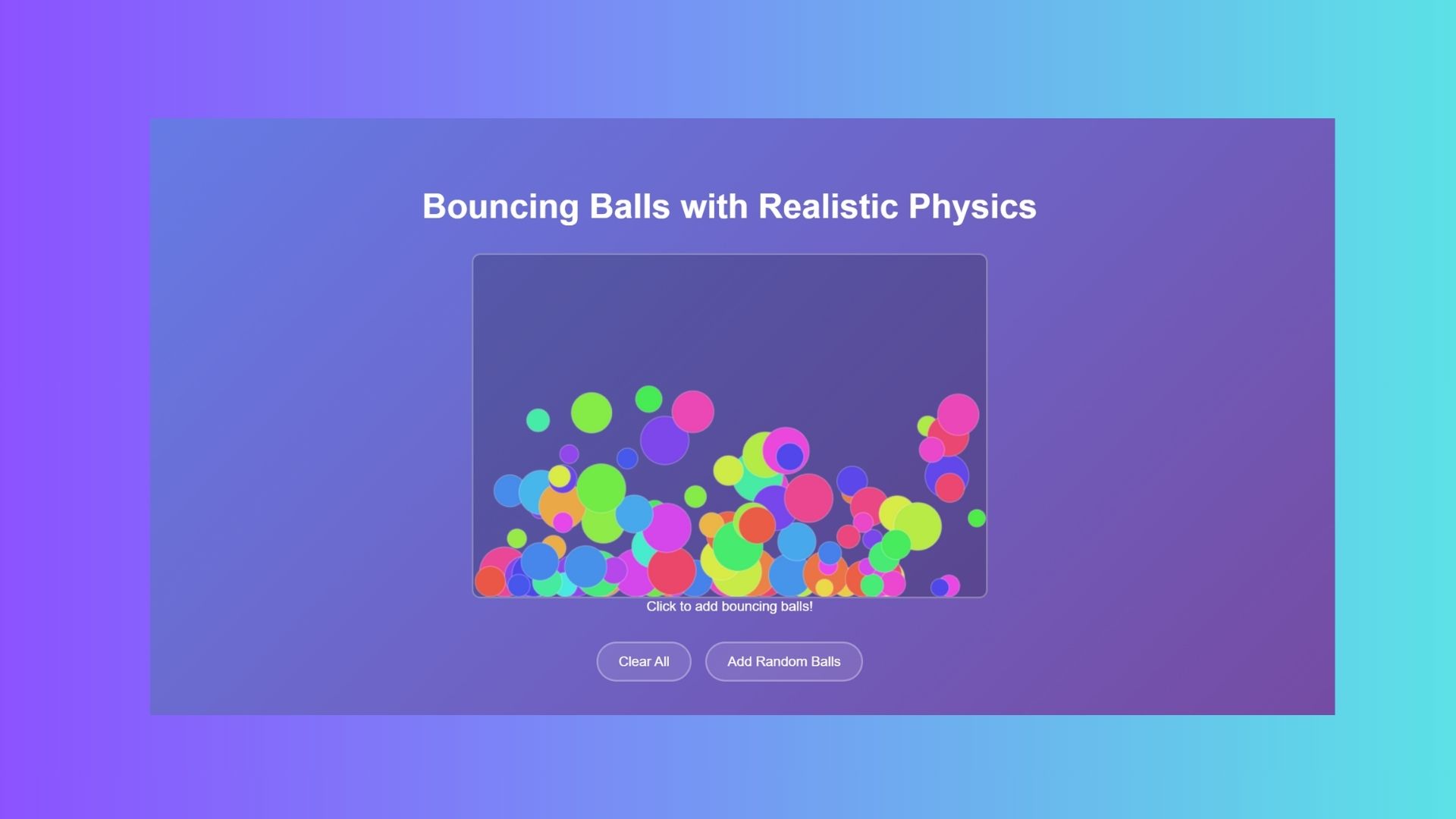
Prompt: “Write code for bouncing balls that change color when they hit the edges of the screen.”
Why it’s great: This combines physics and visuals in a simple way. The balls bounce (fun), they change color (fun) and it shows how collision detection and loops work without becoming too complicated.
4. Catch the falling stars game
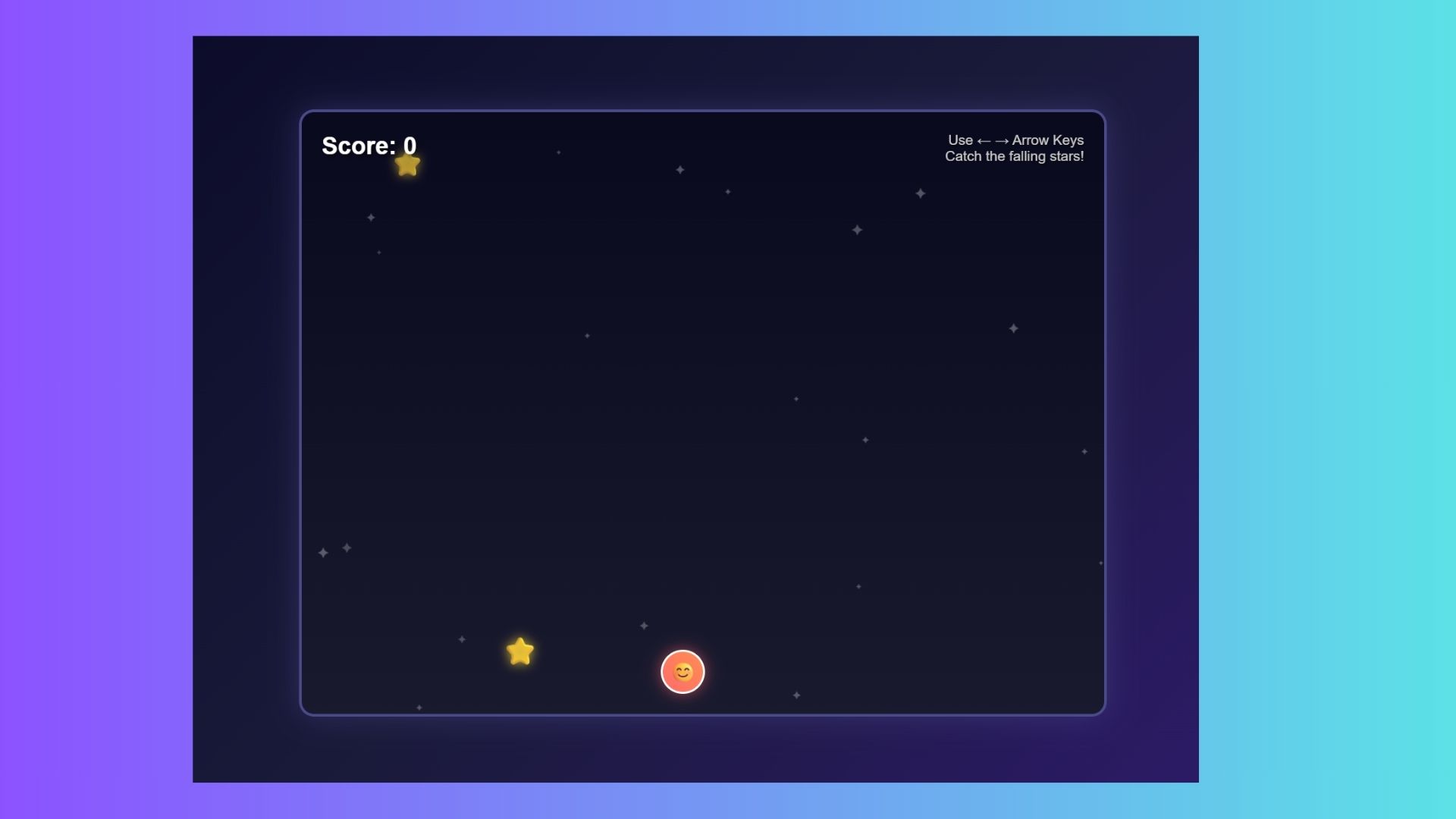
Prompt: “Build a simple game where a character catches falling stars with arrow keys. Add a score counter.”
Why it’s great: The results of this prompt feel like a real game, but in a bite-sized atmosphere. Nothing is too advanced, but you'll still get interactivity like scoring and movement logic; all the ingredients of game design, but simplified for beginners.
5. Runaway button
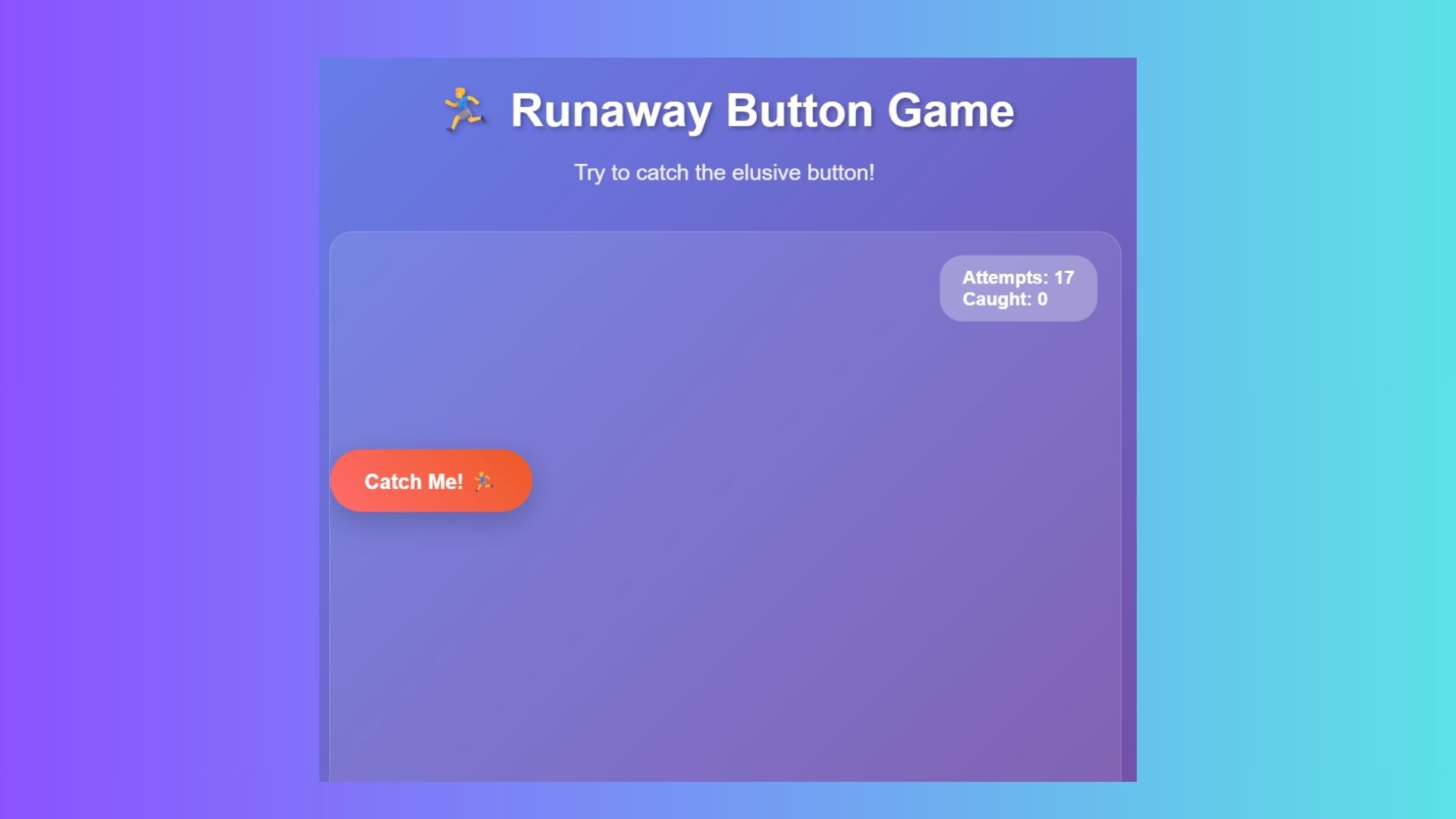
Prompt: “Make an interactive button that tries to run away from the mouse pointer whenever you hover over it.”
Why it’s great: This one is annoyingly hilarious and fun to prank your friends and coworkers. Watching the button dodge your cursor never gets old, and it’s a clever introduction to event handling and conditional logic.
6. Cursor-following pet
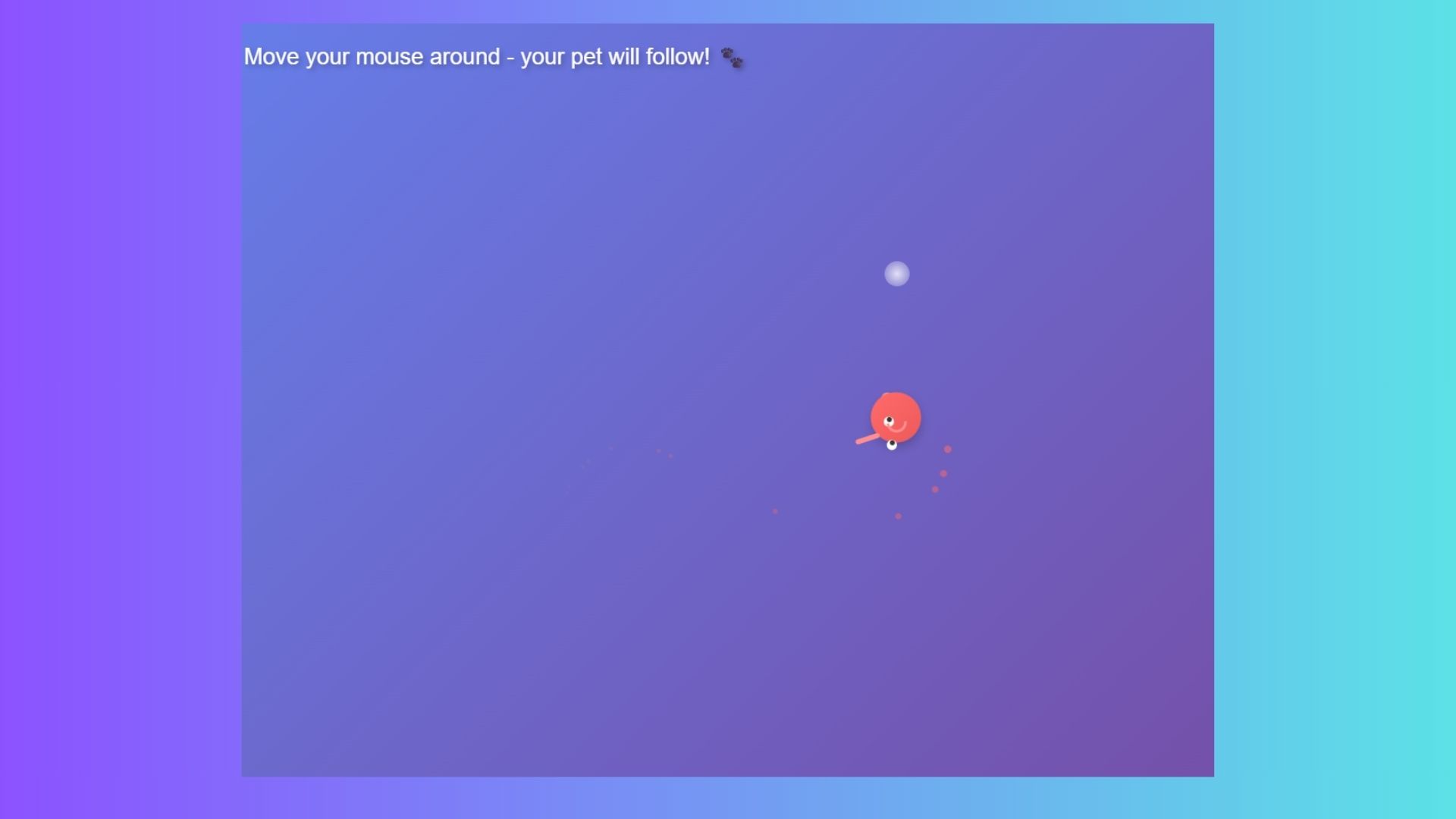
Prompt: “Code a little character that follows the mouse cursor around the screen like a pet.”
Why it’s great: Once again, more fun. Unless you were a big fan of computer science in college, most people wouldn't associate coding with fun, but vibe coding changes the game. This type of prompt proves how coding can feel personal. With this one, you suddenly have a “companion” on your desktop, which makes coding feel playful rather than abstract.
7. Pizza slice loading animation
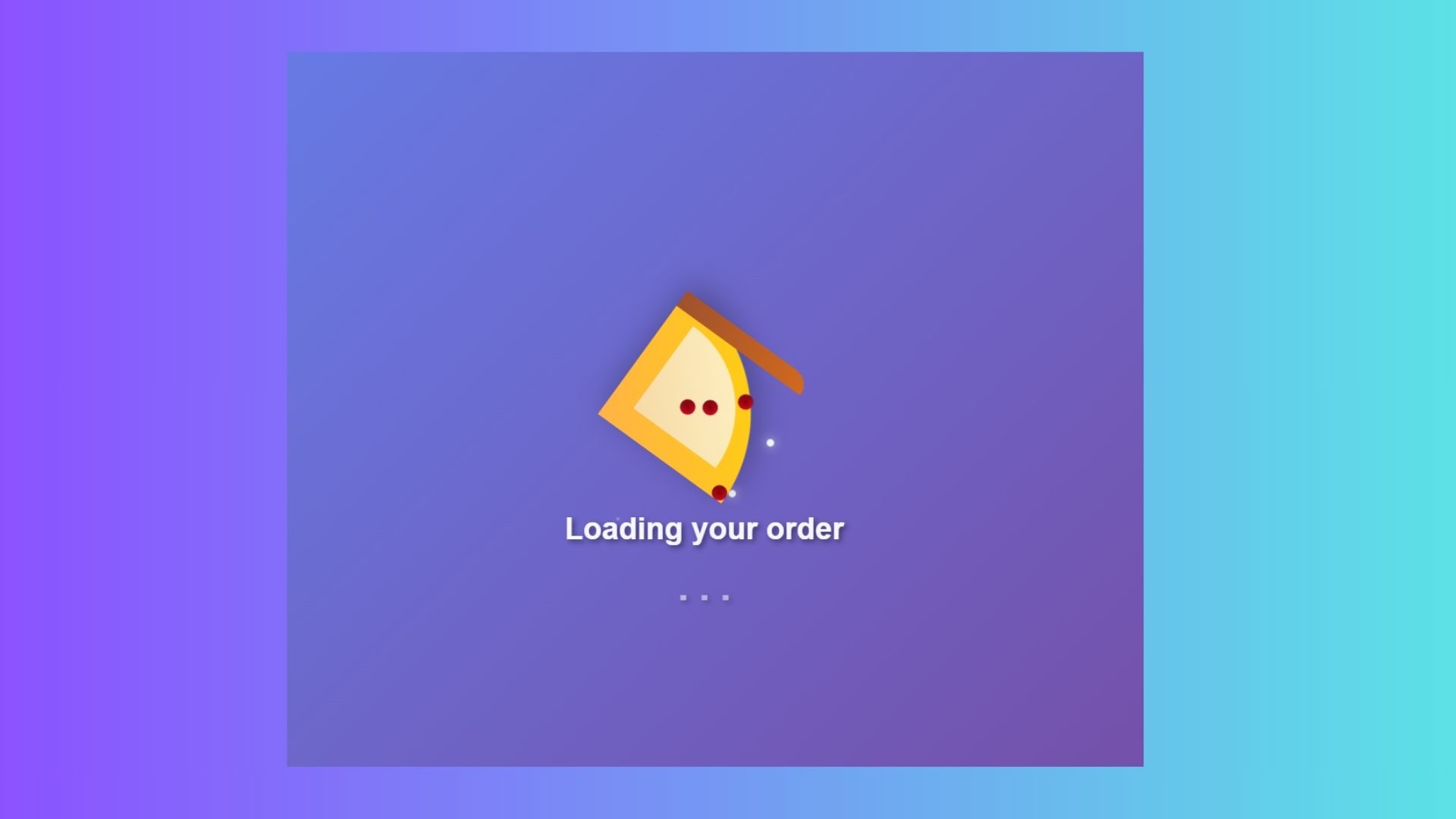
Prompt: “Design a funky loading animation that looks like a spinning pizza slice.”
Why it’s great: Everyone loves pizza, and a loading animation is something you’ll actually reuse, so why not combine them. This one shows how to combine simple shapes, rotation, and repetition into something fun.
8. Music visualizer
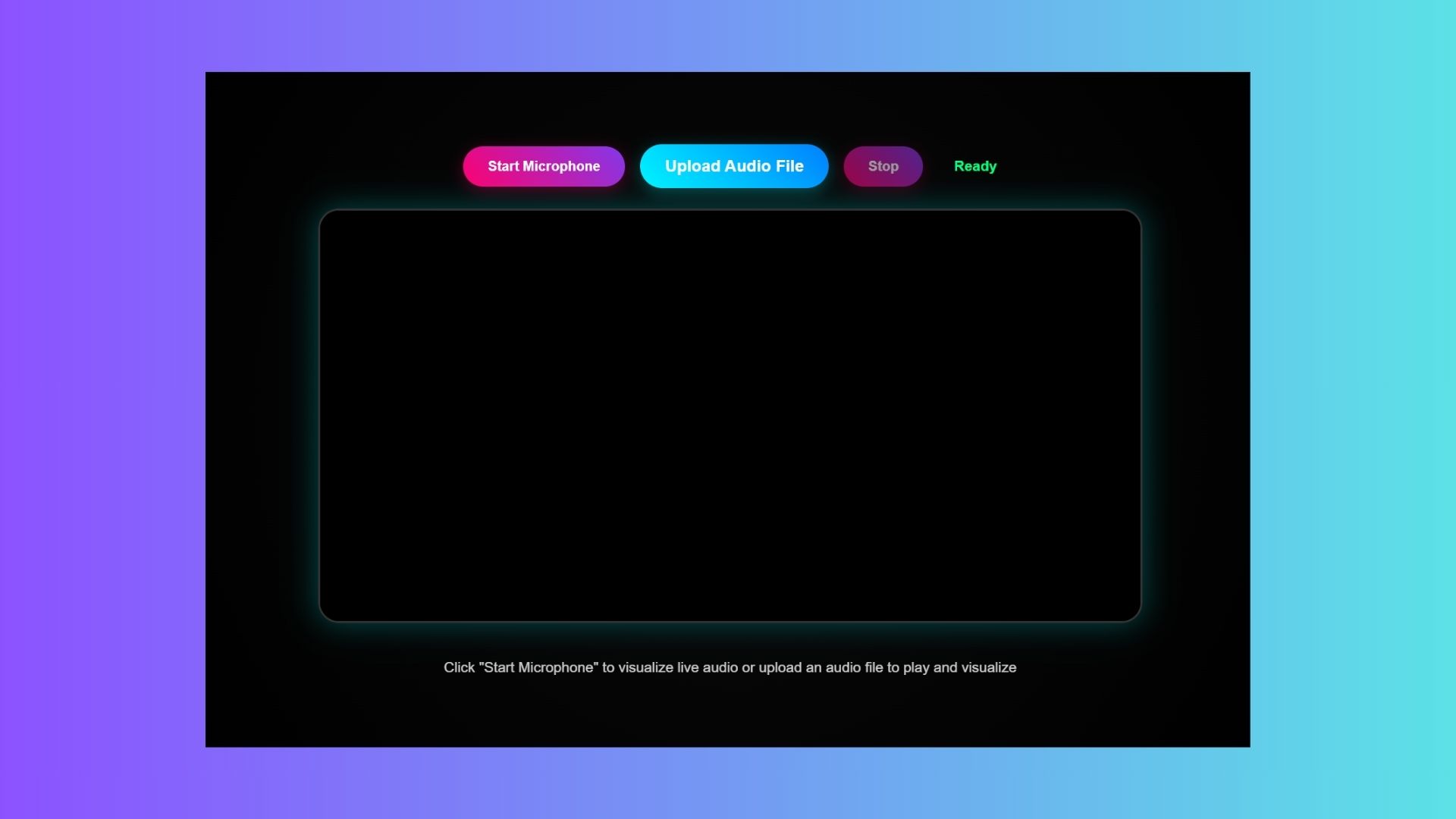
Prompt: “Create a simple interactive music visualizer that reacts to sound with pulsing shapes.”
Why it’s great: This prompt connects directly to something we all love, music. I think it's pretty cool to see shapes pulse to beats but also I always share this with new coders because it introduces audio APIs in a friendly way.
9. Rainbow progress bar
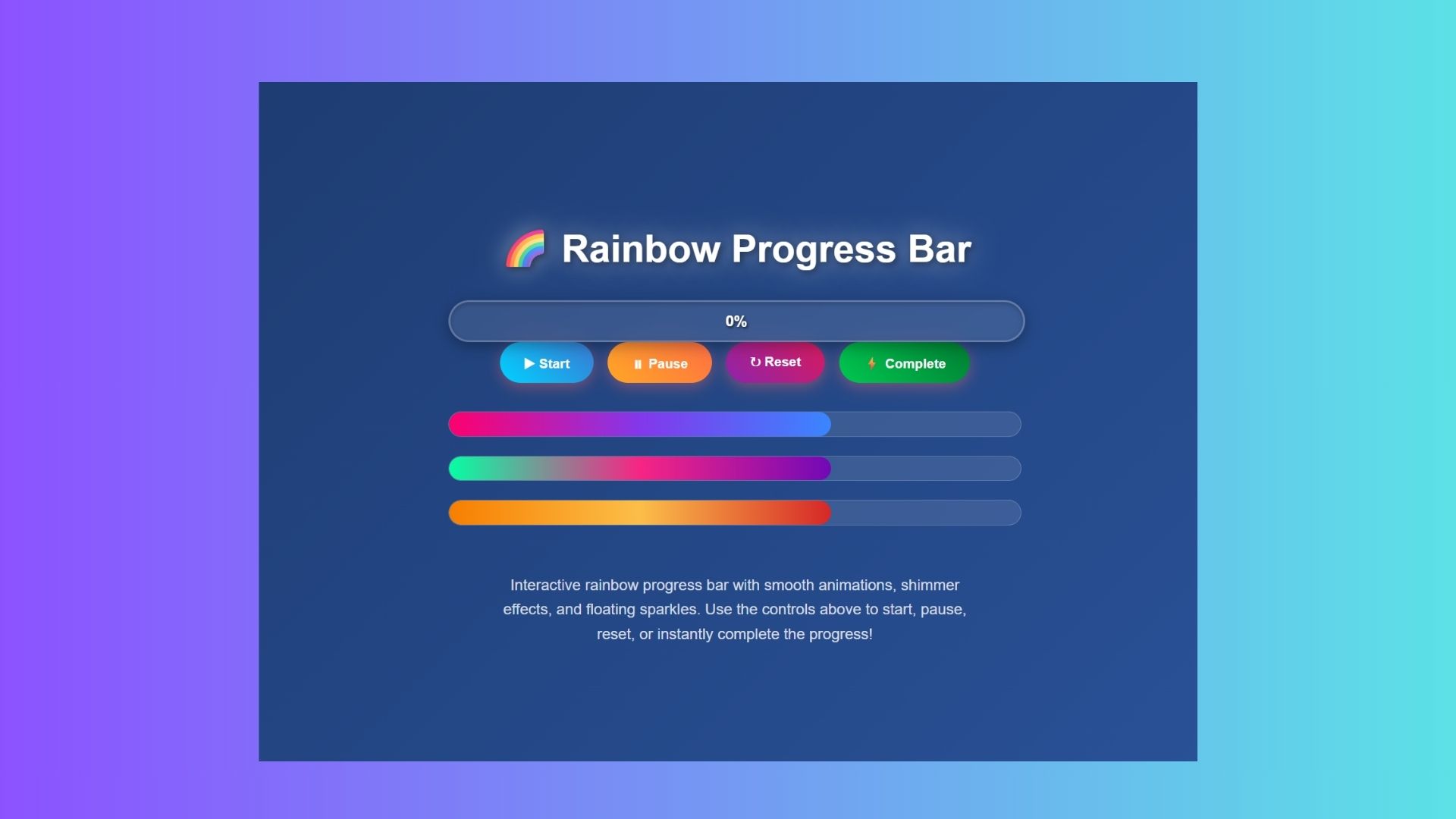
Prompt: “Build a colorful, animated progress bar that fills with a rainbow gradient as it loads.”
Why it’s great: Progress bars are usually boring, but this one is pure dopamine. It’s practical (progress bars are everywhere) and playful (rainbow gradients make it pop).
Bottom line
These nine prompts are a great way to enter the world of vibe coding. Start by opening up Claude, Gemini or ChatGPT-5, drop in a prompt and paste the result into CodePen, GitHub or another hosting platform of your choice.
I encourage you to take these prompts and make them your own by adding more functionality, detail tweaks and anything else that help them become authentically yours. None of these are “finished products.” They invite breaking and testing, which is the heart of vibe coding.
They are short and specific enough that any AI you choose to generate the code will understand them. Plus, every prompt has a payoff; each one produces something you can see or play with immediately; a key reward for beginners.
Glitching happens, so remember that patience and creativity go a long when as you dive into vibe coding.