
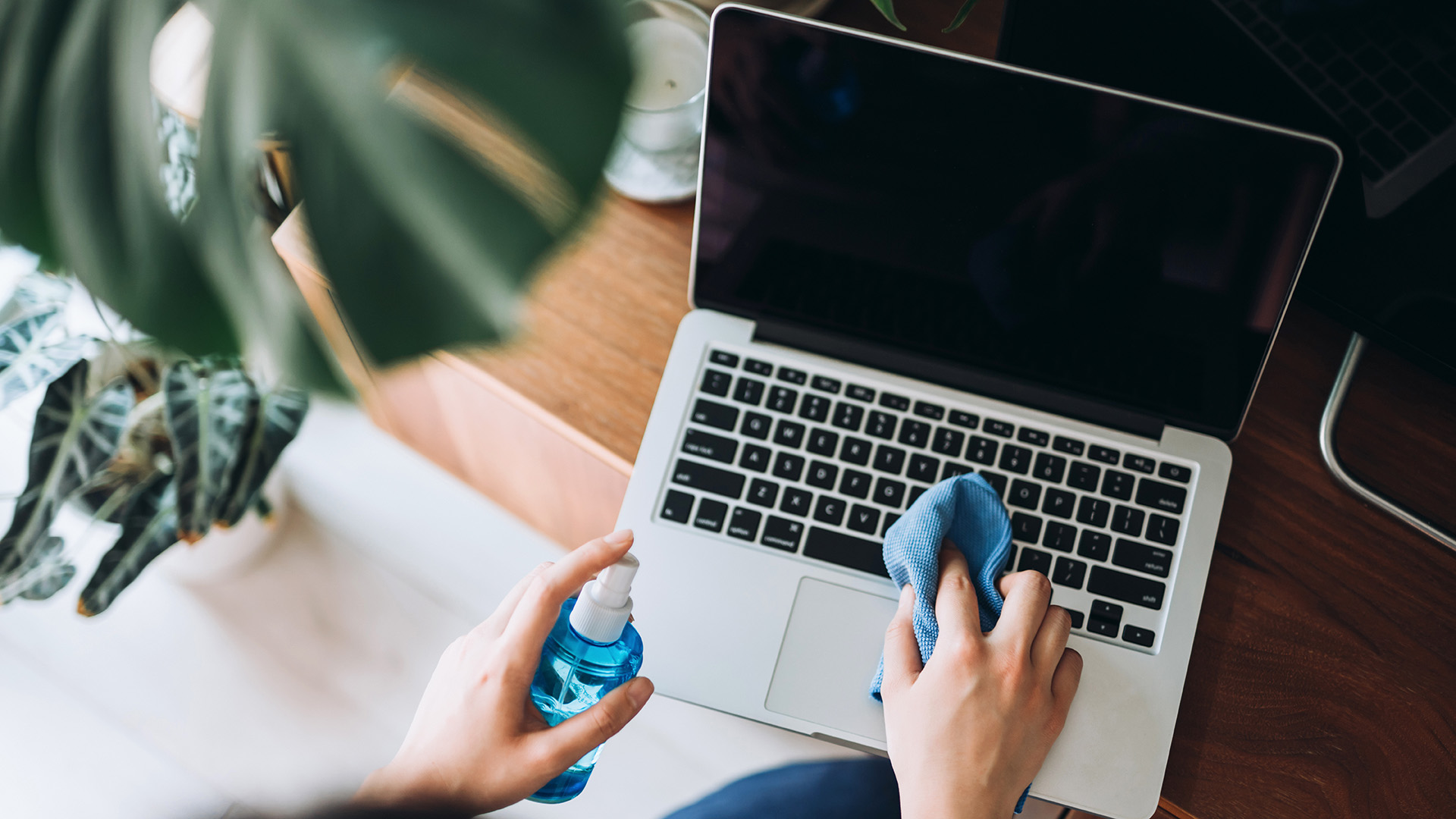
Knowing how to clean a laptop keyboard is important to maintain a functioning laptop with responsive, tactile keys. A build-up of dirt on your laptop keyboard can cause the keys to stick and can even clog up the components underneath, causing permanent damage. I was facing the issue of sticky keys myself, so I had to tackle learning how to clean it, which I took one step further by later finding out how to clean a laptop screen too.
The best keyboards can get especially dirty because we use them every day, so the oils from your fingers, as well as crumbs, can quickly build up over time. Luckily, the best wireless keyboards and built-in keyboards are really quite easy to clean, especially with the following steps. Now that I have one of the best laptops, I am doing my best to maintain it to keep its performance high so that it lasts as long as possible.