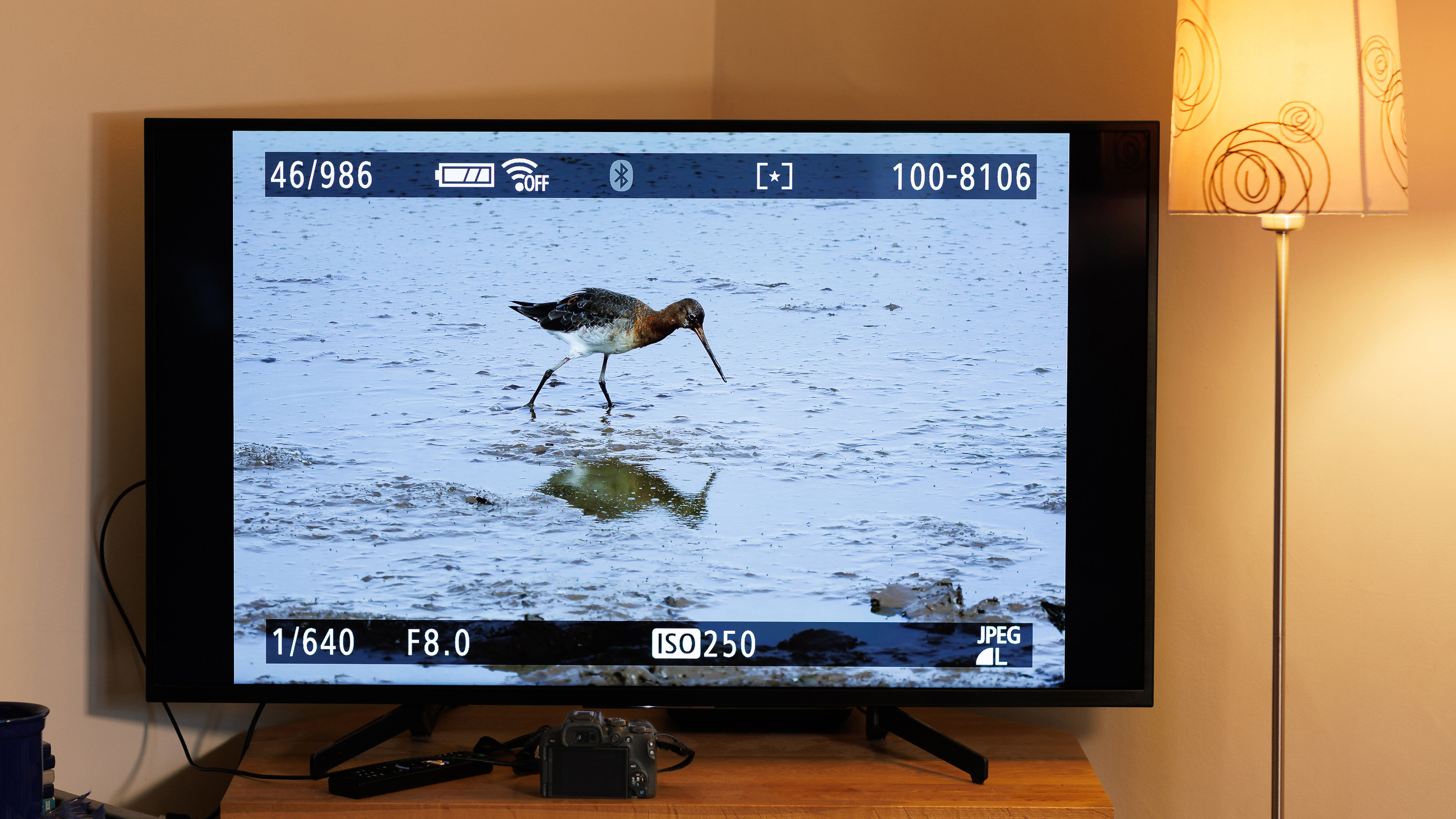
Reviewing your pictures on the camera is such a common activity yet most photographers only use the review to check if the frame is well composed, suitably exposed and in focus. The reality is that there are many more capabilities on the camera that many photographers don’t use.
The first is that pressing the Info button changes the display to show different information including simple or detailed camera settings for the shot, and a histogram to check the exposure is not unexpectedly clipped in highlights or shadows. Histograms show the frequency of tones, with the darkest on the left and brightest on the right. The histogram does not have to resemble the typical bell curve for the exposure to be correct. Toggle on the highlight alert for a visual indication of where in the frame there is significant overexposure; remember that some flashing highlights in parts of the frame are not necessarily a reason to delete the shot.