- The latest Nintendo Switch 2 system update has added a new graphics mode
- It improves the visuals of Nintendo Switch games on the system
- You need to turn it on via the system settings menu
text-to-speechThe latest Nintendo Switch 2 system update has arrived, and it's quietly introduced a new feature that takes handheld mode performance to another level in certain games.
Ver. 22.0.0 is out now and boasts a handful of new features. Nintendo's official patch notes draw attention to the new ability to save notes in your friends list, invite friends to GameChat rooms, and additional text-to-speech options.
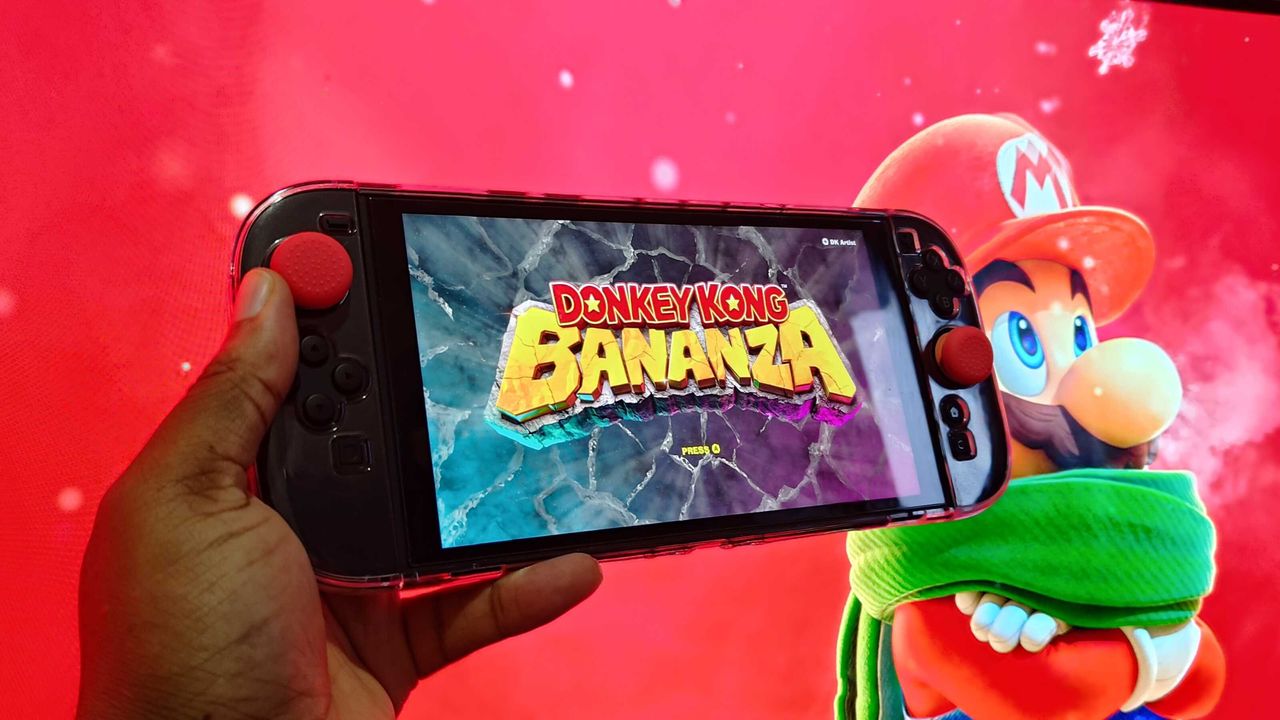
Nestled further down the page is the news that the company has added a "handheld mode boost" feature for those playing original Nintendo Switch software. This effectively runs the game with its docked graphics preset rather than the handheld one, which means a massive bump in resolution and detail in most games.
To enable the mode, simply open your Nintendo Switch 2's system settings menu and scroll all the way down to the system tab. Click it and then press the Nintendo Switch software handling button before turning the handheld mode boost slider on.

A warning on the menu explains that results "will vary based on the software being played" and clarifies that it does not impact Nintendo Switch 2 games in any way. It also states that some functionality within software may be affected, and that your battery life may decrease.
Interestingly, it also explains that the Joy-Con 2 controllers will be registered as a Nintendo Switch Pro Controller when attached to the console.
I've been trying the mode out throughout the morning, and the results are pretty incredible. Once blurry games like Mario + Rabbids Sparks of Hope are substantially improved, with a noticeably boosted resolution that leads to a much clearer picture even on the small screen.
It's not quite as transformative as a full-on Nintendo Switch 2 patch, and the most intensive Switch games like Life is Strange Double Exposure still feel very sluggish, but I'm nevertheless going to have this feature on at all times going forward.