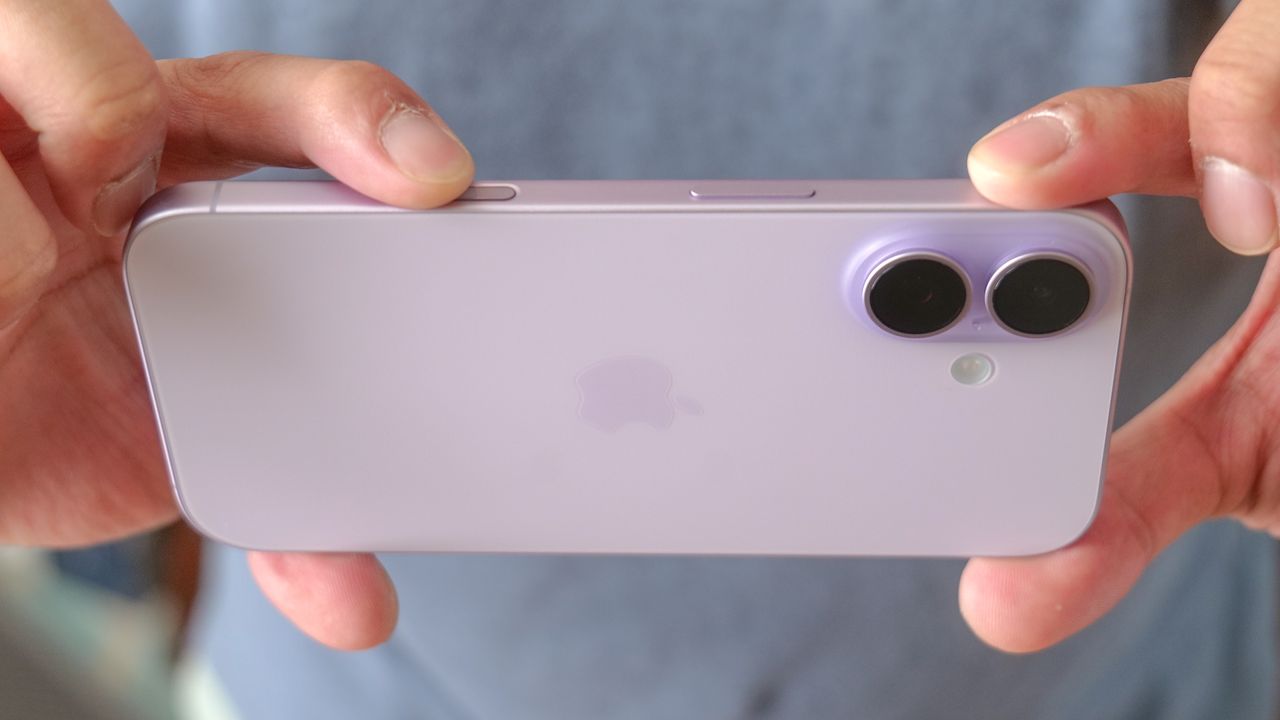
Apple added the Camera Control button to its phones starting with the iPhone 16, but since I never really spent much time with that model, my first exposure to this new button came when I recently upgraded to an iPhone 17. And I've grown to hate the Camera Control button with the power of a thousand burning suns.
The Camera Control button provides a shortcut for launching the Camera app without having to first unlock your phone, and you can also use it for other controls like zooming, switching modes and more. Press and hold the Camera Control button, and you can jump right into Visual Intelligence — one of the better features in Apple Intelligence that lets you use your phone's camera to summon more information, get real-time translations or create calendar entries just by photographing dates. What's not to love?